



Conference Speech Translation - Chrome Extension
Free voice caption translation for Google Meet and Teams conferences.
Score
60
User Rating
3.0
Free/Trial Support
Supported
Starting Price
--
Last Updated
Aug 14, 2026
Overview
What is Conference Speech Translation?
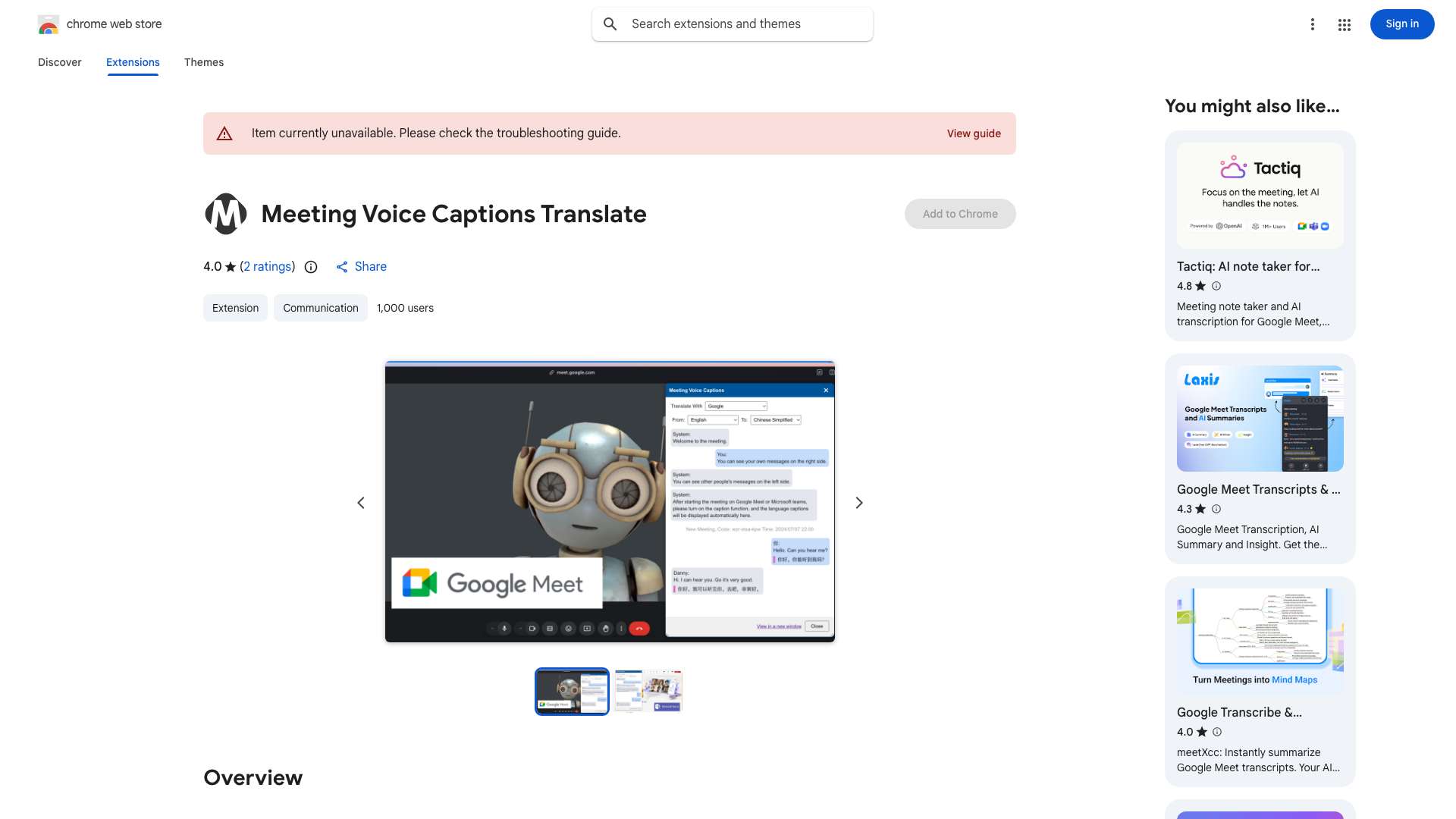
This tool provides free voice caption translation for Google Meet and Microsoft Teams web audio/video conferences. It supports translation between common languages like English, Chinese, French, and Japanese, using either Google Translate or Microsoft Translate. The tool allows users to view conference voice captions in a new window and choose other translation tools if desired. It is compatible with Chrome, Edge, and Arc browsers and prioritizes user safety by processing all voice captions locally without uploading them to a server.
What is Conference Speech Translation used for?
User Groups
Top Features
- Real-time voice caption translation for online meetings
- Support for multiple languages
- Integration with Google Translate and Microsoft Translate
- Local processing for enhanced privacy
How to use Conference Speech Translation?
Use Alt+T or Shift+Alt+T to open the speech captions display and translation window during a Google Meet or Microsoft Teams conference. Select your desired translation language and engine (Google Translate or Microsoft Translate).
Alternative Tools
No alternative tools found
Pros & Cons
No Data
Use Cases
- Facilitating communication in multilingual online meetings
- Providing accessibility for participants who are hard of hearing or non-native speakers
- Understanding foreign language presentations and discussions
Conference Speech Translation Pricing
Free PlanSubscription Plan
No detailed pricing information available
User Reviews
3.0
out of 5
3.0
No reviews yet
Be the first to review this tool!