



Vocha - Chrome Extension
Vocha is a voice-typing extension for ChatGPT with a focus on privacy and ease of use.
Score
60
User Rating
3.0
Free/Trial Support
Supported
Starting Price
--
Last Updated
Aug 14, 2026
Overview
What is Vocha?
Vocha is a browser extension that allows users to voice-type messages for ChatGPT. It adds a microphone button to the message field, which can be activated with the SPACE shortcut or a click. Vocha prioritizes user privacy with a strict no user data collection policy and offers a clean, minimalistic design that integrates seamlessly with the ChatGPT interface.
What is Vocha used for?
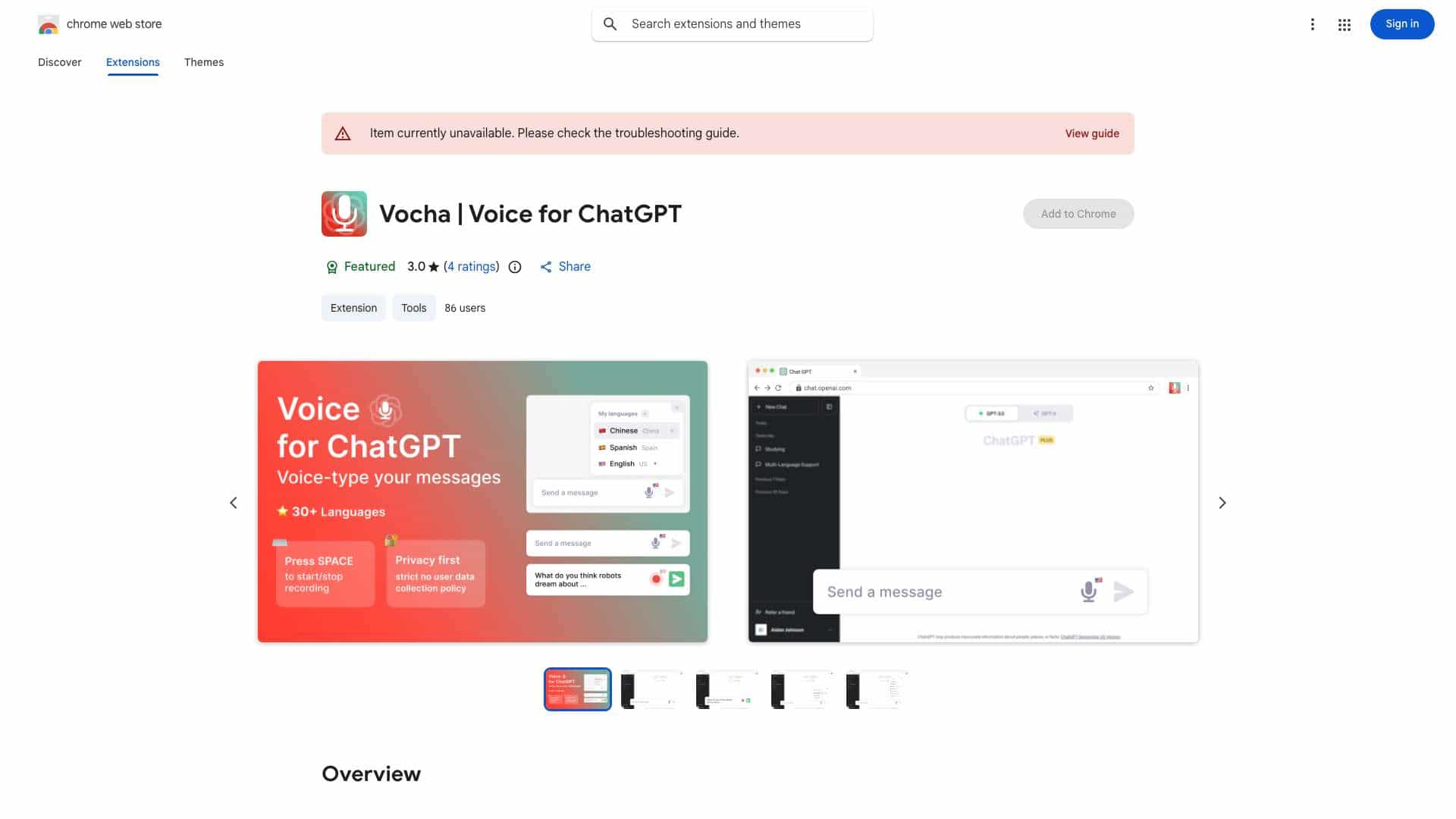
Top Features
- Voice-typing for ChatGPT messages
- SPACE shortcut for start/stop recording
- Multi-language support (30+ languages)
- Editable message option (send, edit, or resume recording)
How to use Vocha?
After installing the Vocha extension, a microphone button will appear in the ChatGPT message field. Press the SPACE shortcut or click the microphone button to start and stop recording. You can change the speech recognition language by clicking the flag icon. Remember to grant microphone access when prompted.
Alternative Tools
No alternative tools found
Pros & Cons
No Data
Use Cases
- Dictating messages to ChatGPT instead of typing
- Communicating in multiple languages via voice
- Quickly creating and editing messages using voice input
Vocha Pricing
Free PlanSubscription Plan
No detailed pricing information available
User Reviews
3.0
out of 5
3.0
No reviews yet
Be the first to review this tool!