



Copy & Paste Assistant - Chrome Extension
Assistant for processing data, using AI tools, and annotating drafts.
Score
60
User Rating
3.0
Free/Trial Support
Supported
Starting Price
--
Last Updated
Aug 14, 2026
Overview
What is Copy & Paste Assistant?
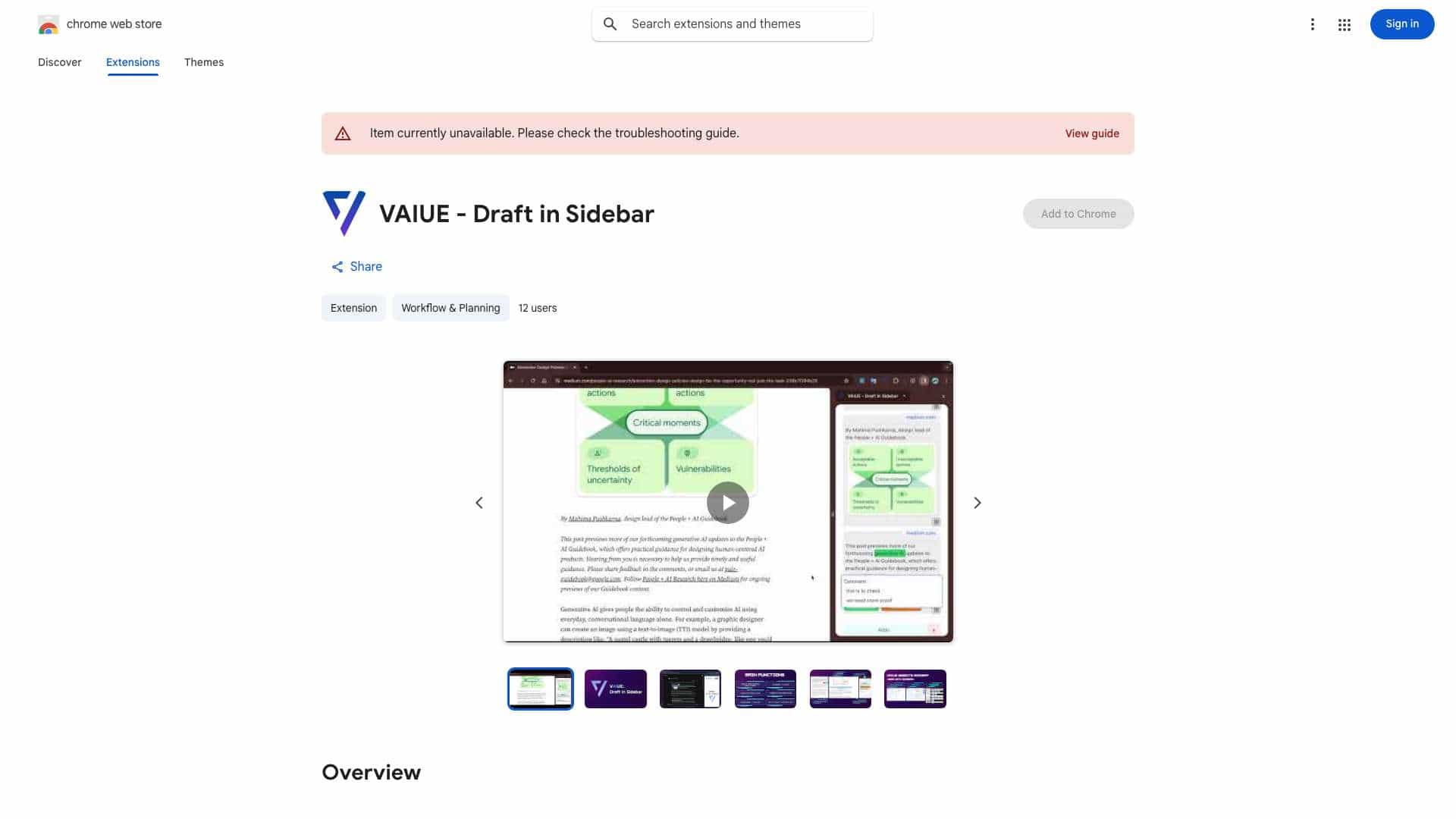
This is a small assistant designed to help professionals and learners quickly process large amounts of data and information and utilize appropriate AI tools. It allows for quick Copy & Paste by highlighting with the mouse, simultaneously including the source URL. It also supports keyboard shortcuts Ctrl+C and Ctrl+V for pasting text and screenshots. Furthermore, it allows setting two special tags, \"Keyword\" and \"To check,\" in the draft, and clicking on these tags allows adding comments for annotation, facilitating subsequent organization and verification.
What is Copy & Paste Assistant used for?
User Groups
Top Features
- Quick Copy & Paste with source URL inclusion
- Support for Ctrl+C and Ctrl+V for text and screenshots
- Keyword and To check tags for annotation
How to use Copy & Paste Assistant?
Use the mouse to highlight and copy text, which will automatically include the source URL. Use Ctrl+C and Ctrl+V to paste text and screenshots. Set \"Keyword\" and \"To check\" tags in the draft and add comments to them for annotation.
Alternative Tools
No alternative tools found
Pros & Cons
No Data
Use Cases
- Quickly gather information from multiple sources while retaining source links.
- Annotate drafts with keywords and verification notes for later review.
- Efficiently process research materials and integrate them into reports.
Copy & Paste Assistant Pricing
Free PlanSubscription Plan
No detailed pricing information available
User Reviews
3.0
out of 5
3.0
No reviews yet
Be the first to review this tool!