



UXPin Systems
A design system platform for creating, managing, and prototyping with interactive components to ensure consistency and speed up product development.
Score
50
User Rating
1.0
Free/Trial Support
Supported
Starting Price
--
Last Updated
Aug 04, 2026
Overview
What is UXPin Systems?
UXPin is a design tool focused on design systems, enabling teams to build and maintain a unified visual language with interactive components, prototyping, and handoff features for seamless collaboration between designers and developers.
What is UXPin Systems used for?
Tags
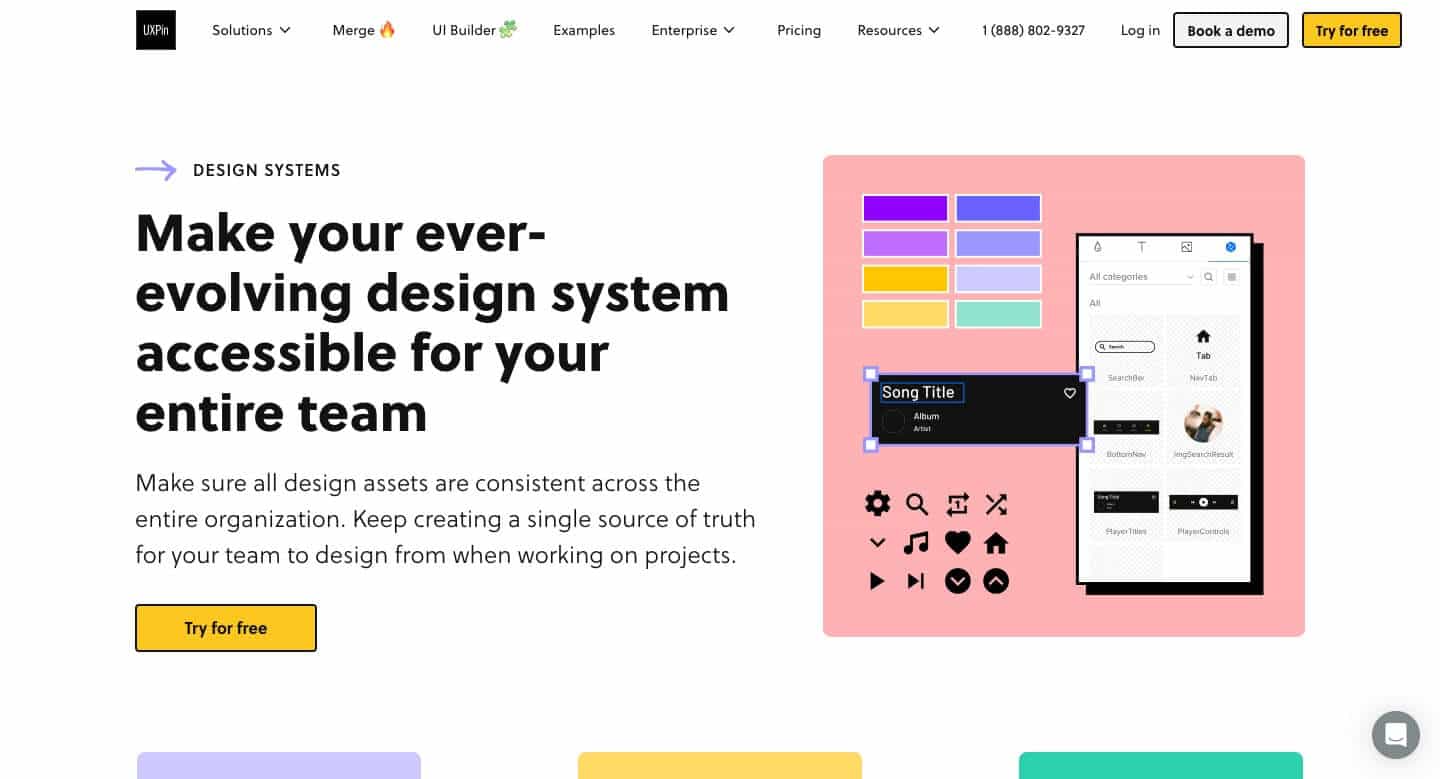
Top Features
- Design system management
- Interactive prototyping
- Code to design merge
- Git and Storybook integration
- Design token support
- UI pattern inspection
- Advanced component libraries
How to use UXPin Systems?
Use UXPin to create design systems, build interactive prototypes, integrate with Git and Storybook, and manage design tokens and components across projects for faster shipping and consistent branding.
Alternative Tools
No alternative tools found
Pros & Cons
Pros
- Ensures design consistency
- Speeds up product development
- Facilitates designer-developer collaboration
- High customizability with interactive components
- Cloud-based deployment for easy access
Cons
- May have a learning curve for new users
- Primarily targeted at enterprise and mid-market teams
Use Cases
- Building and scaling design systems for large organizations
- Prototyping interactive UI components for user testing
- Streamlining design handoff and development workflows
UXPin Systems Pricing
Free PlanSubscription Plan
No detailed pricing information available
User Reviews
1.0
out of 5
1.0
No reviews yet
Be the first to review this tool!