



UserBit
Modern qualitative research software for UX design and product teams to manage participants, analyze data, and collaborate on client projects.
Score
50
User Rating
3.0
Free/Trial Support
Supported
Starting Price
--
Last Updated
Aug 04, 2026
Overview
What is UserBit?
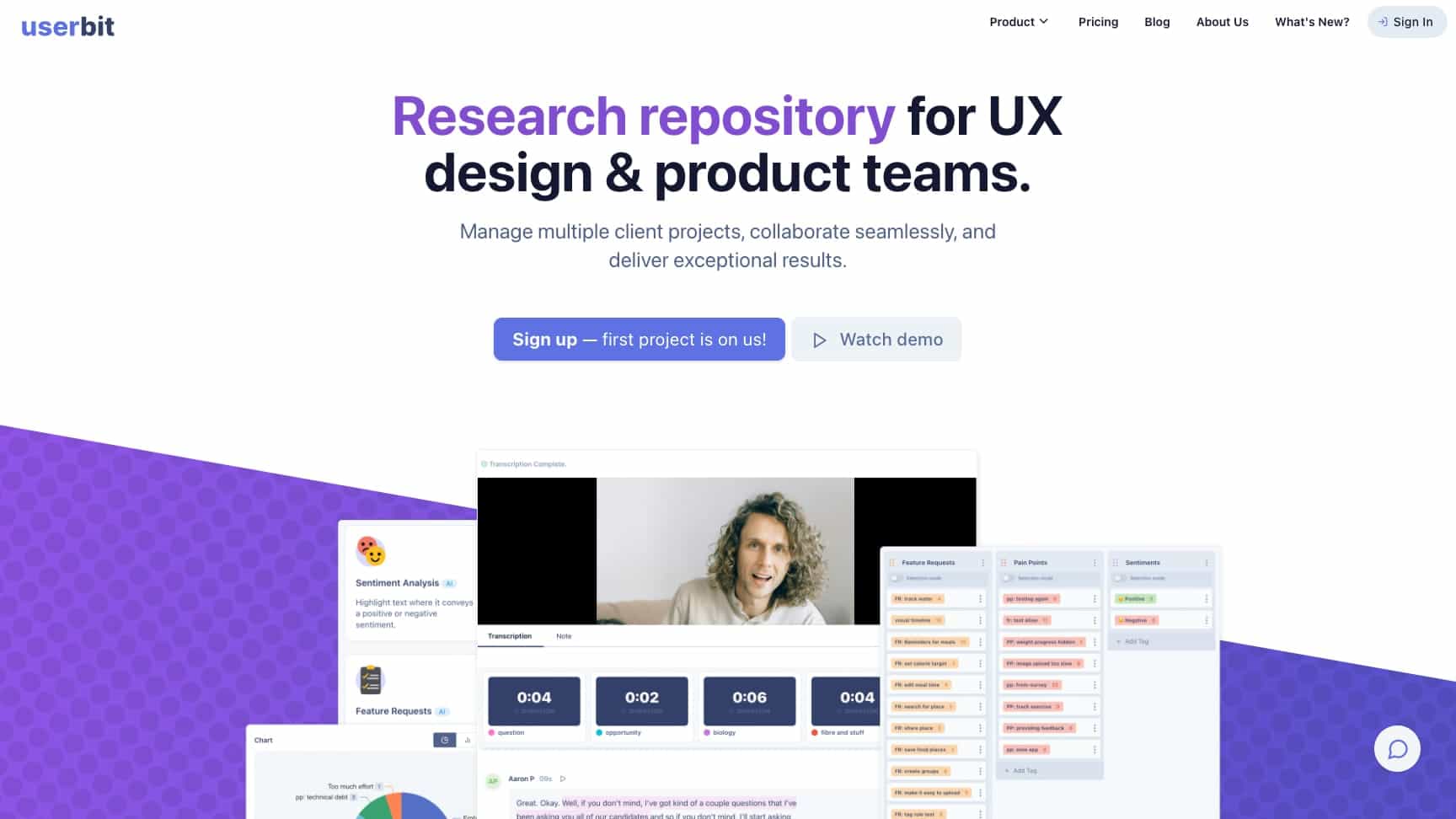
UserBit is a research repository and analysis tool designed for UX and product teams. It helps manage qualitative data from interviews, surveys, and notes, with AI-powered automations for transcription, tagging, and insights generation. It supports multi-client workflows with separate workspaces and collaboration features.
What is UserBit used for?
Tags
Top Features
- Manage participants and interviews
- AI-powered audio/video transcriptions
- Tag and code qualitative data
- Generate insights with AI automations
- Create personas, journey maps, and user flows
- Collaborate with unlimited team members
- Client portals for stakeholder engagement
- Customizable research reports
How to use UserBit?
Sign up for a free account, create workspaces for client projects, import or record interviews, use AI to transcribe and tag data, analyze findings with charts and maps, and share reports via a client portal or customized documents.
Alternative Tools
No alternative tools found
Pros & Cons
Pros
- All-in-one platform for UX research
- AI tools save time on transcription and analysis
- Supports multi-client projects with isolated workspaces
- Unlimited collaborators for seamless teamwork
- Free plan available with essential features
Cons
- Primarily web-based, no native mobile apps
- May have a learning curve for advanced features
- Limited to qualitative research focus
Use Cases
- UX researchers analyzing interview data
- Product teams synthesizing user feedback
- Consulting agencies managing client projects
- Designers creating personas and journey maps
UserBit Pricing
Free PlanSubscription Plan
No detailed pricing information available
User Reviews
3.0
out of 5
3.0
No reviews yet
Be the first to review this tool!