



U.S. Web Design System
A design system for building accessible, mobile-friendly U.S. government websites with components, patterns, and utilities.
Score
60
User Rating
3.0
Free/Trial Support
Not Supported
Starting Price
--
Last Updated
Apr 23, 2026
Overview
What is U.S. Web Design System?
The U.S. Web Design System (USWDS) is an open-source design system created by the federal government to help developers and designers build consistent, accessible, and mobile-friendly websites for government agencies. It provides components, design tokens, patterns, and utilities to streamline web development.
What is U.S. Web Design System used for?
User Groups
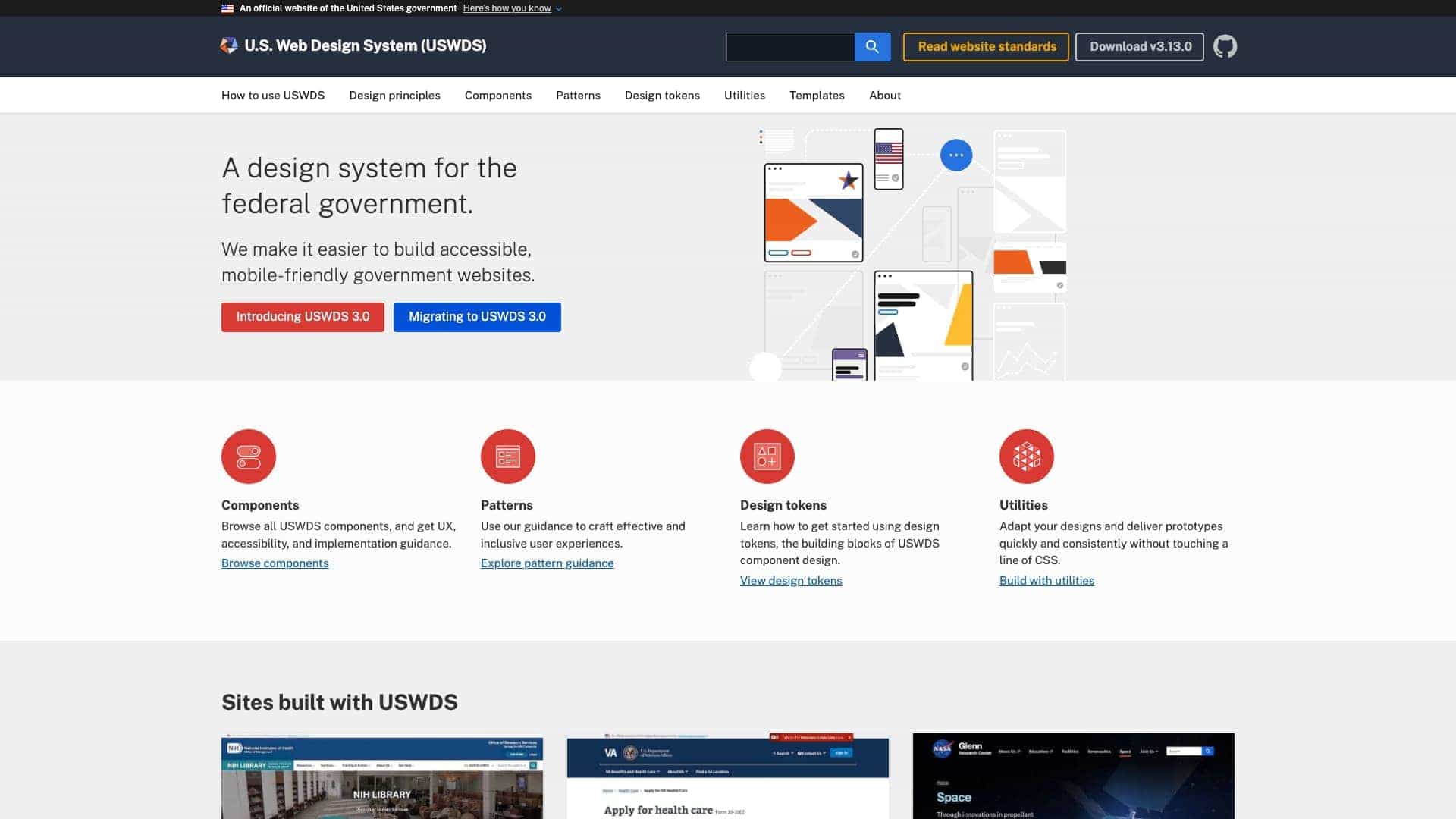
Top Features
- Components for UI elements
- Design tokens for consistency
- Patterns for user experiences
- Utilities for rapid prototyping
- Accessibility guidelines
- Mobile-friendly design
- Open-source community
How to use U.S. Web Design System?
Start by downloading USWDS from GitHub, follow documentation for developers and designers, use components like buttons and forms, apply design tokens for styling, and implement patterns for user experiences. It supports integration into existing projects and includes migration guides for updates.
Alternative Tools
No alternative tools found
Pros & Cons
Pros
- Free to use
- High accessibility compliance
- Government-standard design
- Active community support
- Comprehensive documentation
Cons
- Primarily for government use
- May require adaptation for non-government projects
Use Cases
- Building federal government websites
- Creating accessible public services sites
- Developing mobile-friendly government applications
User Reviews
3.0
out of 5
3.0
No reviews yet
Be the first to review this tool!