



TurboDoc
AI tool for automating and optimizing invoice processing.
Score
60
User Rating
3.0
Free/Trial Support
Supported
Starting Price
--
Last Updated
Aug 14, 2026
Overview
What is TurboDoc?
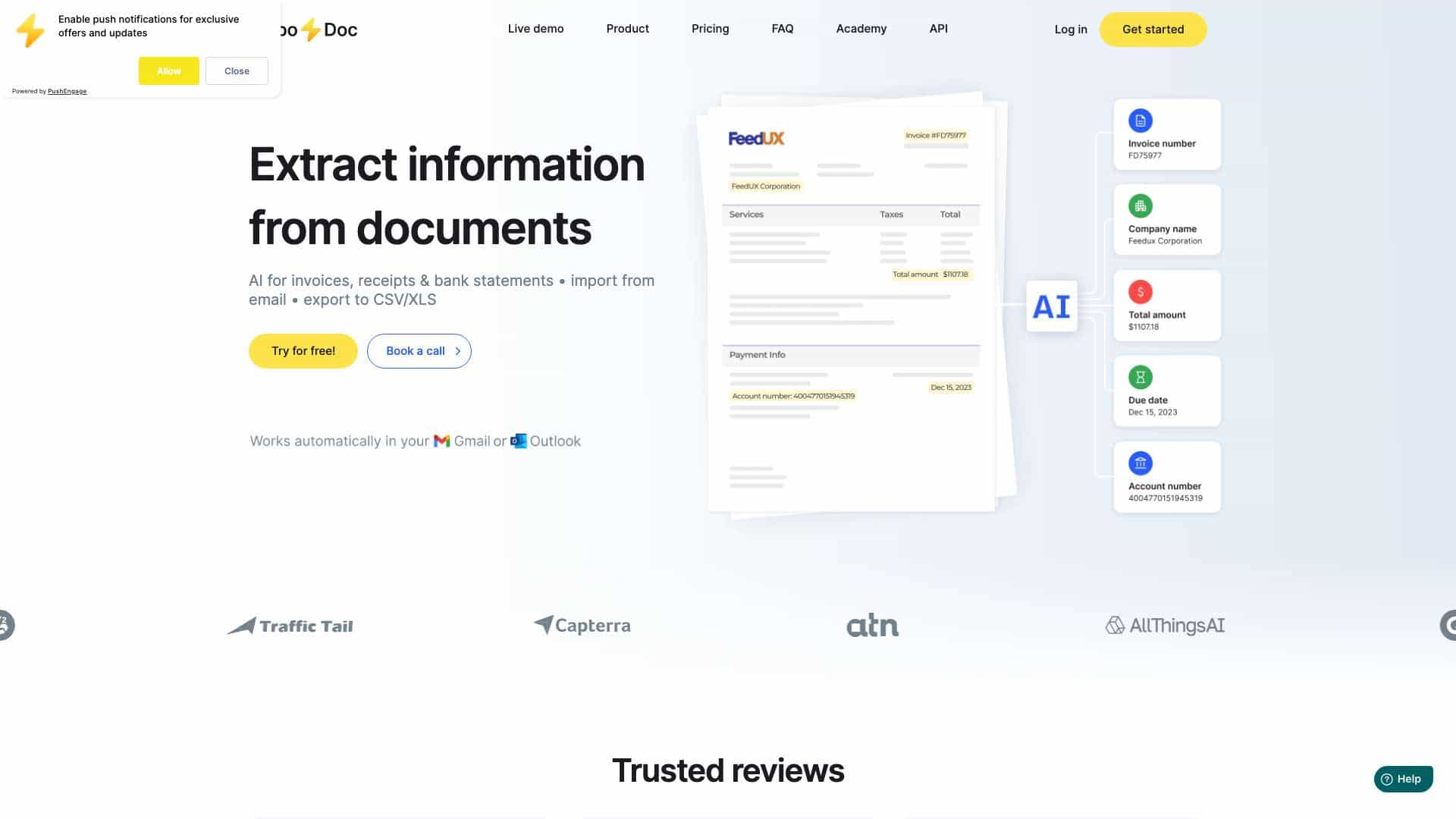
TurboDoc uses AI-powered OCR to automate invoice processing, eliminating manual data entry errors and saving time. The tool quickly extracts, classifies, and organizes invoice data, streamlining workflow and improving business efficiency. TurboDoc transforms unstructured invoices and receipts into easy-to-read data.
What is TurboDoc used for?
Tags
Top Features
- AI-powered OCR for invoice data extraction
- Automatic invoice processing from Gmail
- Organized data registry
- Data encryption
How to use TurboDoc?
Upload invoices in various formats (.pdf, .jpeg, .png, .webp, .heic, .tiff) to the TurboDoc platform. The AI will automatically extract and organize the data. Connect your Gmail account to automate the process.
Alternative Tools
No alternative tools found
Pros & Cons
No Data
Use Cases
- Automating accounts payable workflows
- Streamlining invoice data entry
- Improving budget planning and control
- Processing invoices in multiple languages
TurboDoc Pricing
Free PlanSubscription Plan
No detailed pricing information available
User Reviews
3.0
out of 5
3.0
No reviews yet
Be the first to review this tool!