



Train A Model (Stable diffusion)
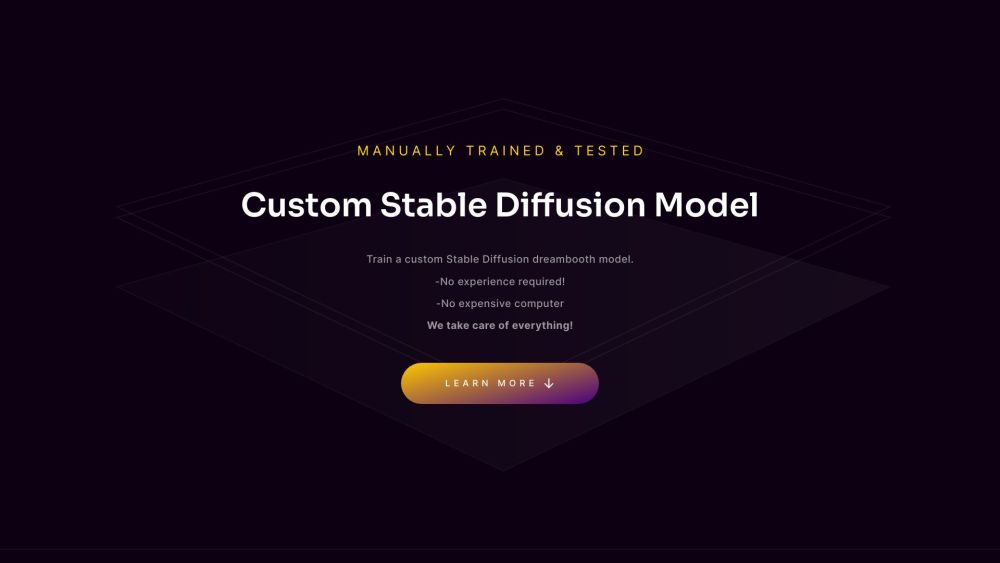
Train your own Stable Diffusion models for Dreambooth applications without GPUs or ML experience.
Score
60
User Rating
1.0
Free/Trial Support
Supported
Starting Price
--
Last Updated
Sep 02, 2026
Overview
What is Train A Model (Stable diffusion)?
TrainAModel.com is a platform that allows users to train custom Stable Diffusion models and LoRAs using their own images. It simplifies the process of creating AI-powered models by handling all the technical aspects, including GPU usage and expertise requirements. Users can upload images, and the platform trains a model that can be used with Stable Diffusion to generate custom images.
What is Train A Model (Stable diffusion) used for?
Top Features
- Easy Stable Diffusion model training
- No GPU or experience required
- Custom DreamBooth model creation
- Automatic image deletion after 48 hours
- Prompt ideas for generating images with the trained model
How to use Train A Model (Stable diffusion)?
To use TrainAModel, upload at least 10 pictures of the subject you want to train the model on. Crop the images to 512x512 resolution. Submit the images for training. Once the training is complete (within 24 hours), you will receive a Safetensor file that can be used in Stable Diffusion.
Alternative Tools
No alternative tools found
Pros & Cons
No Data
Use Cases
- Creating custom AI models based on personal photos
- Generating unique images with a personalized AI model
- Enhancing visual projects with custom-trained AI
Train A Model (Stable diffusion) Pricing
Free PlanSubscription Plan
No detailed pricing information available
User Reviews
1.0
out of 5
1.0
No reviews yet
Be the first to review this tool!