



Toolbar
Simplifies website feedback with direct collaboration and task management.
Score
60
User Rating
3.0
Free/Trial Support
Supported
Starting Price
--
Last Updated
Aug 15, 2026
Overview
What is Toolbar?
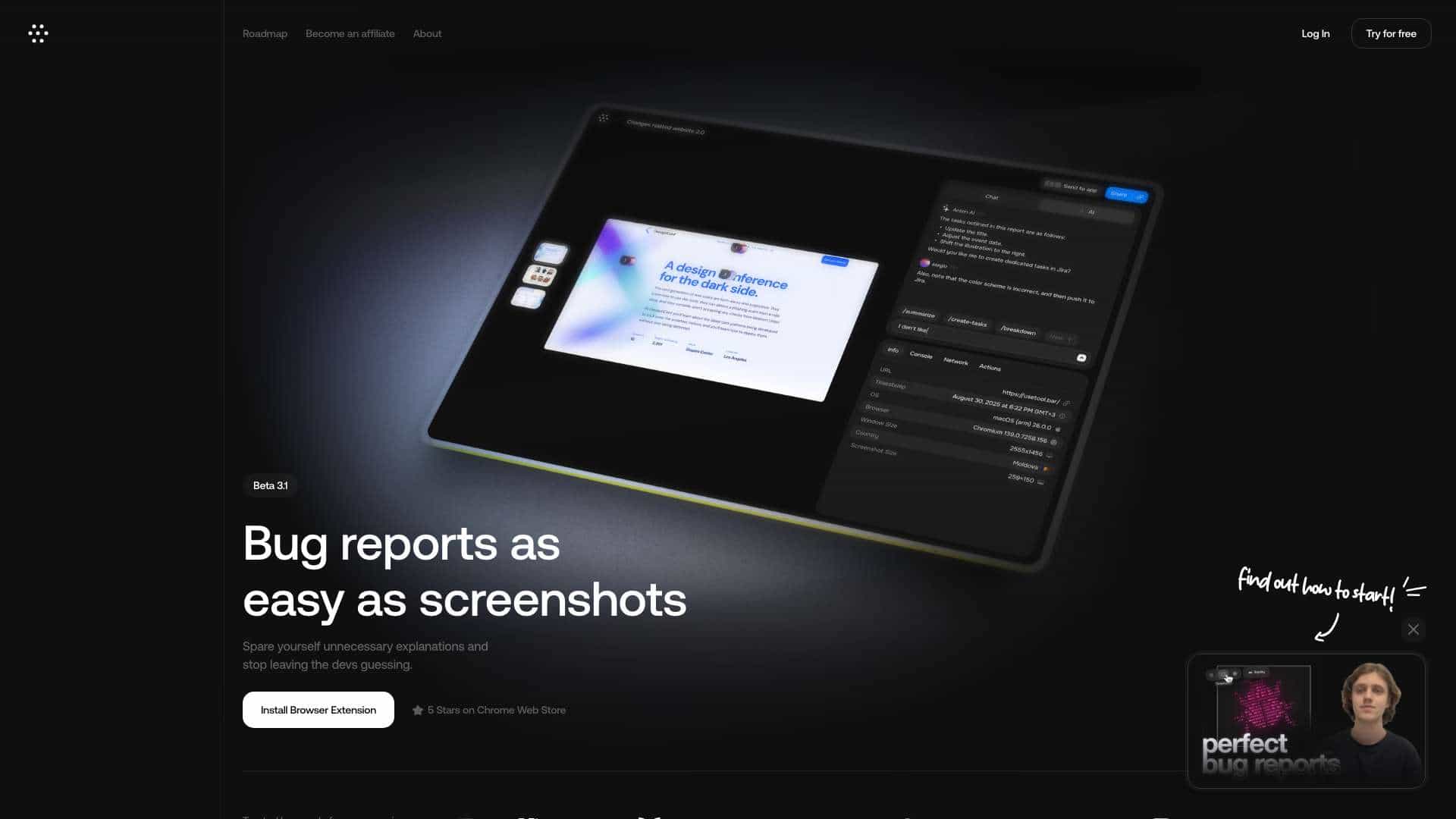
Toolbar is a website feedback tool designed for agencies and teams. It allows users to click, comment, and track issues directly on a website, eliminating the need for emails and screenshots. Developers receive all necessary details automatically, leading to faster bug fixes. It facilitates collaboration between developers, clients, and stakeholders, streamlining the feedback process and task management.
What is Toolbar used for?
Top Features
- Direct website commenting
- Issue tracking with detailed information
- Task management integration
- Shareable links for specific issues
- AI-powered task resolution
How to use Toolbar?
Add the Toolbar to your website. Then, click and comment directly on the site to track issues and manage tasks. Share links to specific issues for team collaboration.
Alternative Tools
No alternative tools found
Pros & Cons
No Data
Use Cases
- Streamlining website feedback for agencies
- Collaborating on website changes with clients
- Tracking and resolving bugs efficiently
- Managing website tasks and updates
Toolbar Pricing
Free PlanSubscription Plan
No detailed pricing information available
User Reviews
3.0
out of 5
3.0
No reviews yet
Be the first to review this tool!