



TinyJPG
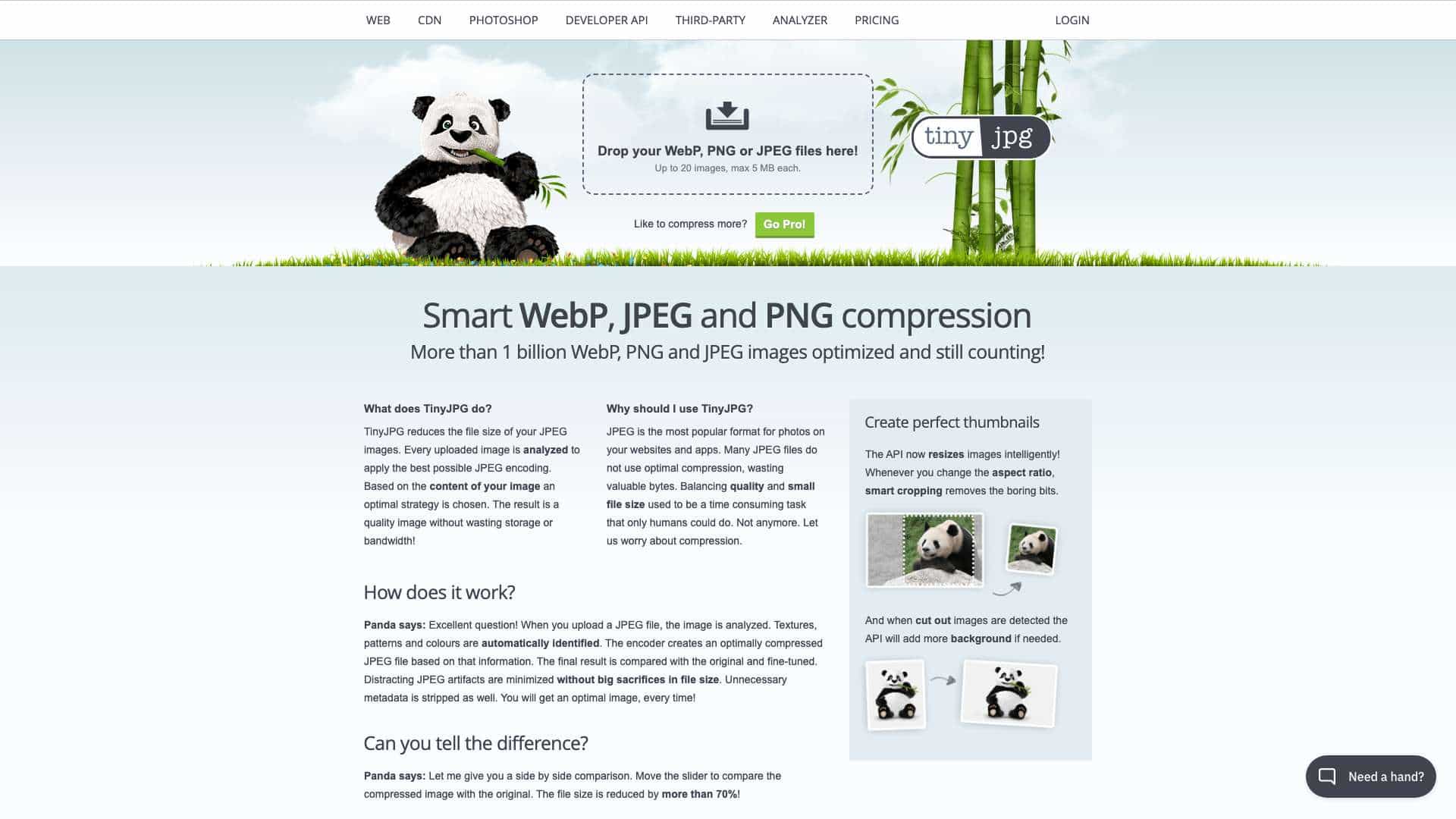
TinyJPG compresses JPEG, PNG, and WebP images to reduce file size without sacrificing quality, using smart analysis and encoding.
Score
50
User Rating
1.0
Free/Trial Support
Supported
Starting Price
$39/year
Last Updated
Aug 04, 2026
Overview
What is TinyJPG?
TinyJPG is an online tool that optimizes JPEG, PNG, and WebP images by analyzing textures, patterns, and colors to apply the best compression, stripping unnecessary metadata and minimizing artifacts.
What is TinyJPG used for?
User Groups
Top Features
- Smart compression for JPEG, PNG, and WebP
- Drag-and-drop web interface
- Developer API with multiple libraries
- Image resizing and smart cropping
- Detailed statistics via Analyzer tool
How to use TinyJPG?
Upload up to 20 images (max 5 MB each) via drag-and-drop on the web interface, or use the Developer API for integration with apps like WordPress, Magento, and various programming languages.
Alternative Tools
No alternative tools found
Pros & Cons
Pros
- Reduces file size by over 70%
- Supports multiple image formats
- Trusted by large companies
- Easy to use with no installation
Cons
- Limited to modern browsers with HTML5/CSS3
- Free tier has file size and quantity limits
Use Cases
- Optimizing website images for faster loading
- Compressing photos for apps and marketing materials
- Integrating image compression into development workflows
TinyJPG Pricing
Free PlanSubscription Plan
Web
$39/yearFull year of unlimited compressing for individuals or teams
- Unlimited image compression
- Drag-and-drop more than 20 images
- File size limit increased to 75 MB
- Detailed statistics on Analyzer tool
User Reviews
1.0
out of 5
1.0
No reviews yet
Be the first to review this tool!