



Timeflow
TimeFlow is an analytical timeline tool for visualizing temporal data with multiple views like timeline, calendar, bar chart, table, and list.
Score
30
User Rating
3.0
Free/Trial Support
Supported
Starting Price
--
Last Updated
Apr 24, 2026
Overview
What is Timeflow?
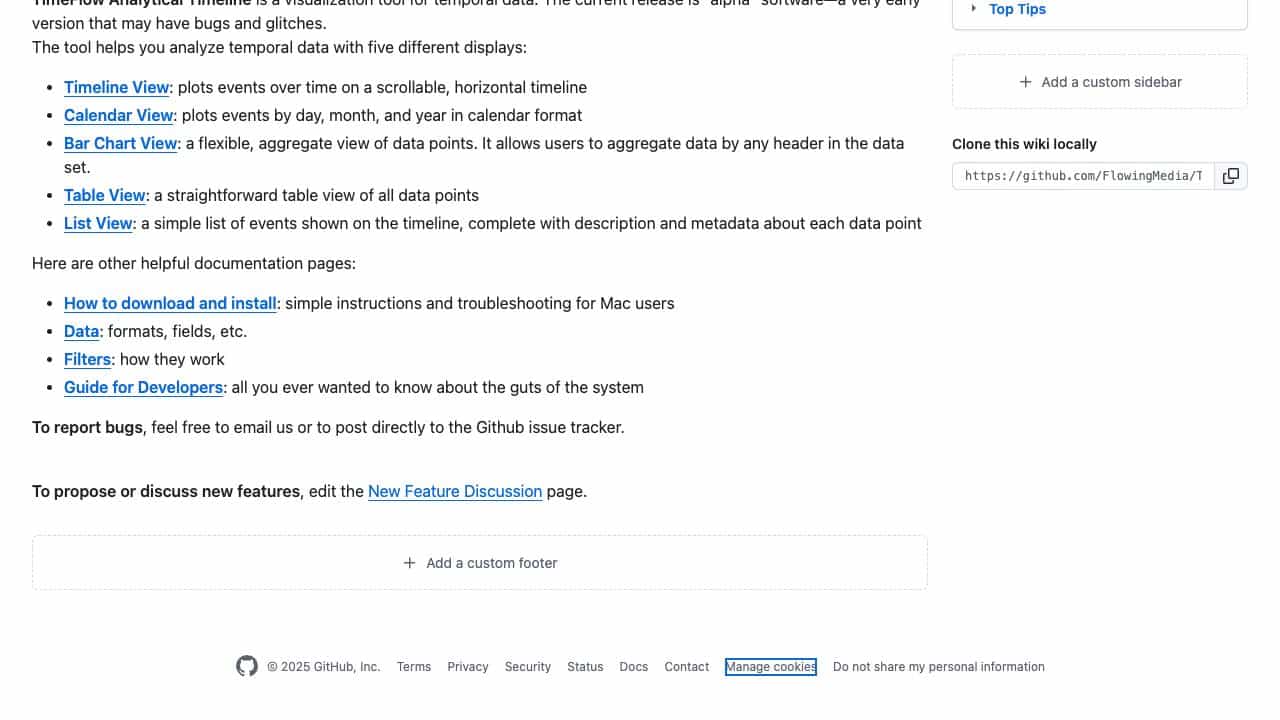
TimeFlow Analytical Timeline is a visualization tool for temporal data, designed to help analyze events over time with five different displays: Timeline View, Calendar View, Bar Chart View, Table View, and List View. It's currently in alpha release, suitable for investigation and data analysis.
What is Timeflow used for?
Top Features
- Timeline View for scrollable event plotting
- Calendar View for day/month/year plotting
- Bar Chart View for flexible data aggregation
- Table View for straightforward data display
- List View with event descriptions and metadata
How to use Timeflow?
Download the software for Mac, install it, and use it to load temporal data. You can visualize data in timeline, calendar, bar chart, table, or list formats, apply filters, and aggregate data by headers for analysis.
Alternative Tools
No alternative tools found
Pros & Cons
Pros
- Multiple visualization options
- Free to use
- Self-hosted deployment
- Suitable for various industries
Cons
- Alpha software with potential bugs
- Limited to Mac platform
- No cloud deployment option
Use Cases
- Investigative journalism timeline analysis
- Financial transaction tracking
- Healthcare patient record visualization
- Government policy timeline review
Timeflow Pricing
Free Plan
No detailed pricing information available
User Reviews
3.0
out of 5
3.0
No reviews yet
Be the first to review this tool!