



tabOS - Chrome Extension
Browser extension for tab management, notes, and AI assistance in a new tab.
Score
60
User Rating
3.0
Free/Trial Support
Supported
Starting Price
--
Last Updated
Aug 14, 2026
Overview
What is tabOS?
tabOS is a browser extension that transforms your new tab into a powerful workspace for managing tabs, tab groups, notes, and AI assistants. It helps declutter your browser, save tabs, create tab groups, take notes, save images, and access AI helpers, all within a single tab. It aims to improve focus, save time, and enhance productivity by centralizing various tools and functionalities.
What is tabOS used for?
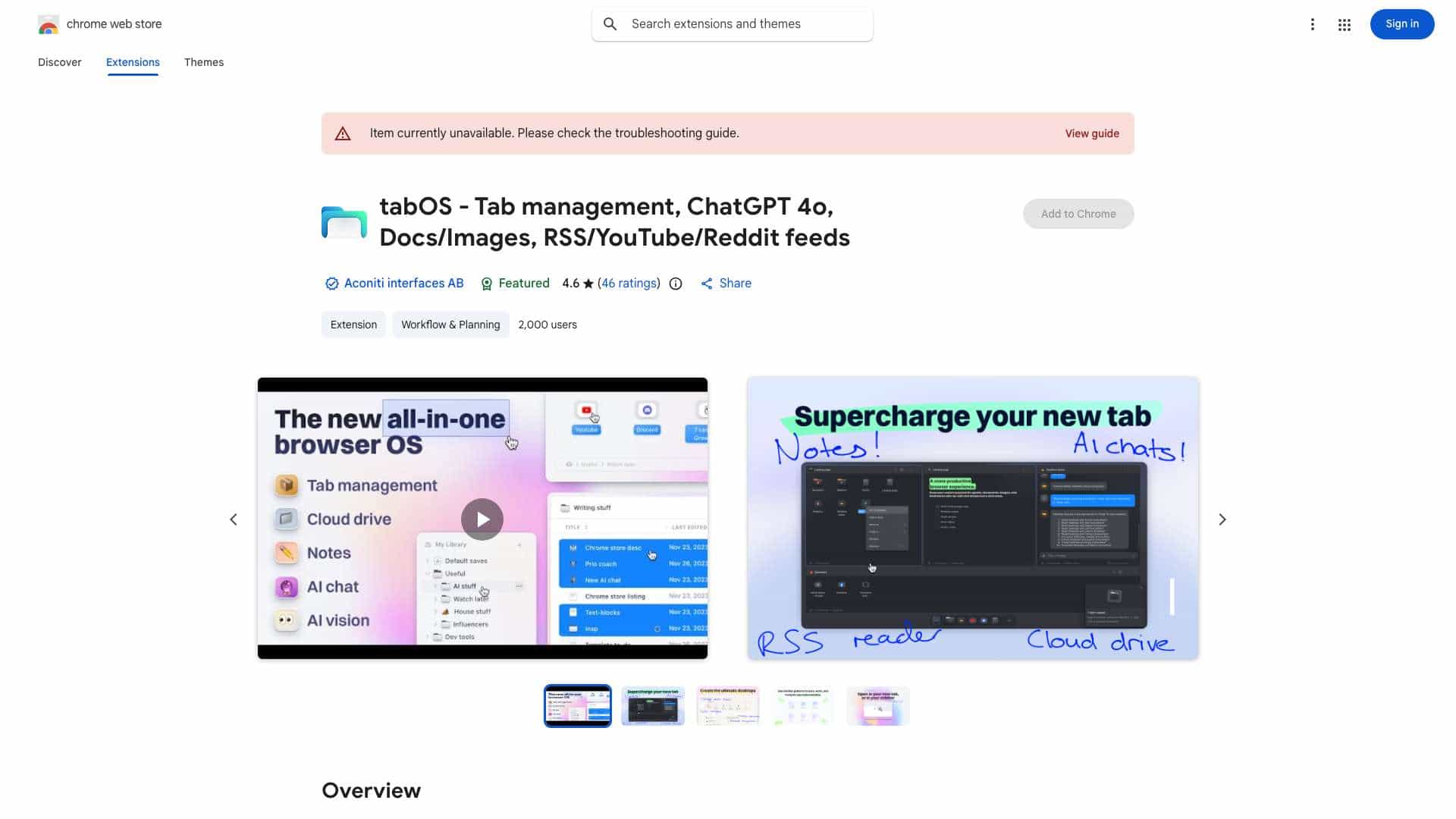
Top Features
- Tab Management
- Tab Grouping
- Note-taking
- AI Assistance
- Workspace Management
How to use tabOS?
Install the tabOS browser extension. Once installed, your new tab will become the tabOS workspace. Use drag-and-drop to save and close tabs and tab groups. Create and rearrange groups in grid, column, list, or tree views. Utilize the side panel view to use AI helpers alongside web apps. Explore features like discarding tabs, searching your library, and picking up where you left off.
Alternative Tools
No alternative tools found
Pros & Cons
No Data
Use Cases
- Organizing research tabs into project-specific groups.
- Taking notes during online meetings and saving them directly within the browser.
- Using AI assistants to summarize articles or answer questions while browsing.
- Managing multiple cloud desktops for different projects.
tabOS Pricing
Free PlanSubscription Plan
No detailed pricing information available
User Reviews
3.0
out of 5
3.0
No reviews yet
Be the first to review this tool!