


User Rating
3.0
Score
60
Free/Trial Support
Supported
Features
4 Features
Last Updated
Feb 05, 2026
What is SvgTrace?
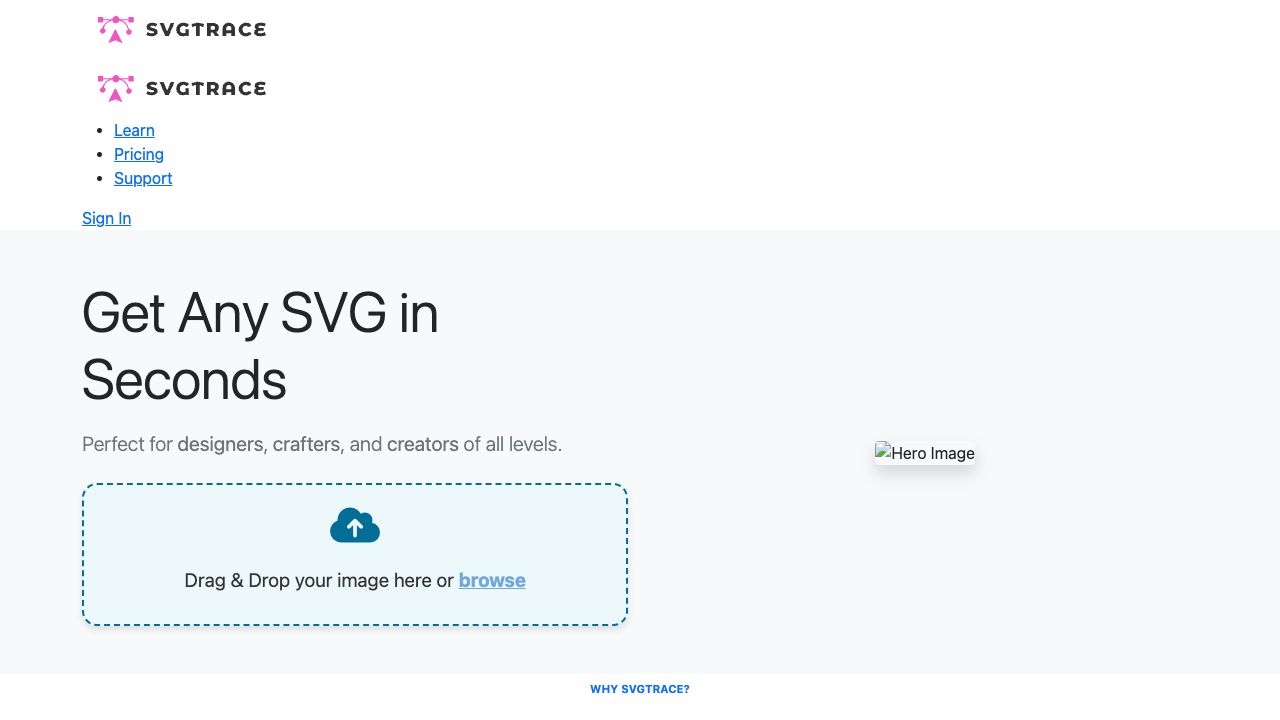
SvgTrace is a website that offers free and pro tools for converting images into SVG (Scalable Vector Graphics) files. It allows users to convert JPG and PNG images to SVG with unlimited colors. The Pro version includes a built-in editor and the ability to export to more file types. It caters to designers, crafters, and creators of all levels.
How to use SvgTrace?
Users can drag and drop an image onto the website or browse their files to upload. The website then converts the image into an SVG file. The Pro version allows for further editing of the SVG file.
Top Features
- AI-powered image upscaling and conversion to SVG
- Creation of color-layered SVG files
- Manual SVG editing with cutting, erasing, and copying options
- JPG to SVG conversion
- PNG to SVG conversion
Pros & Cons
No Data
Use Cases
- Creating multilayer SVGs for crafts
- Generating cut files for cutting machines
- Designing 3D layers for projects
- Preparing files for plywood and paper cutting
- Creating 3D mandala plywood projects
User Groups
No Data
SvgTrace Pricing
Free PlanSubscription Plan
No detailed pricing information available


Cover Preview
SVGTRACE Features
- AI Image Enhancer functionalityAI Image Enhancer
- AI Image Upscaler functionalityAI Image Upscaler
- AI Vector Graphics functionalityAI Vector Graphics
- AI SVG Generator functionalityAI SVG Generator