



Supavoice
Voice-to-text app for macOS with smart formatting capabilities.
Score
60
User Rating
3.0
Free/Trial Support
Supported
Starting Price
--
Last Updated
Aug 14, 2026
Overview
What is Supavoice?
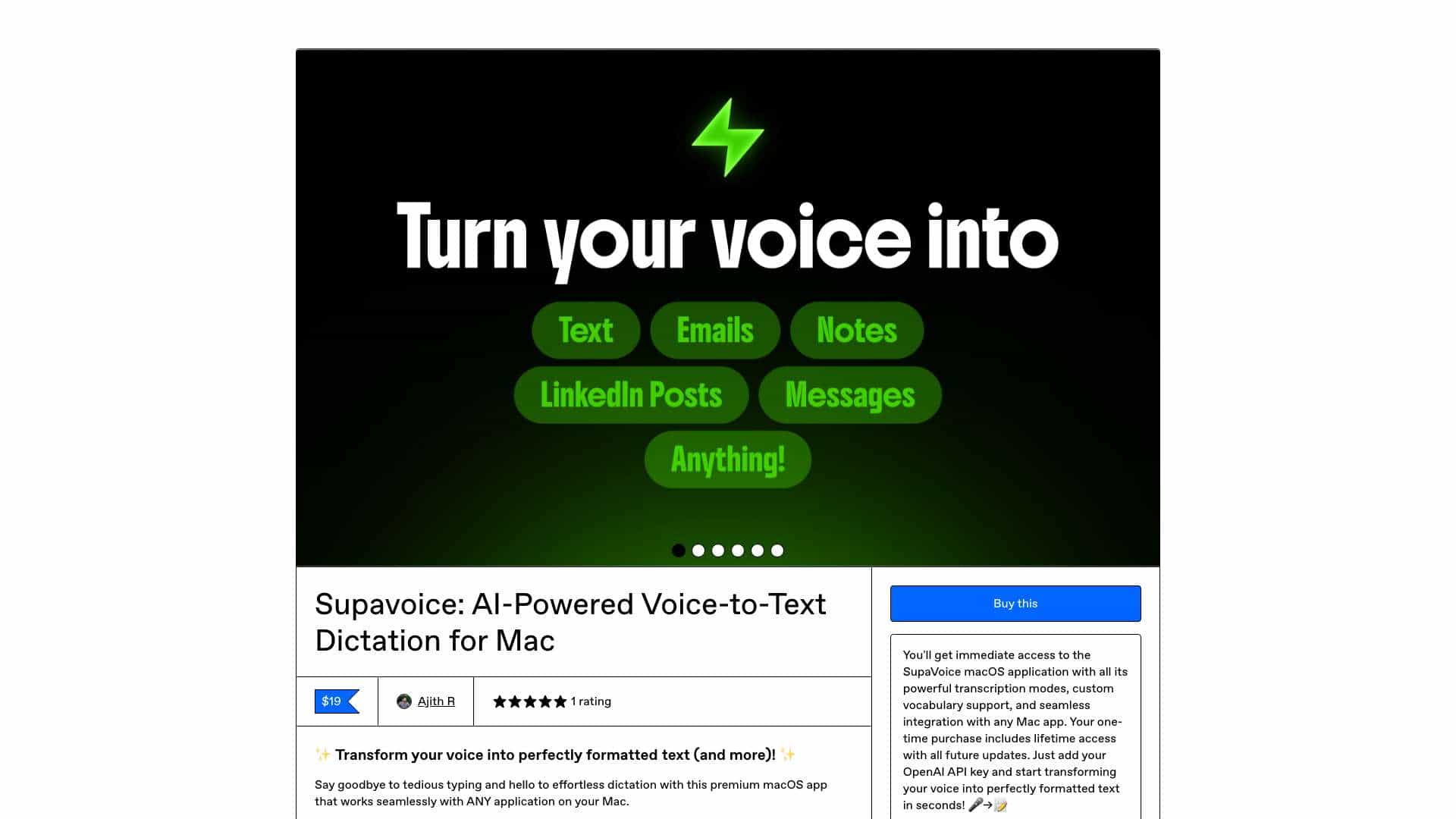
Supavoice is a macOS application that transforms speech into perfectly formatted text within any Mac app. It allows users to dictate emails, notes, and posts with smart formatting modes, using their own OpenAI API key to control costs. It offers features like custom vocabulary, multiple transcription modes, and compatibility with any macOS application.
What is Supavoice used for?
Tags
Top Features
- Multiple transcription modes (Simple, Email, Note, Message, Custom)
- Custom vocabulary for specialized terms and names
- Powered by GPT 4O and 4O mini models
- Lightweight and universal, works with any macOS application
- Uses your own OpenAI API key for privacy and cost control
How to use Supavoice?
Users speak into their microphone, and Supavoice uses OpenAI's audio models to convert the speech into text. The transcribed text is then formatted according to the selected transcription mode (e.g., Email, Note, Message) and inserted into the desired macOS application.
Alternative Tools
No alternative tools found
Pros & Cons
No Data
Use Cases
- Crafting professional emails with proper greetings and sign-offs
- Messaging colleagues instantly on Slack, Teams, or WhatsApp
- Dictating complex prompts to AI assistants like Claude or ChatGPT
- Capturing meeting notes in an organized and readable format
- Creating social media content such as LinkedIn posts or tweets
- Generating technical guides, project summaries, or business reports
Supavoice Pricing
Free PlanSubscription Plan
No detailed pricing information available
User Reviews
3.0
out of 5
3.0
No reviews yet
Be the first to review this tool!