



Slesh - Chrome Extension
AI-powered command bar for effortless web interaction and automation.
Score
60
User Rating
3.0
Free/Trial Support
Supported
Starting Price
--
Last Updated
Aug 14, 2026
Overview
What is Slesh?
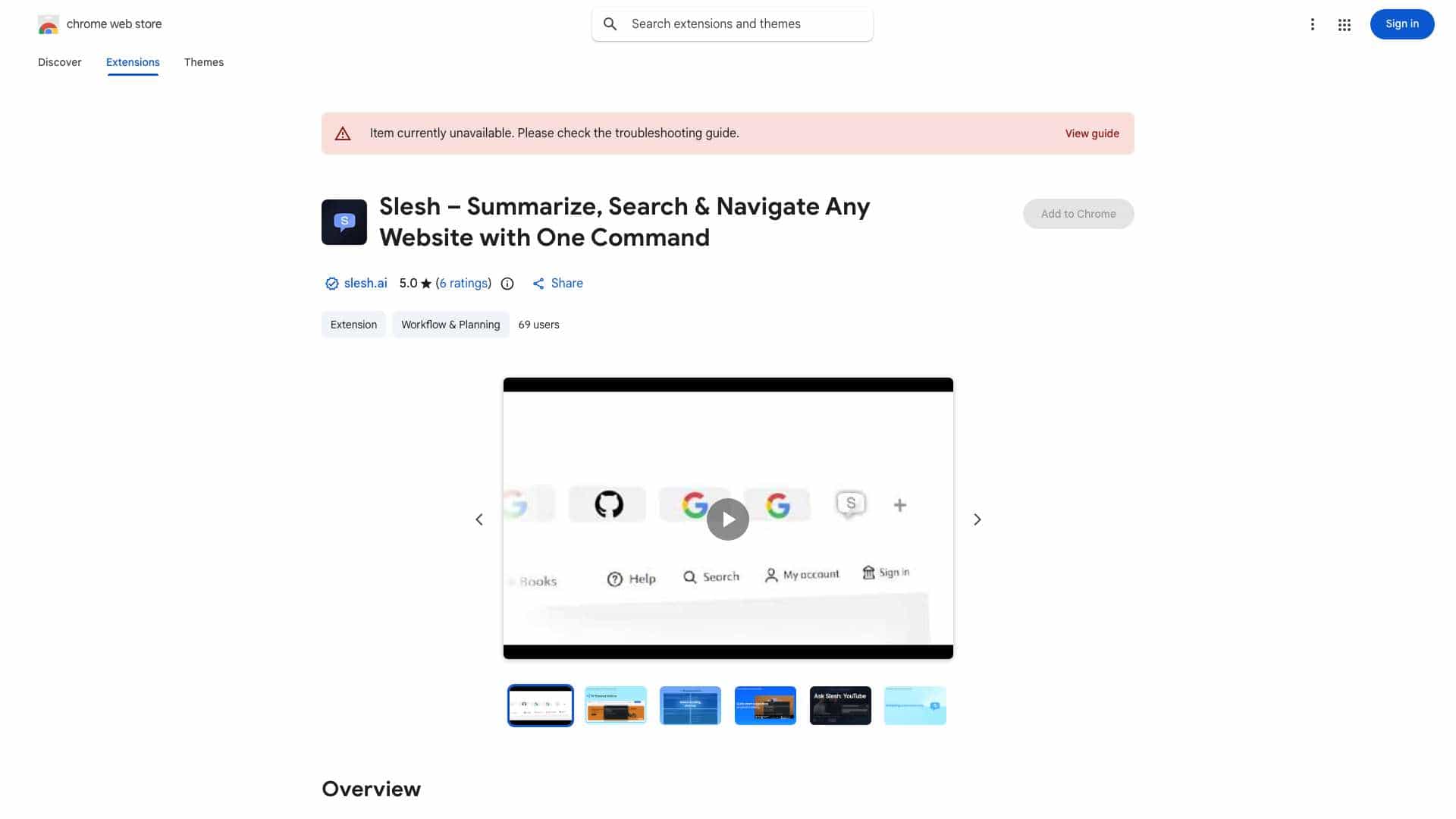
Slesh is a command bar that brings a GPT-like experience to the entire web, enabling users to interact with websites effortlessly through AI-powered intelligence and automation. It eliminates the need for manual navigation, filter selection, and guesswork by allowing users to type commands that Slesh instantly executes, answers questions, and navigates for them.
What is Slesh used for?
Tags
Top Features
- AI Actions: Instantly navigate or filter to any section of a website.
- Ask Slesh: Get direct answers to questions about the page you're viewing.
- Smart Suggestions: Receive relevant follow-up page suggestions based on the content you're viewing.
- Easy Activation: Trigger Slesh with Ctrl + / or the Slesh icon.
How to use Slesh?
Activate Slesh using Ctrl + / or by clicking the Slesh icon. Then, type your desired command (e.g., 'Unread emails from last week,' 'Summarize this article') and Slesh will execute it.
Alternative Tools
No alternative tools found
Pros & Cons
No Data
Use Cases
- Change a subscription
- Find unread emails
- Access advanced searches
- Summarize an article
- Find tweets from a specific user about a specific topic and time
Slesh Pricing
Free PlanSubscription Plan
No detailed pricing information available
User Reviews
3.0
out of 5
3.0
No reviews yet
Be the first to review this tool!