



Sketch Libraries
Sketch Libraries enable sharing and reusing design components across documents and teams, with automatic updates for consistency.
Score
50
User Rating
1.0
Free/Trial Support
Supported
Starting Price
--
Last Updated
Apr 23, 2026
Overview
What is Sketch Libraries?
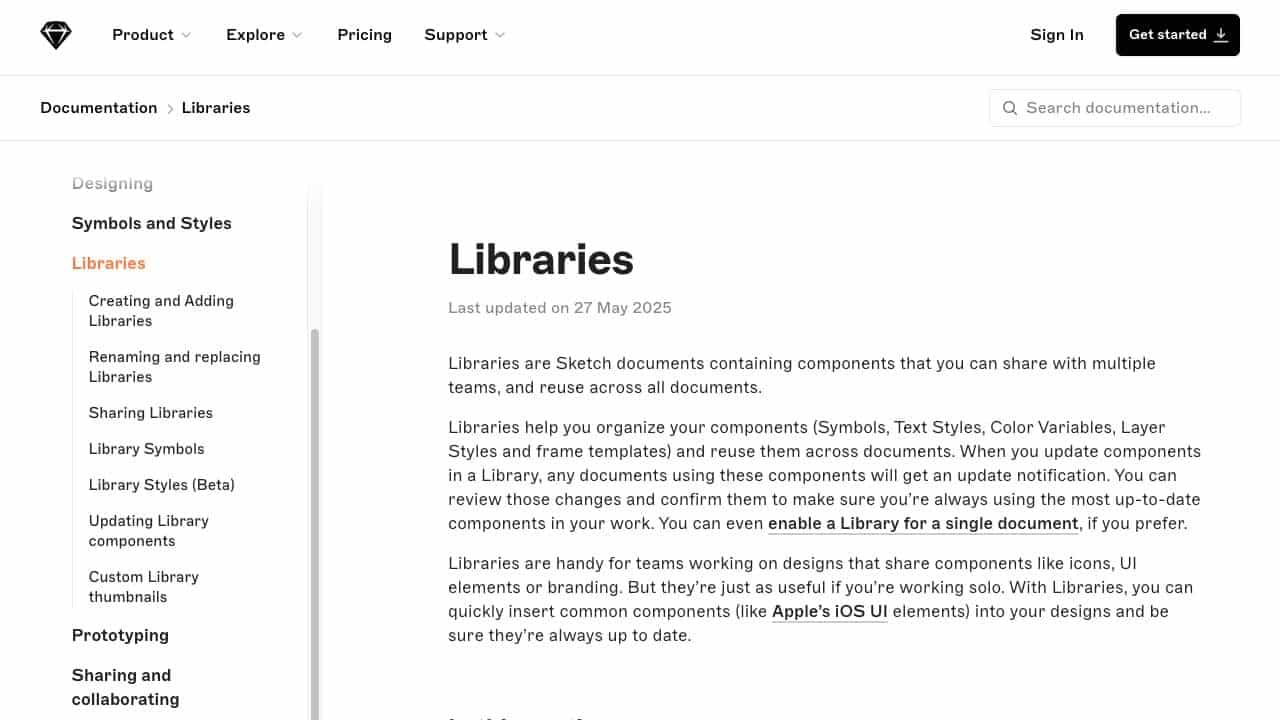
Libraries are Sketch documents containing reusable components like Symbols, Text Styles, Color Variables, Layer Styles, and frame templates. They help organize and share design elements, ensuring updates propagate to all using documents.
What is Sketch Libraries used for?
User Groups
Top Features
- Reusable components
- Automatic update notifications
- Team collaboration
- Cross-document consistency
- Custom thumbnails
How to use Sketch Libraries?
Create Libraries in Sketch, add components, share with teams, and insert them into designs. Updates in Libraries trigger notifications for review and confirmation in documents.
Alternative Tools
No alternative tools found
Pros & Cons
Pros
- Improves design consistency
- Saves time with reusable elements
- Facilitates team collaboration
- Easy to update across projects
Cons
- Limited to Sketch ecosystem
- Requires learning curve for new users
Use Cases
- Design system management
- UI component libraries
- Branding consistency across projects
- Team-based design workflows
Sketch Libraries Pricing
Free PlanSubscription Plan
No detailed pricing information available
User Reviews
1.0
out of 5
1.0
No reviews yet
Be the first to review this tool!