



Shottr – Screenshot Annotation App For Mac
A lightweight, fast screenshot tool for Mac with annotation, scrolling capture, OCR, and S3 upload capabilities.
Score
60
User Rating
3.0
Free/Trial Support
Supported
Starting Price
--
Last Updated
Aug 04, 2026
Overview
What is Shottr – Screenshot Annotation App For Mac?
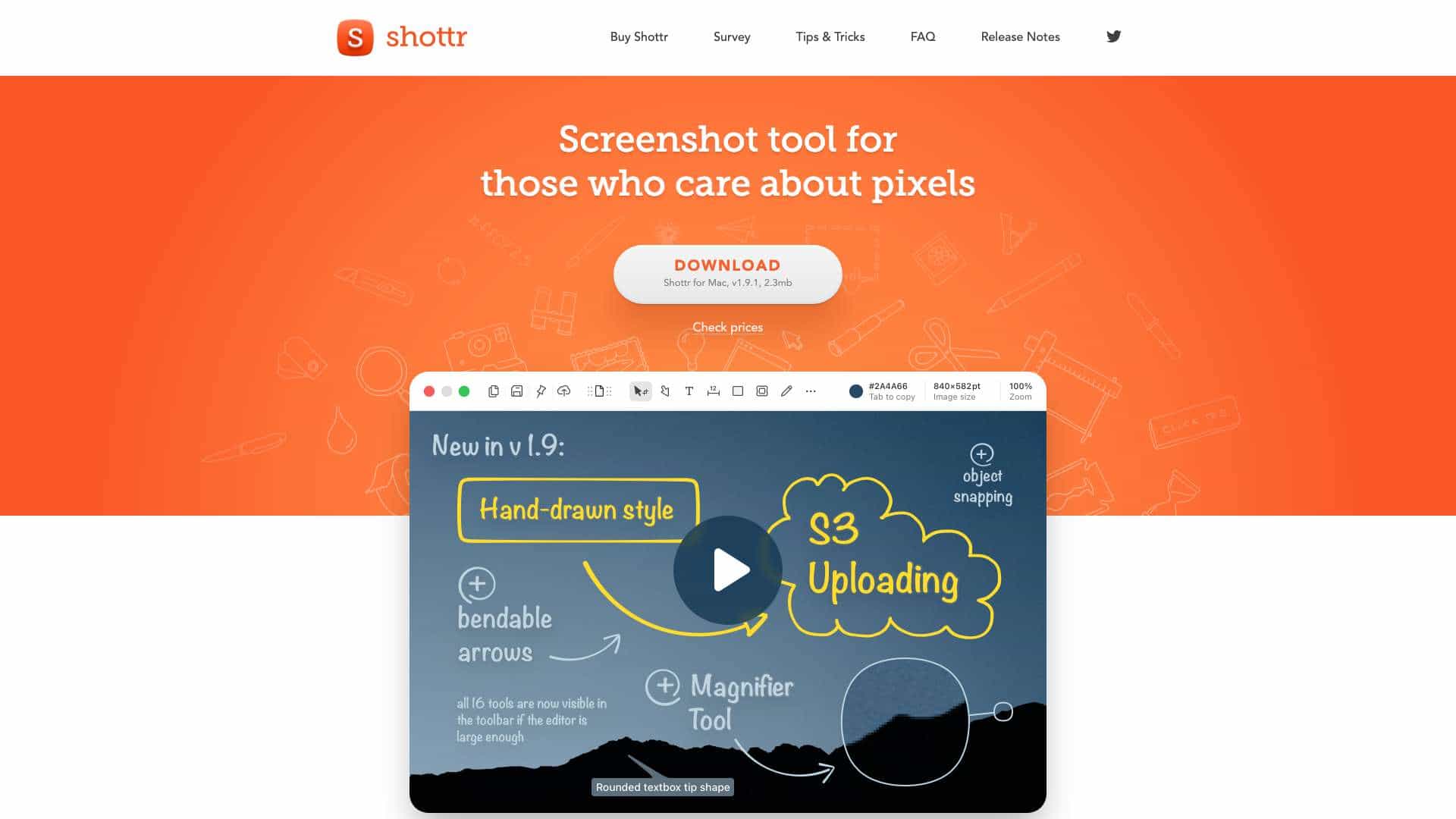
Shottr is a native Mac screenshot application optimized for Apple Silicon, offering quick capture, annotation tools, pixel-level editing, and features like OCR and QR code reading.
What is Shottr – Screenshot Annotation App For Mac used for?
Top Features
- Fast screenshot capture
- Annotation and markup tools
- Scrolling screenshots
- OCR and QR code reading
- Color picker and screen ruler
- S3 upload capabilities
- Pixelate or remove objects
- Zoom and measurement tools
How to use Shottr – Screenshot Annotation App For Mac?
Download and install the app, use hotkeys or the interface to capture screenshots, then annotate, edit, or upload them directly from the tool.
Alternative Tools
No alternative tools found
Pros & Cons
Pros
- Lightweight and fast
- Optimized for Apple Silicon
- Free with most features available
- Includes advanced tools like OCR and S3 upload
Cons
- Only available for Mac
- Free version has occasional prompts to purchase
- Requires activation for some features like upload
Use Cases
- Designers annotating UI mockups
- Developers capturing and sharing code snippets
- Marketers creating visual content
- Individuals organizing receipts and reminders
Shottr – Screenshot Annotation App For Mac Pricing
Free PlanOne-Time Plan
No detailed pricing information available
User Reviews
3.0
out of 5
3.0
No reviews yet
Be the first to review this tool!