



SF Symbols
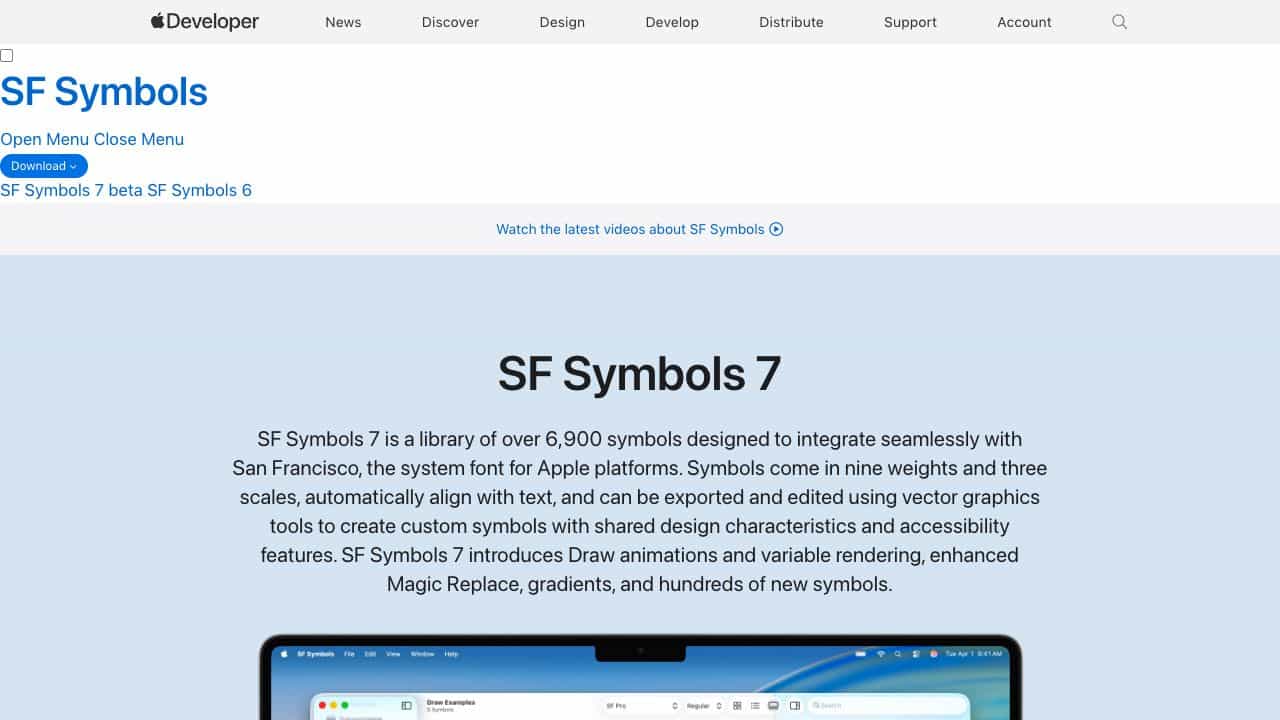
A library of over 6,900 symbols designed to integrate seamlessly with Apple's San Francisco font, featuring animations, gradients, and accessibility tools for app design.
Score
50
User Rating
1.0
Free/Trial Support
Supported
Starting Price
--
Last Updated
Apr 24, 2026
Overview
What is SF Symbols?
SF Symbols is a comprehensive icon library for Apple platforms, offering over 6,900 symbols that align with the San Francisco system font. It includes features like Draw animations, variable rendering, gradients, and enhanced Magic Replace for dynamic and accessible app interfaces.
What is SF Symbols used for?
Top Features
- Over 6,900 symbols
- Draw animations with presets
- Variable rendering for progress indicators
- Gradients from single colors
- Enhanced Magic Replace for smooth transitions
- Localized symbols for multiple languages
- Accessibility features
How to use SF Symbols?
Download SF Symbols on macOS Sonoma or later, use it in Xcode or other design tools to integrate symbols into apps, customize with vector graphics, and apply animations and gradients for enhanced user interfaces.
Alternative Tools
No alternative tools found
Pros & Cons
Pros
- Seamless integration with Apple platforms
- High customizability with vector editing
- Extensive symbol library
- Supports animations and gradients
- Free to use
Cons
- Requires macOS Sonoma or later
- Limited to Apple ecosystem
Use Cases
- App icon and interface design
- Creating dynamic animations in apps
- Enhancing accessibility in user interfaces
- Localizing apps for global markets
SF Symbols Pricing
Free Plan
No detailed pricing information available
User Reviews
1.0
out of 5
1.0
No reviews yet
Be the first to review this tool!