



ChatGPT Response Manager - Chrome Extension
Browser extension to hide/show ChatGPT responses for easier navigation in long conversations.
Score
60
User Rating
3.0
Free/Trial Support
Supported
Starting Price
--
Last Updated
Aug 14, 2026
Overview
What is ChatGPT Response Manager?
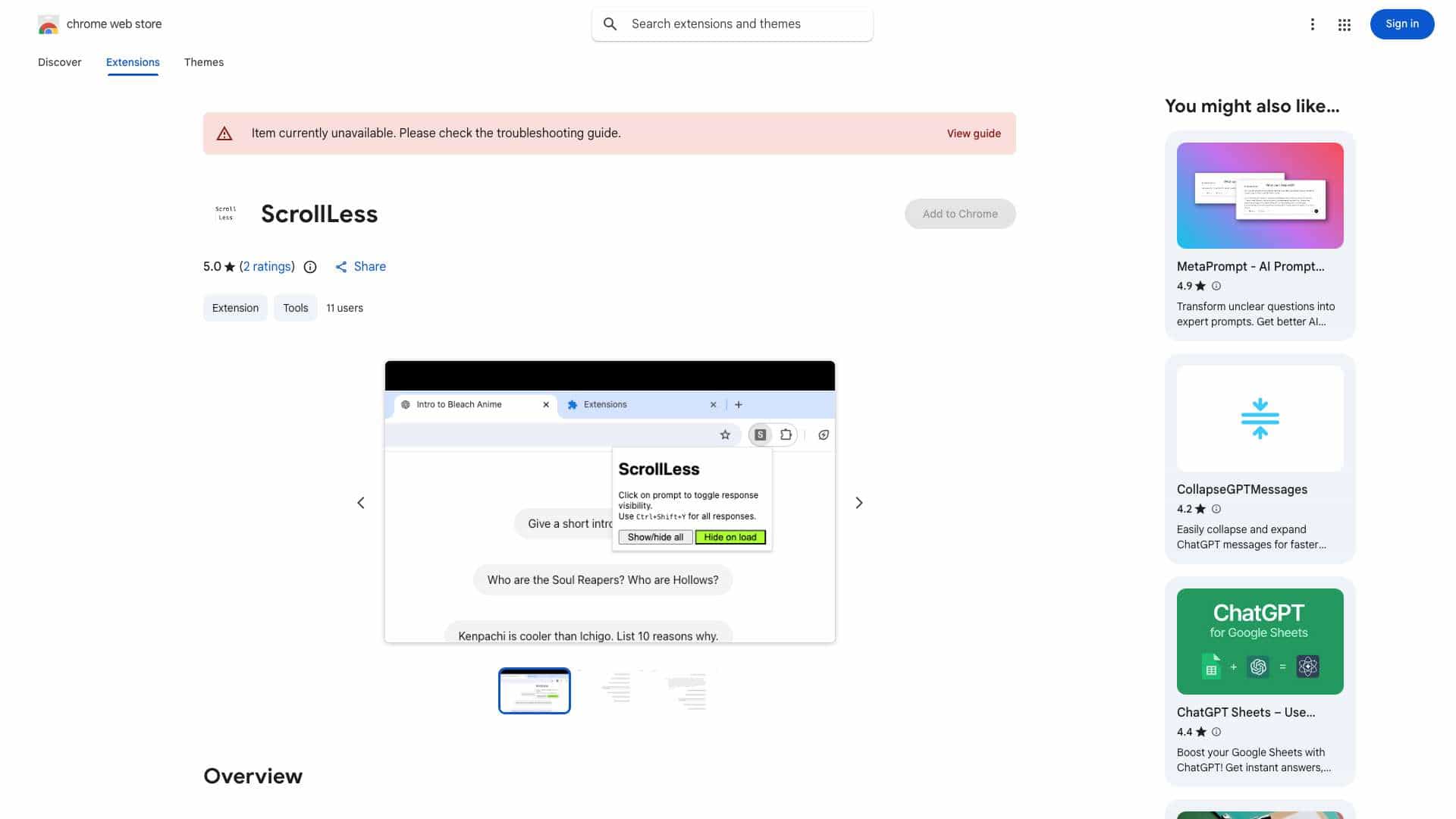
This tool is a browser extension designed to enhance the user experience when revisiting long ChatGPT conversations. It allows users to quickly hide or show all ChatGPT responses with a single shortcut, making it easier to find specific questions asked earlier in the thread. Additionally, it provides the option to toggle the visibility of individual responses by clicking on the corresponding prompt.
What is ChatGPT Response Manager used for?
Top Features
- Toggle visibility of all ChatGPT responses with a shortcut
- Toggle visibility of individual responses by clicking on the prompt
- Auto-hide responses on load (configurable in settings)
How to use ChatGPT Response Manager?
Use the shortcut `Ctrl+Shift+Y` or `Cmd+Shift+Y` to toggle the visibility of all ChatGPT responses. Click on a prompt to toggle the visibility of the individual response associated with that prompt. You can also configure the extension to auto-hide all responses on load via the extension settings.
Alternative Tools
No alternative tools found
Pros & Cons
No Data
Use Cases
- Quickly find specific questions in long ChatGPT conversations
- Focus on prompts without being distracted by responses
- Review conversation history more efficiently
ChatGPT Response Manager Pricing
Free PlanSubscription Plan
No detailed pricing information available
User Reviews
3.0
out of 5
3.0
No reviews yet
Be the first to review this tool!