



Screenova - Chrome Extension
Screenova is a Chrome extension for screenshot capture, text extraction, and AI-powered analysis.
Score
60
User Rating
3.0
Free/Trial Support
Supported
Starting Price
--
Last Updated
Aug 14, 2026
Overview
What is Screenova?
Screenova is a Chrome extension that enhances your browsing experience by allowing users to capture web page screenshots and use advanced AI and Optical Character Recognition (OCR) technology to extract, analyze, and transform text. Key features include generating explanations, summaries, and action items from screenshots, solving questions efficiently, and offering model selection from tools like ChatGPT 3.5 and 4. This tool simplifies workflow and boosts productivity by providing quick insights and text extraction from images.
What is Screenova used for?
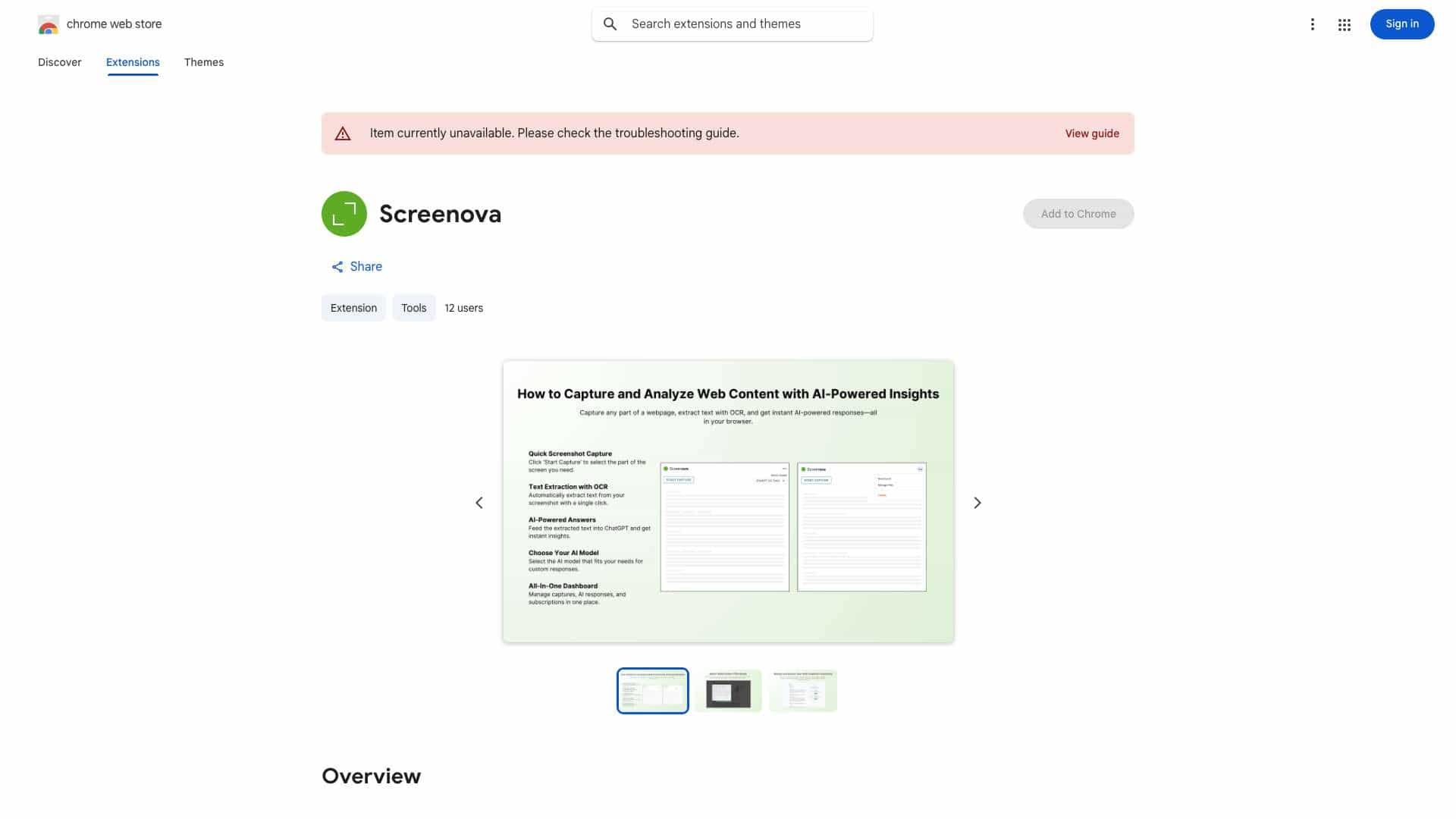
Top Features
- Screenshot capture
- AI-powered text extraction and analysis
- Optical Character Recognition (OCR)
- Text transformation
- Explanation and summary generation
- Action item creation
- Model selection (ChatGPT 3.5 and 4)
How to use Screenova?
Install the Screenova Chrome extension. Capture a screenshot of a webpage. Use the AI and OCR features to extract, analyze, and transform the text within the screenshot. Generate explanations, summaries, and action items. Select your preferred AI model (ChatGPT 3.5 or 4) for enhanced analysis.
Alternative Tools
No alternative tools found
Pros & Cons
No Data
Use Cases
- Quickly extract text from images and screenshots.
- Generate summaries of articles or documents.
- Identify action items from meeting notes or presentations.
- Solve questions efficiently using AI analysis of visual content.
Screenova Pricing
Free PlanSubscription Plan
No detailed pricing information available
User Reviews
3.0
out of 5
3.0
No reviews yet
Be the first to review this tool!