



Rosie - Chrome Extension
Chrome extension that suggests confident phrasing by detecting undermining language.
Score
60
User Rating
3.0
Free/Trial Support
Supported
Starting Price
--
Last Updated
Aug 14, 2026
Overview
What is Rosie?
Rosie is a Chrome extension designed to detect undermining language in your writing and suggest more confident phrasing. It helps users, especially women, represent themselves as the professionals they are by identifying and offering alternatives to words and phrases that diminish confidence in the workplace.
What is Rosie used for?
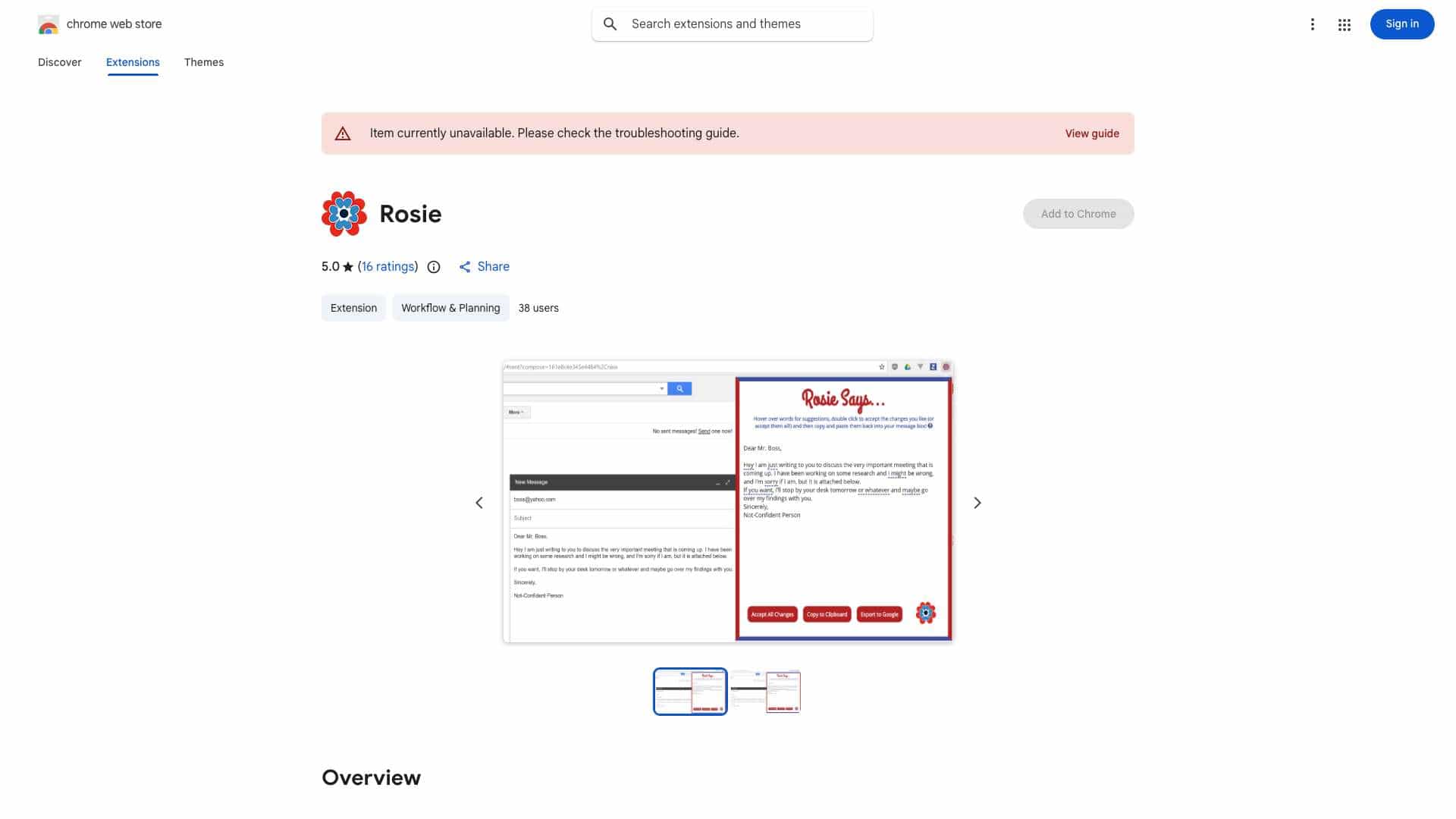
Top Features
- Detects undermining language
- Suggests more confident phrasing
- Works with Gmail, Google Inbox, Outlook, Yahoo, LinkedIn, and Slack
- Offers an 'Accept All Changes' button
- Provides a 'Copy to Clipboard' button
How to use Rosie?
1) Type your message in a supported website. 2) Click the \"Rosie\" icon. 3) Hover over underlined words for suggestions. 4) Double-click to accept changes (or \"Accept All Changes\"). 5) Copy to clipboard. 6) Paste your stronger message.
Alternative Tools
No alternative tools found
Pros & Cons
No Data
Use Cases
- Improve communication with colleagues
- Negotiate salary offers more effectively
- Establish credibility as a professional
Rosie Pricing
Free PlanSubscription Plan
No detailed pricing information available
User Reviews
3.0
out of 5
3.0
No reviews yet
Be the first to review this tool!