



Clyr - Chrome Extension
Clyr automates receipt and invoice capture, matching, and categorization for streamlined expense management.
Score
60
User Rating
3.0
Free/Trial Support
Supported
Starting Price
--
Last Updated
Sep 07, 2026
Overview
What is Clyr?
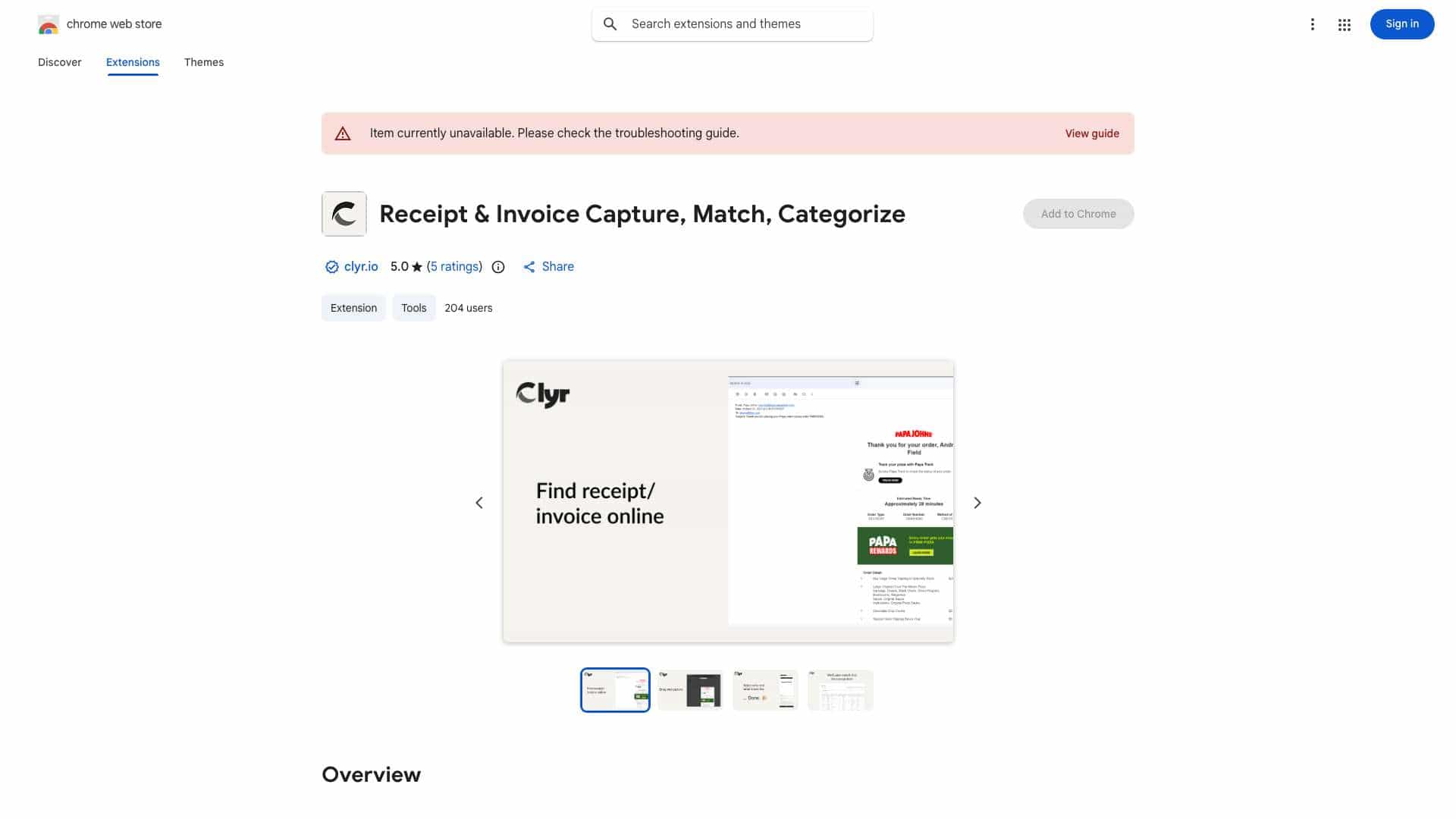
Clyr's Receipt and Invoice Capture is an extension designed to streamline expense and spend management. It automates the process of capturing, matching, and categorizing receipts and invoices, reducing a multi-step process to a quick, automated action.
What is Clyr used for?
Tags
Top Features
- Receipt and Invoice Capture
- Seamless Integration with Accounting Platforms
- Card Agnostic
- Real-Time Notifications
- Automated Matching & Smart Categorization
How to use Clyr?
1. Install the Clyr extension. 2. Log in or register for a Clyr account. 3. When you receive a receipt or invoice online, click the Clyr icon in your toolbar. 4. Snap the image, and it will be automatically matched and categorized in your Clyr account.
Alternative Tools
No alternative tools found
Pros & Cons
No Data
Use Cases
- Capture receipts and invoices directly from websites and emails.
- Automatically match receipts to transactions in your account.
- Categorize receipts using AI-powered algorithms.
Clyr Pricing
Free PlanSubscription Plan
No detailed pricing information available
User Reviews
3.0
out of 5
3.0
No reviews yet
Be the first to review this tool!