



Image Text Extractor - Chrome Extension
Extracts, edits, and copies text from images on web pages.
Score
60
User Rating
3.0
Free/Trial Support
Supported
Starting Price
--
Last Updated
Aug 14, 2026
Overview
What is Image Text Extractor?
This extension allows users to extract text from images displayed on web pages. It supports common image formats like jpg, jpeg, png, and bmp. After extraction, the text can be edited and copied.
What is Image Text Extractor used for?
Top Features
- Extract text from images on web pages
- Edit extracted text
- Copy extracted text
How to use Image Text Extractor?
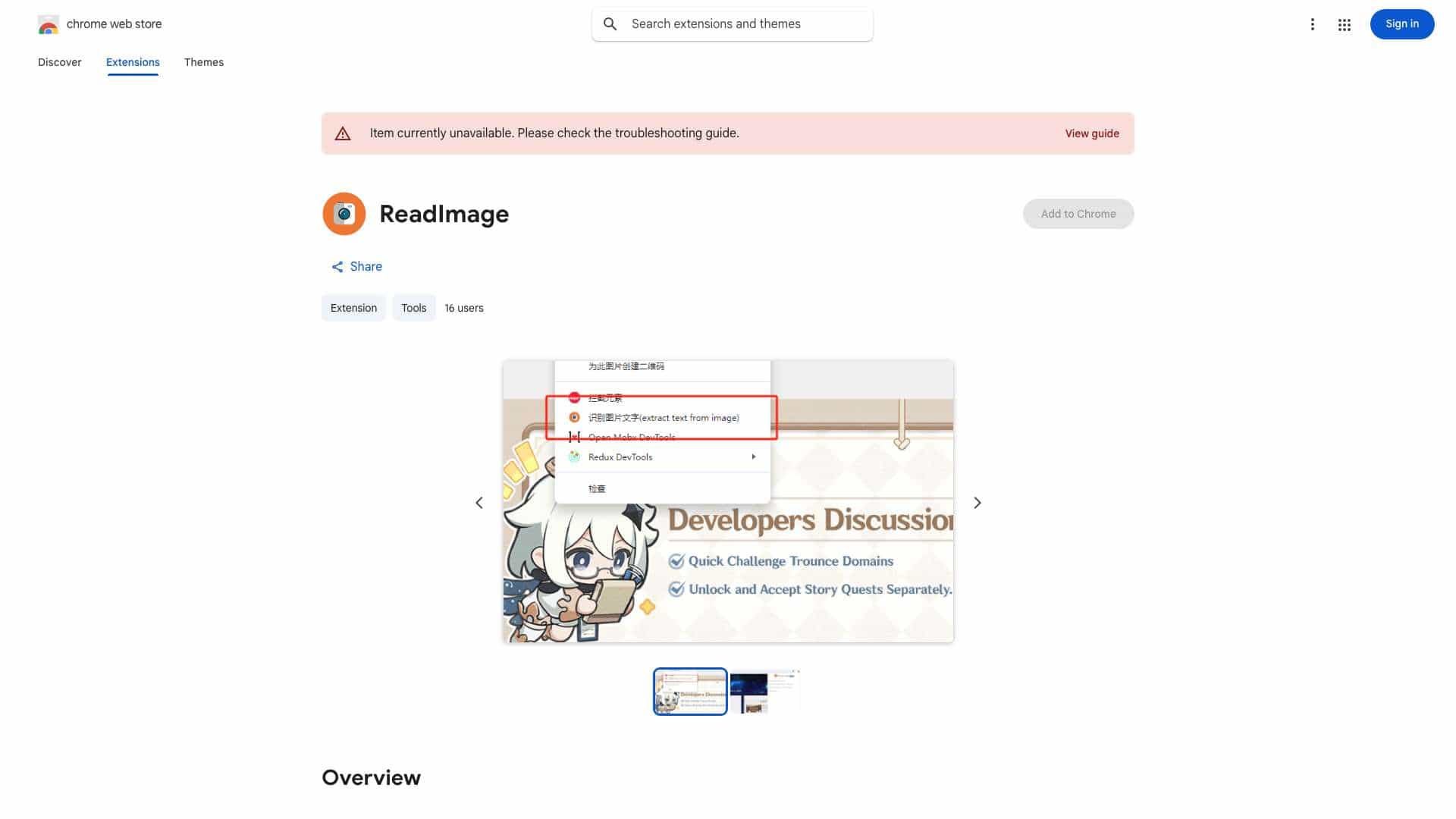
Hover the mouse over the image, right-click, and select 'extract text from image'. Press 'Ctrl + Q' to view the extracted text on the extension page, where you can edit and copy it.
Alternative Tools
No alternative tools found
Pros & Cons
No Data
Use Cases
- Extracting text from images found while coding, shopping, searching, or reading online.
Image Text Extractor Pricing
Free PlanSubscription Plan
No detailed pricing information available
User Reviews
3.0
out of 5
3.0
No reviews yet
Be the first to review this tool!