



Prisma Assistant
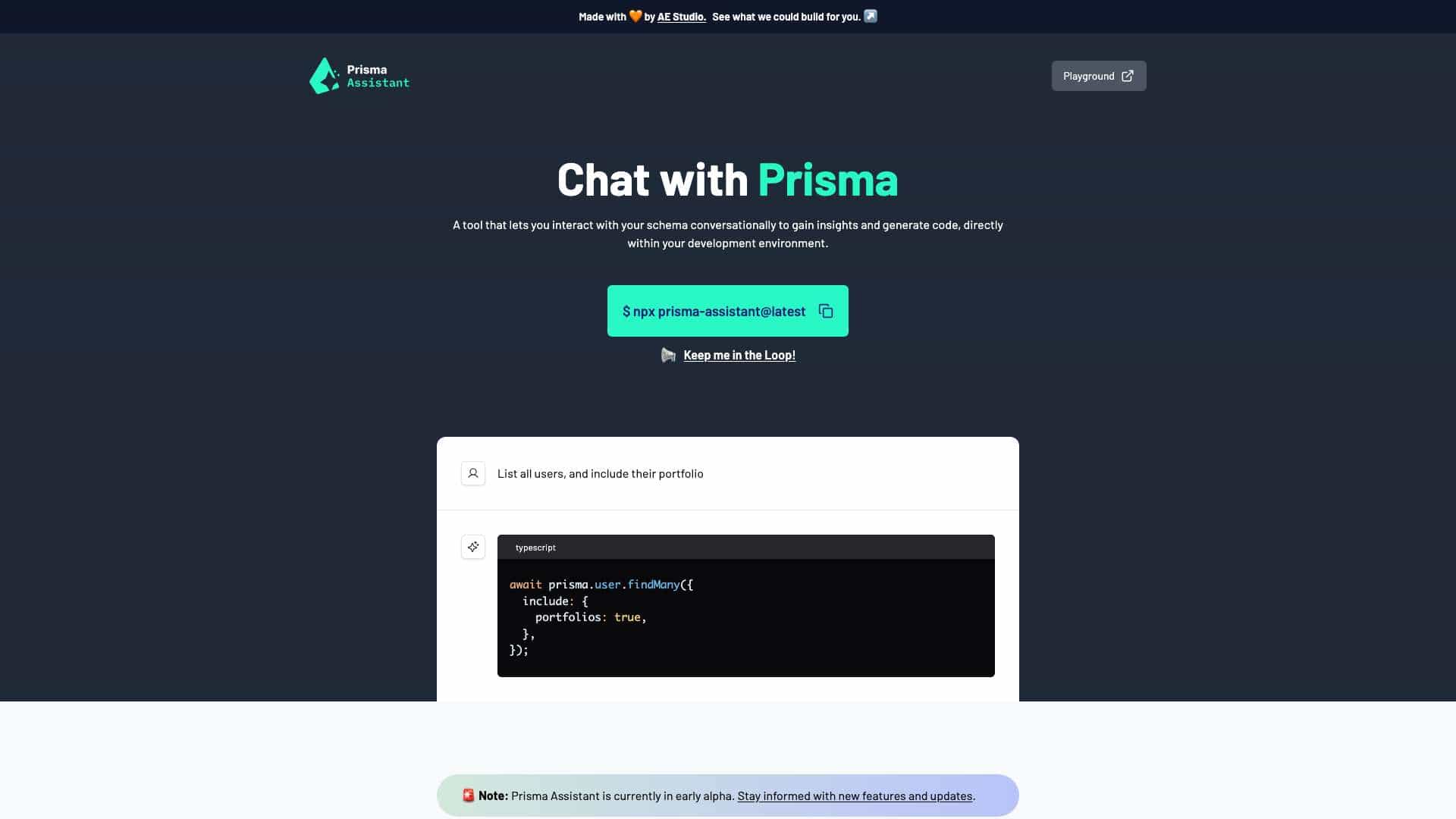
Interact with your schema conversationally to gain insights and generate code, directly within your development environment.
Score
60
User Rating
3.0
Free/Trial Support
Supported
Starting Price
--
Last Updated
Sep 07, 2026
Overview
What is Prisma Assistant?
Prisma Assistant is a tool that allows you to interact with your Prisma schema conversationally to gain insights and generate code directly within your development environment. It helps developers understand and manipulate their database schema more efficiently.
What is Prisma Assistant used for?
Tags
Top Features
- Conversational schema interaction
- Code generation
- Insights into your Prisma schema
How to use Prisma Assistant?
To use Prisma Assistant, you need to set up your environment with an OpenAI API key. After setting the environment variable (either permanently or for the current session), you can start the Prisma Assistant server by running `npx prisma-assistant@latest` in your Prisma project's root directory. Once the server is running, you can access the UI in your web browser using the provided URL.
Alternative Tools
No alternative tools found
Pros & Cons
No Data
Use Cases
- List all users and include their portfolio data using a conversational query.
- Generate Prisma Client code based on your schema.
Prisma Assistant Pricing
Free PlanSubscription Plan
No detailed pricing information available
User Reviews
3.0
out of 5
3.0
No reviews yet
Be the first to review this tool!