



Pock: Widgets manager for MacBook Touch Bar
A widgets manager for MacBook Touch Bar, allowing customization and quick access to tools.
Score
60
User Rating
3.0
Free/Trial Support
Supported
Starting Price
--
Last Updated
Apr 23, 2026
Overview
What is Pock: Widgets manager for MacBook Touch Bar?
Pock is a tool that transforms the MacBook Touch Bar into a customizable widget manager, enabling users to add and manage widgets for enhanced productivity.
What is Pock: Widgets manager for MacBook Touch Bar used for?
User Groups
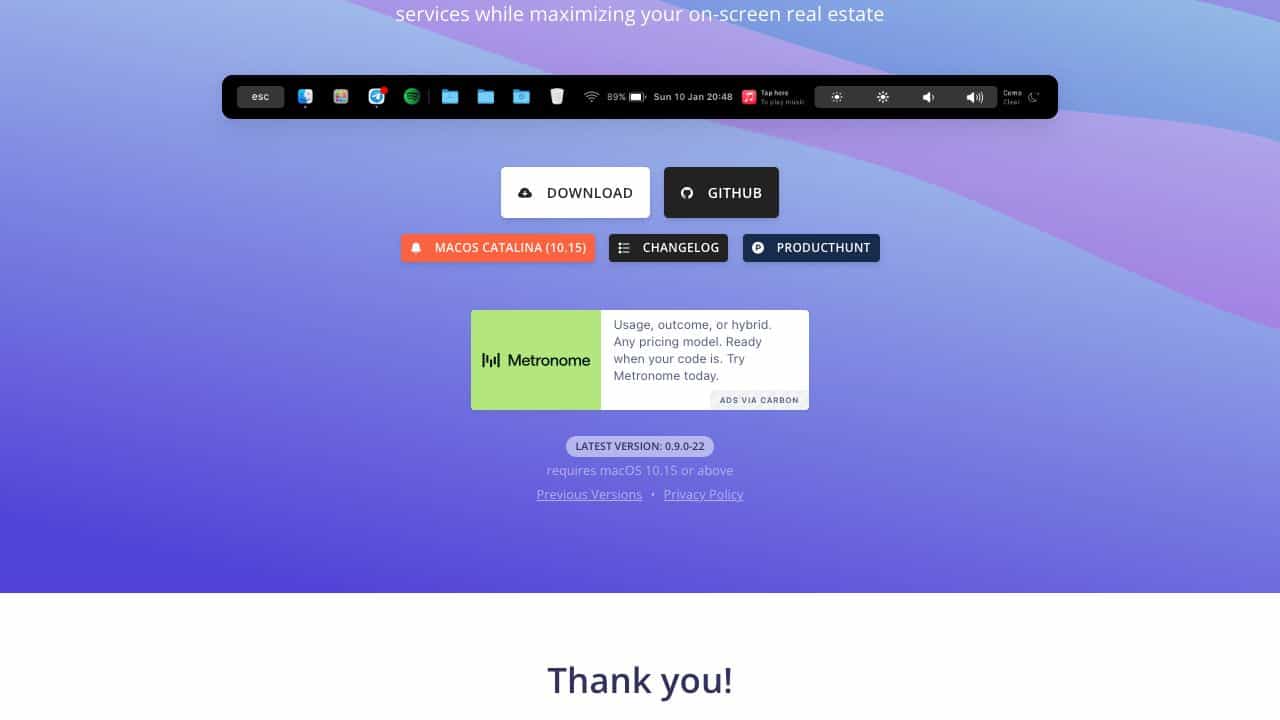
Top Features
- Customizable widgets
- Touch Bar integration
- Quick access tools
- System monitoring
How to use Pock: Widgets manager for MacBook Touch Bar?
Install Pock on your Mac, open the app, and drag widgets to the Touch Bar for quick access to functions like media controls, system info, and more.
Alternative Tools
No alternative tools found
Pros & Cons
Pros
- Enhances Touch Bar utility
- Easy to set up
- Free to use
Cons
- Limited to MacBook with Touch Bar
- May require some learning
Use Cases
- Media control on Touch Bar
- System monitoring at a glance
- Custom shortcuts for workflows
Pock: Widgets manager for MacBook Touch Bar Pricing
Free Plan
No detailed pricing information available
User Reviews
3.0
out of 5
3.0
No reviews yet
Be the first to review this tool!