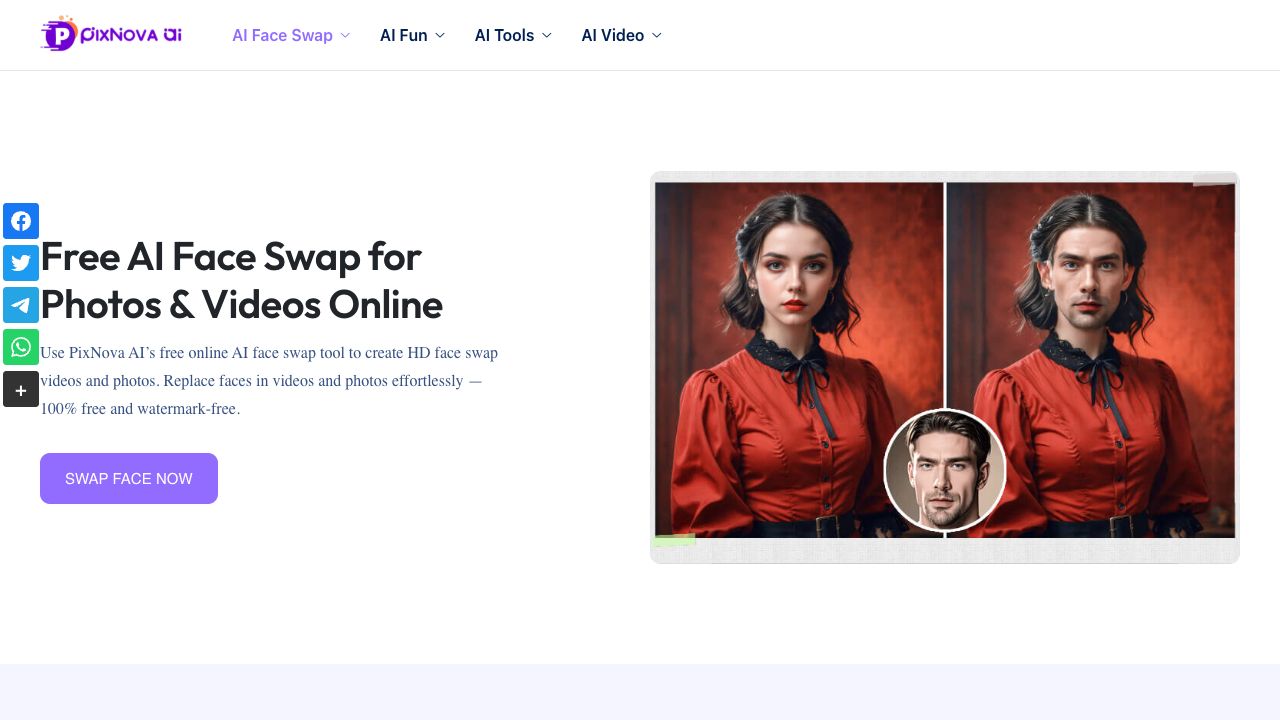
PixNova Face Swap
AI tool for swapping faces in photos, GIFs, and videos.
User Rating
3.0
Score
60
Free/Trial Support
Supported
Features
10 Features
Last Updated
Feb 05, 2026
What is PixNova Face Swap?
PixNova AI Face Swap is an online AI tool that allows users to easily swap faces in photos, GIFs, and videos. It offers a variety of AI-powered tools, including face swap, AI girlfriend, body generator, and more. The platform is designed to be user-friendly, requiring no sign-up and providing fast results.
How to use PixNova Face Swap?
To use PixNova AI Face Swap, simply upload your source image or video and the face image you want to use for the swap. Click the 'Start face swapping' button to initiate the process. The AI will then swap the faces, and you can download the result.
Top Features
- AI Face Swap for Photos, GIFs, and Videos
- Multiple Face Swap
- Batch Face Swap
- AI Girlfriend
- AI Body Generator
- AI Photo to Anime
- AI Image Upscaler
- AI Background Remover
Pros & Cons
No Data
Use Cases
- Swapping faces in photos for fun and entertainment
- Creating humorous GIFs with face swaps
- Replacing faces in videos to become the star
- Generating AI images with different styles and features
User Groups
No Data
PixNova Face Swap Pricing
Free PlanSubscription Plan
No detailed pricing information available
Cover Preview

PIXNOVA FACE SWAP Features
- AI Background Remover functionalityAI Background Remover
- AI Tattoo Generator functionalityAI Tattoo Generator
- AI Face Swap Generator functionalityAI Face Swap Generator
- AI Clothing Generator functionalityAI Clothing Generator
- AI Girlfriend functionalityAI Girlfriend
- AI Image Upscaler functionalityAI Image Upscaler
- AI Headshot Generator functionalityAI Headshot Generator
- AI Face Swap Video functionalityAI Face Swap Video
- AI Watermark Remover functionalityAI Watermark Remover
- AI Baby Generator functionalityAI Baby Generator