



PinMyPrompt - Chrome Extension
Chrome Extension to pin ChatGPT links to web pages for easy access.
Score
60
User Rating
1.0
Free/Trial Support
Supported
Starting Price
--
Last Updated
Aug 14, 2026
Overview
What is PinMyPrompt?
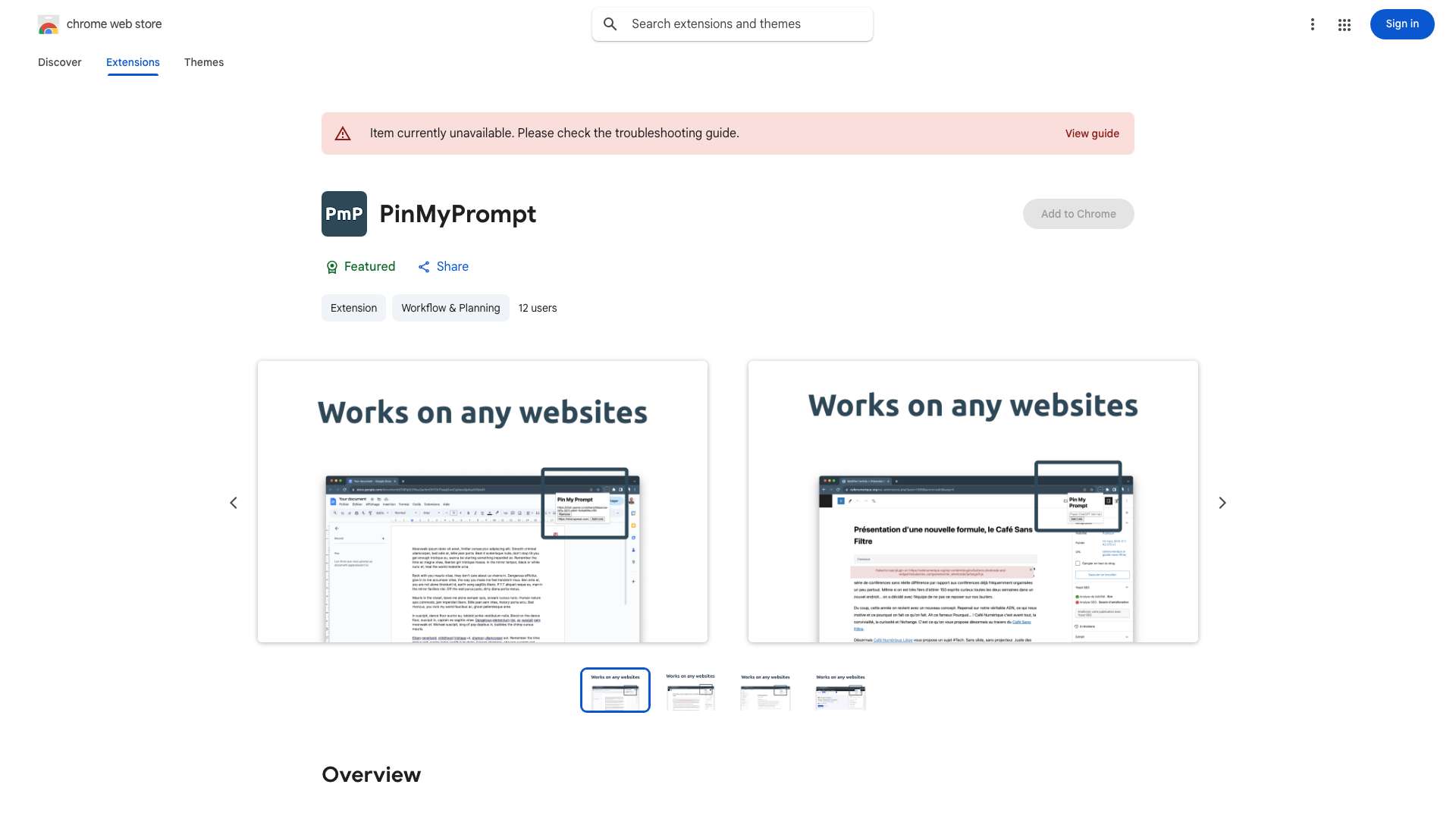
PinMyPrompt is a Chrome Extension designed to help users organize their ChatGPT conversations by pinning ChatGPT links to specific web pages, such as Google Docs or blog posts. This allows users to easily revisit and contextualize past chats right where they need them, making it a go-to tool for managing and accessing ChatGPT conversations in context.
What is PinMyPrompt used for?
Top Features
- Easy Access Icon: Discreet icon at the top right of your browser for quick access to pinned links.
- Simple URL Pinning: Pin ChatGPT prompt URLs to web pages with a single click.
- Hassle-Free Link Management: Edit, erase, or jump directly into pinned prompts from the dropdown list.
- Smart Notifications: Receive notifications when visiting a page with saved links.
- Exclusion List Flexibility: Manage an exclusion list to specify where the extension should not be active.
How to use PinMyPrompt?
1. In ChatGPT: Click the top right icon to copy your conversation link. 2. Go to Your Work: This could be Google Docs, Sheets, a social media post, WordPress, or any other site. 3. Click PmP: You'll find this on your browser's top bar. 4. Paste & Save: Put the link in, click \"Add link\", and you're done!
Alternative Tools
No alternative tools found
Pros & Cons
No Data
Use Cases
- Organizing research notes in Google Docs by linking to relevant ChatGPT conversations.
- Contextualizing blog posts with the ChatGPT prompts used for research and writing.
- Managing social media content creation by linking to the ChatGPT conversations that generated ideas and drafts.
PinMyPrompt Pricing
Free PlanSubscription Plan
No detailed pricing information available
User Reviews
1.0
out of 5
1.0
No reviews yet
Be the first to review this tool!