



picassoapp
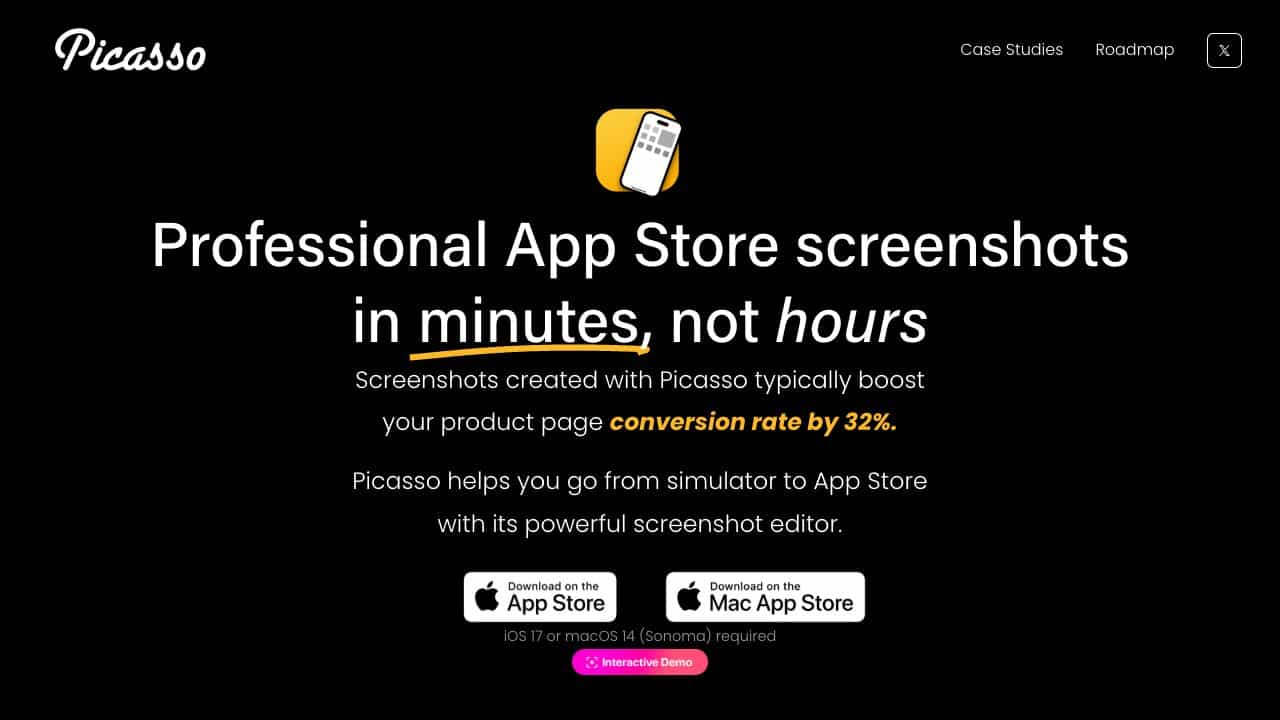
Create professional App Store screenshots in minutes with an easy-to-use editor, boosting conversion rates by up to 32%.
Score
50
User Rating
1.0
Free/Trial Support
Not Supported
Starting Price
--
Last Updated
Aug 04, 2026
Overview
What is picassoapp?
Picasso is a tool for iOS and macOS developers to quickly generate and edit App Store screenshots, adding device frames, localizing content, and uploading directly to App Store Connect.
What is picassoapp used for?
User Groups
Top Features
- Automatic device frame addition
- Multi-screenshot spanning
- Localization support with .xcstrings
- Direct upload to App Store Connect
- No design experience needed
How to use picassoapp?
Take a screenshot from a simulator or device, drag it into Picasso to customize with frames and images, then export or upload directly to the App Store.
Alternative Tools
No alternative tools found
Pros & Cons
Pros
- Saves time on screenshot creation
- Increases app conversion rates
- Easy to use with drag-and-drop
- Supports multiple languages
Cons
- Requires iOS 17 or macOS 14
- Limited to Apple platforms
Use Cases
- Optimizing App Store listings
- Localizing app screenshots for global markets
- Streamlining screenshot uploads for developers
picassoapp Pricing
Subscription Plan
No detailed pricing information available
User Reviews
1.0
out of 5
1.0
No reviews yet
Be the first to review this tool!