


Photolapse AI
AI-powered flashlapse video creation tool
User Rating
3.0
Score
60
Free/Trial Support
Supported
Features
4 Features
Last Updated
Feb 05, 2026
What is Photolapse AI?
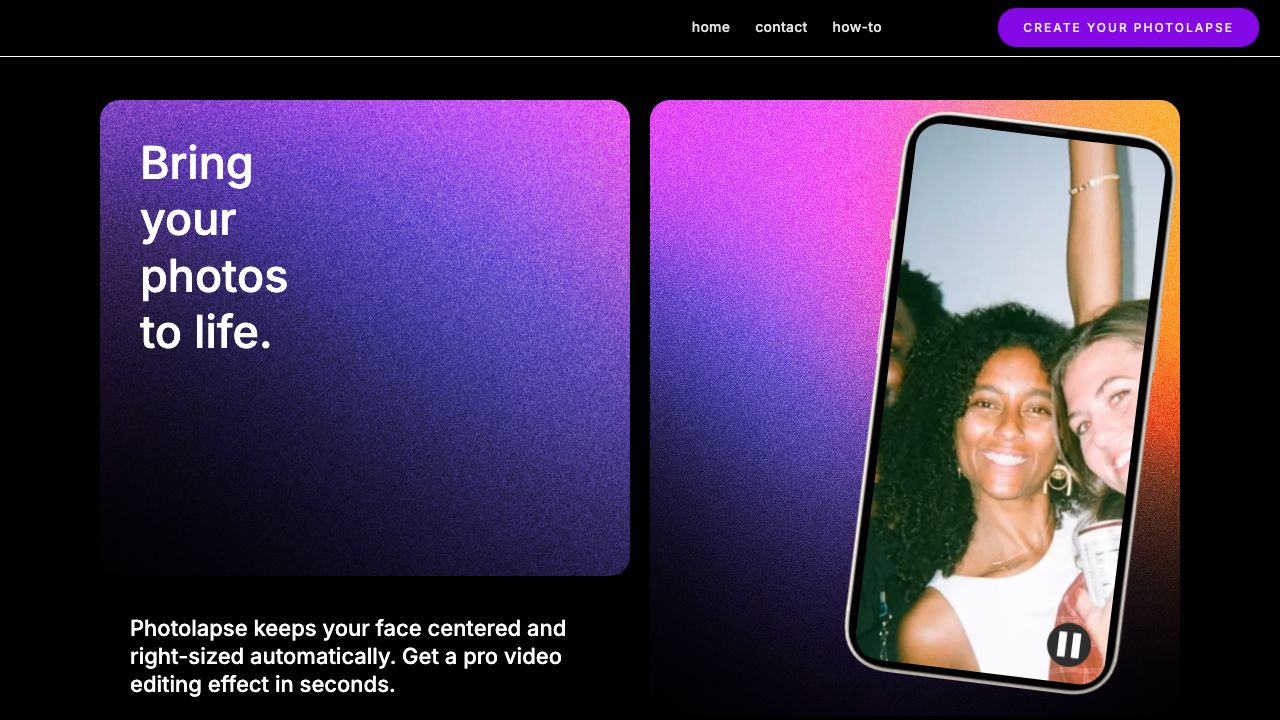
Photolapse is a video editing tool that uses face-detection AI to create face aging timelapse videos. Users upload photos, choose video settings, and download a video to share. It automatically centers the subject's face in the video.
How to use Photolapse AI?
Upload up to 200 photos, choose video settings (speed, duration), preview, and download the video.
Top Features
- Face-detection AI for automatic centering
- Timelapse video creation
- Customizable video settings
Pros & Cons
No Data
Use Cases
- Share a personal transformation
- Give a unique gift
- Add a flashcut sequence to a longer video
- Create marketing material
- Build a slower slideshow to commemorate a loved one
User Groups
No Data
Photolapse AI Pricing
Free PlanSubscription Plan
No detailed pricing information available


Cover Preview
PHOTOLAPSE AI Features
- AI Video Editor functionalityAI Video Editor
- AI Video Generator functionalityAI Video Generator
- AI Face Recognition functionalityAI Face Recognition
- AI Age Progression functionalityAI Age Progression