


User Rating
3.0
Score
60
Free/Trial Support
Supported
Features
3 Features
Last Updated
Feb 12, 2026
What is PDF Converter?
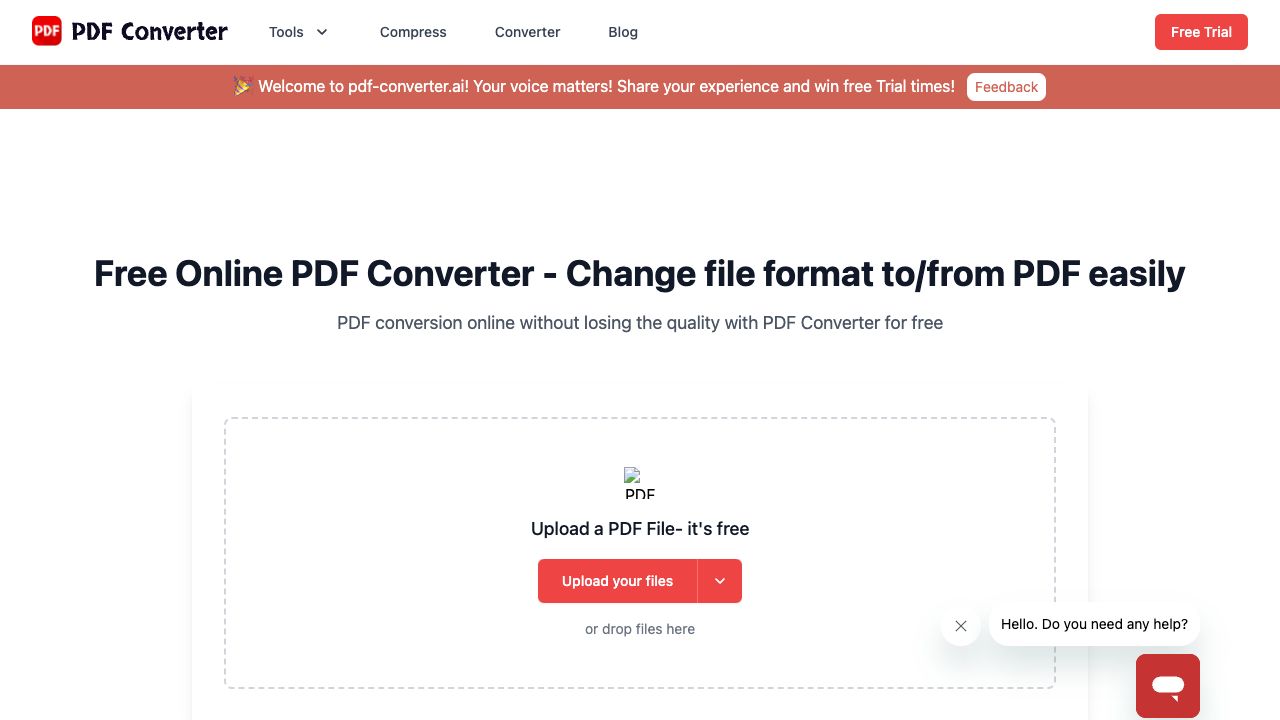
PDF Converter is an online converter to change files into or from PDF, Excel, Word, etc. for free. It also provides online services to edit PDFs in a few clicks. It supports various file formats and offers features like converting to and from PDF, organizing PDF files, viewing and editing PDFs, and more. The platform emphasizes ease of use, high-quality conversions, and information security.
How to use PDF Converter?
1. Upload your files by clicking the \"Upload your files\" button or dropping them directly. 2. Set the format of the exported file and click the Convert button. 3. After conversion, the file will be automatically downloaded and saved.
Top Features
- Convert to PDF
- Convert from PDF
- Organize PDF (Merge, Split, Rotate, Delete, Extract Pages)
- View & Edit PDF (Reader, Watermark, Number Pages)
- Compress PDF
Pros & Cons
No Data
Use Cases
- Convert Word documents to PDF for easy reading.
- Convert Excel sheets to PDF for better viewing.
- Merge multiple PDF files into one.
- Compress PDF files to reduce their size for sharing.
- Convert PDF to editable Word documents.
User Groups
No Data
PDF Converter Pricing
Free PlanSubscription Plan
No detailed pricing information available


Cover Preview
PDF CONVERTER Features
- AI PDF functionalityAI PDF
- AI OCR functionalityAI OCR
- AI PDF Editor functionalityAI PDF Editor