



Password Folder - Password Protect Folders on Windows Instantly
A lightweight Windows tool to instantly add password protection to folders with fast encryption, preventing unauthorized access and copying.
Score
60
User Rating
3.0
Free/Trial Support
Supported
Starting Price
--
Last Updated
Apr 24, 2026
Overview
What is Password Folder - Password Protect Folders on Windows Instantly?
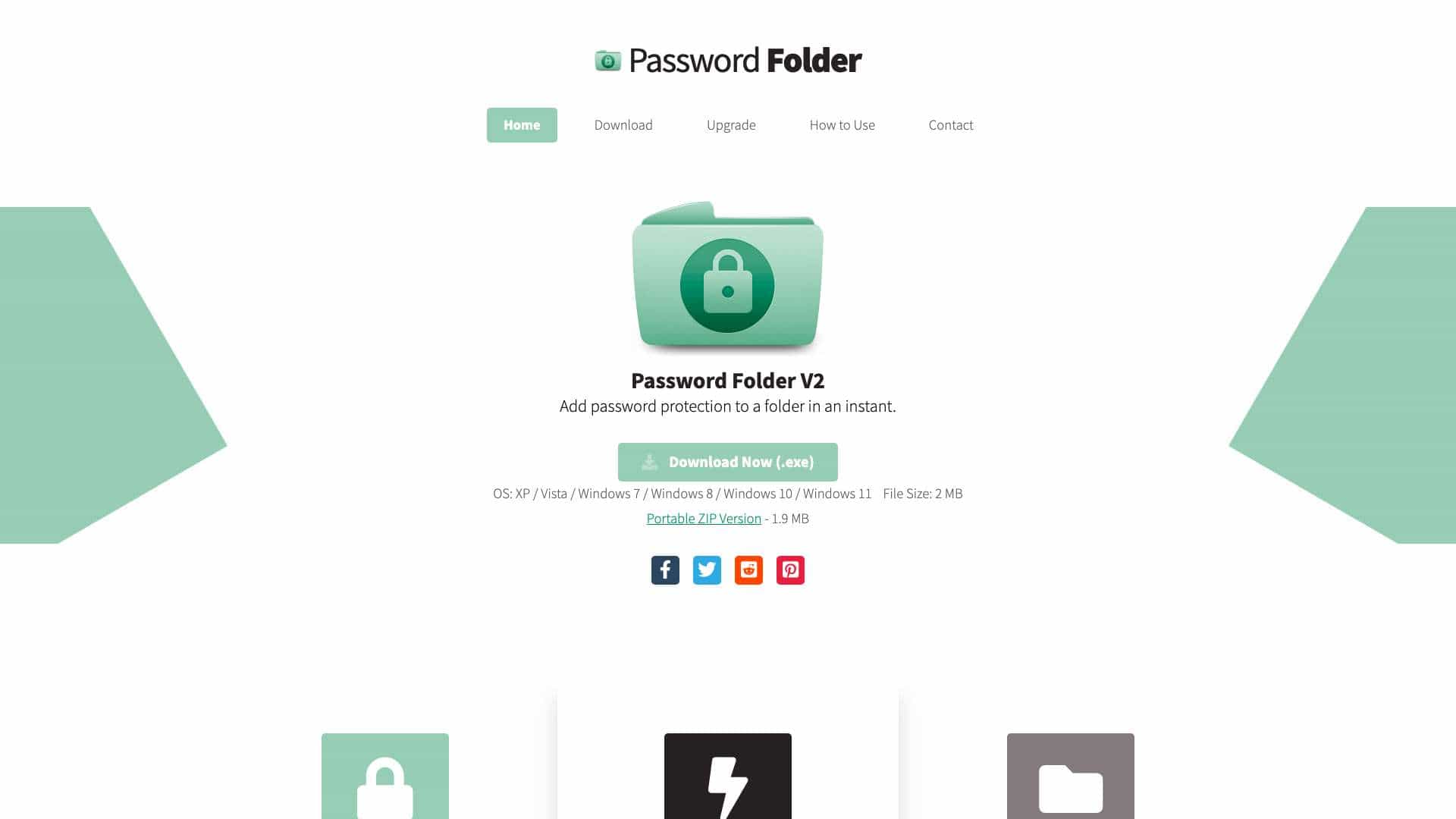
Password Folder is a Windows software that adds password protection to folders instantly without compression, ideal for protecting sensitive files on local computers or mobile drives.
What is Password Folder - Password Protect Folders on Windows Instantly used for?
User Groups
Top Features
- Extremely fast encrypting speed
- Access protected folders easily
- Prevent folder copying
- Work for mobile drives and flash disks
- Context menu shortcut
- Lightweight: 2 MB
How to use Password Folder - Password Protect Folders on Windows Instantly?
Download the .exe file, install it, right-click on a folder to add password protection via context menu, then double-click to access with password.
Alternative Tools
No alternative tools found
Pros & Cons
Pros
- Fast encryption even for large folders
- Easy to use with right-click context menu
- Lightweight and portable
- Prevents unauthorized copying
Cons
- Windows-only, no cross-platform support
- Limited customizability options
Use Cases
- Protecting personal sensitive files on Windows
- Securing folders on USB drives or external disks
- Quick folder locking for temporary privacy
Password Folder - Password Protect Folders on Windows Instantly Pricing
Free PlanOne-Time Plan
No detailed pricing information available
User Reviews
3.0
out of 5
3.0
No reviews yet
Be the first to review this tool!