


OLOCR
OLOCR provides unlimited OCR for images and PDFs, allowing users to extract text easily.
User Rating
2.0
Score
65
Free/Trial Support
Supported
Features
3 Features
Last Updated
Feb 05, 2026
What is OLOCR?
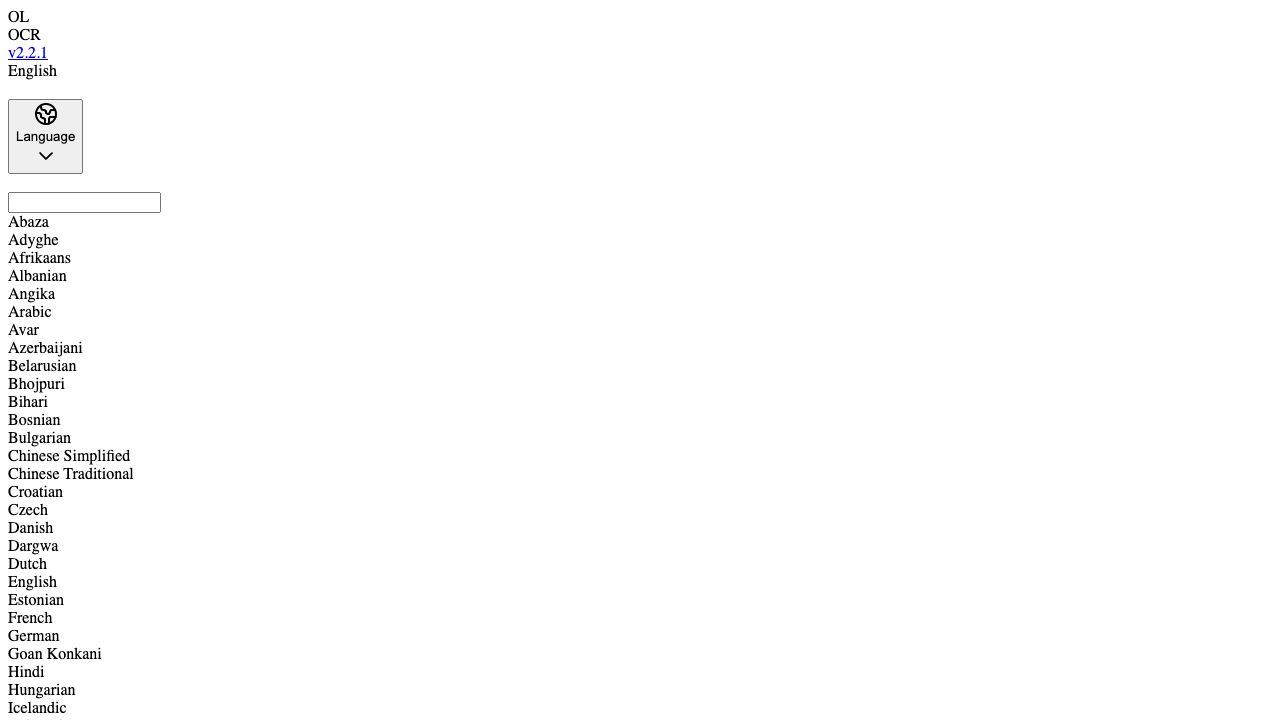
OLOCR offers free unlimited online image OCR and PDF OCR service with support for batch processing and multiple languages. Simply upload your images or PDF for text extraction. It supports multiple languages (up to 80 country or regions). It also allows users to select, copy, and export the result and save history OCR images and PDFs.
How to use OLOCR?
Upload images or PDFs to the website. The website will automatically extract text from the uploaded files. You can then select, copy, and export the extracted text.
Top Features
- Unlimited OCR
- Online OCR
- PDF OCR
- Batch OCR
- Image to Text
- Multiple Language Support (up to 80 countries/regions)
- History Saving
Pros & Cons
No Data
Use Cases
- Extracting text from scanned documents.
- Converting images containing text into editable text.
- Batch processing multiple images or PDFs for text extraction.
- Translating text from images or PDFs into different languages.
User Groups
No Data
OLOCR Pricing
Free PlanSubscription Plan
No detailed pricing information available


Cover Preview
OLOCR Features
- AI PDF functionalityAI PDF
- AI Document Extraction functionalityAI Document Extraction
- AI OCR functionalityAI OCR