



Widya Wicara - Chrome Extension
A Google Meet extension for real-time speech-to-text transcription and meeting minutes.
Score
60
User Rating
3.0
Free/Trial Support
Supported
Starting Price
--
Last Updated
Aug 14, 2026
Overview
What is Widya Wicara?
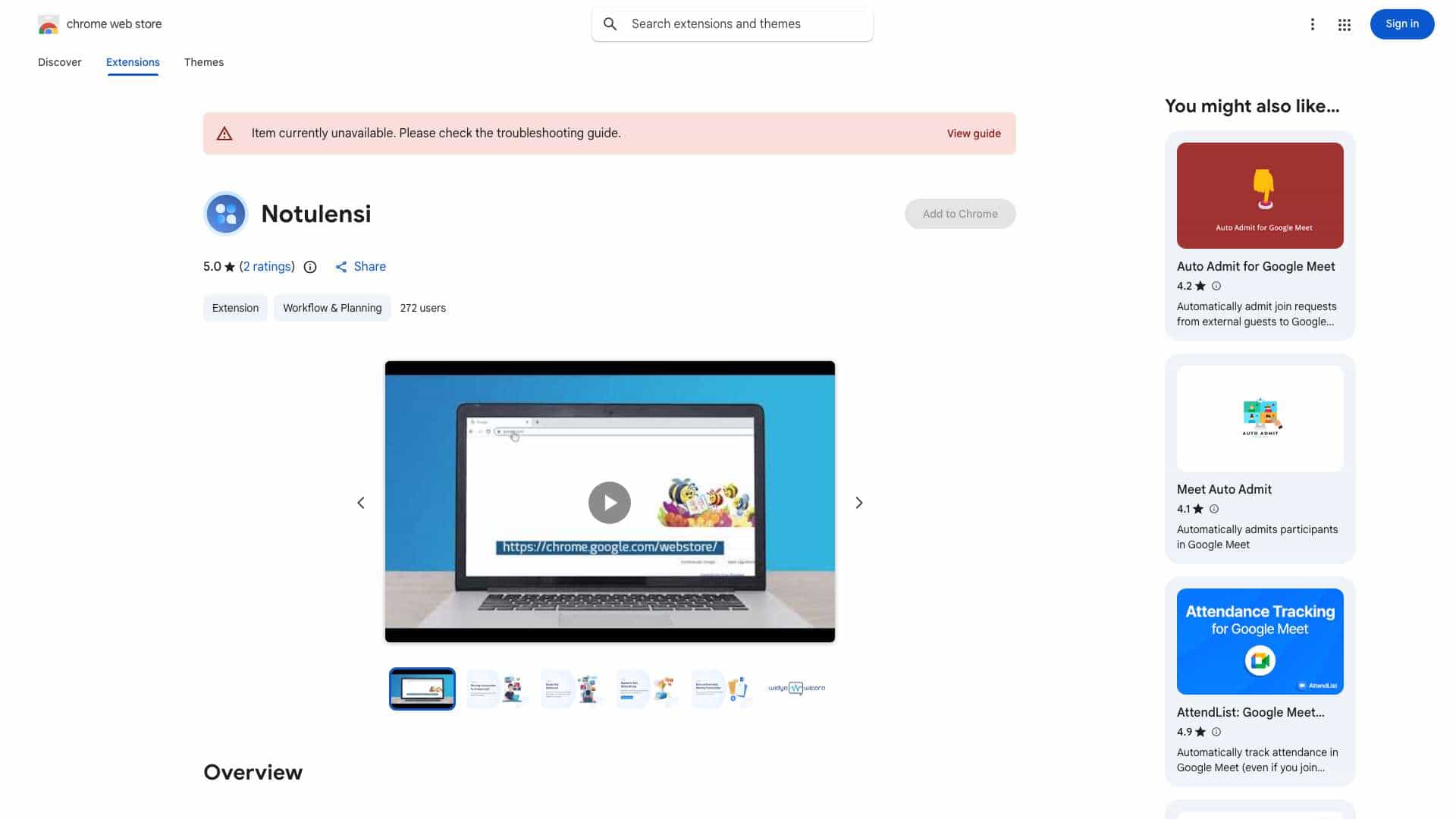
Widya Notulensi is a Google Chrome extension that integrates with Google Meet to provide real-time speech-to-text transcription and meeting minutes. It allows users to record, transcribe, and save meeting conversations directly within Google Meet.
What is Widya Wicara used for?
Top Features
- Real-time speech-to-text transcription
- Meeting minutes generation
- Integration with Google Meet
- Downloadable transcriptions
How to use Widya Wicara?
1. Open the Google Chrome extension store. 2. Search for \"Widya Notulensi\". 3. Add the Widya extension to Chrome. 4. Pin the extension to the Chrome toolbar. 5. Click the Widya Notulensi extension icon. 6. Enter your API key. 7. Start a Google Meet meeting. 8. Click the Widya Notulensi extension again to prepare notes. 9. Enter your username and start recording. 10. After the meeting, click the button to stop recording. 11. Download the meeting transcription.
Alternative Tools
No alternative tools found
Pros & Cons
No Data
Use Cases
- Automatically transcribe Google Meet meetings for record-keeping and note-taking.
Widya Wicara Pricing
Free PlanSubscription Plan
No detailed pricing information available
User Reviews
3.0
out of 5
3.0
No reviews yet
Be the first to review this tool!