



Notation
A tool for writing markdown docs and publishing in Notion.
Score
60
User Rating
3.0
Free/Trial Support
Supported
Starting Price
--
Last Updated
Aug 14, 2026
Overview
What is Notation?
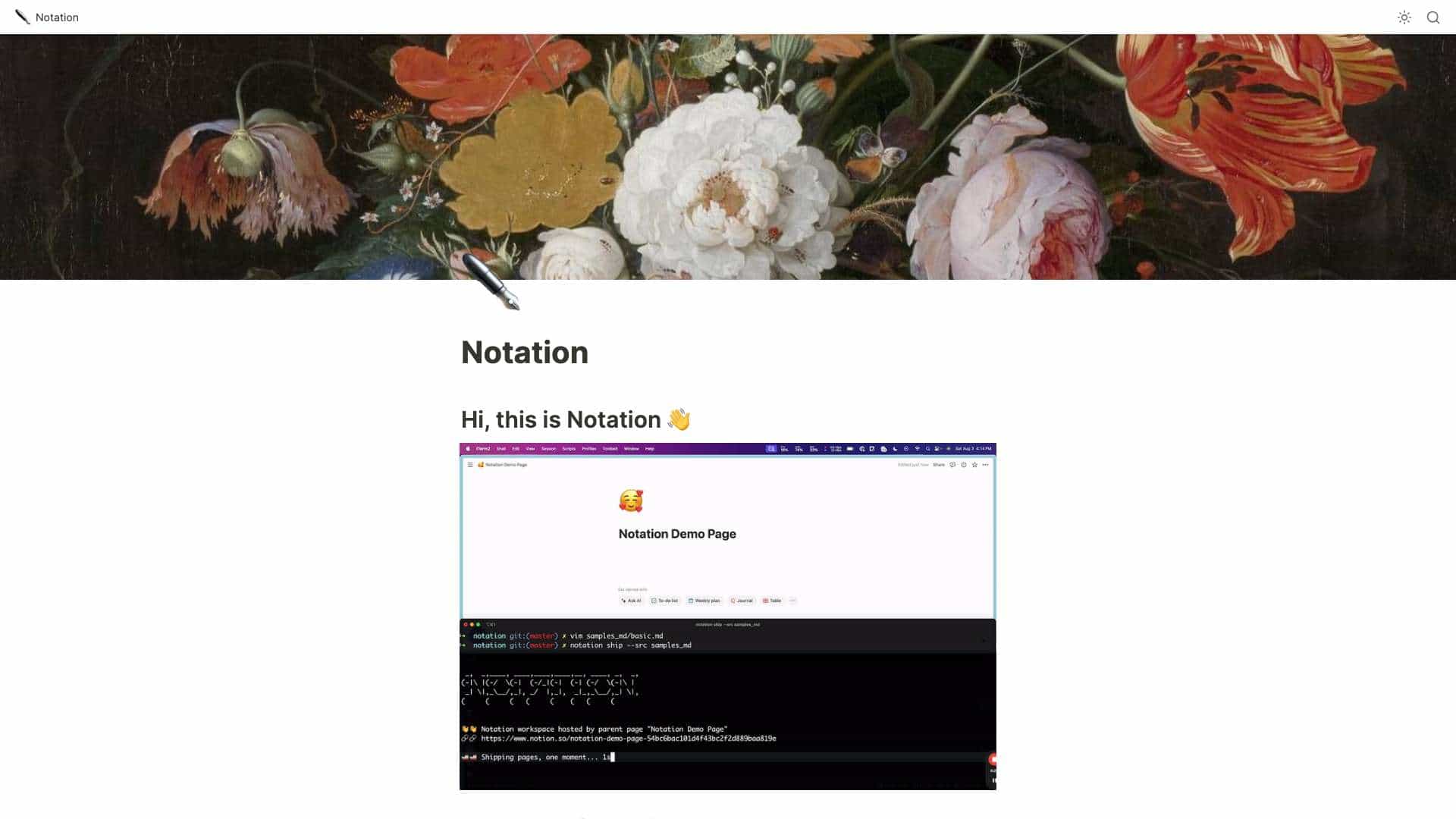
Notation allows you to write markdown and automatically publish it to Notion. Once it's in Notion, it can be internal, password protected, personal, or you can ship it as a public website. You also get all of Notion's AI, search, and formatting for free. It's designed to keep documentation close to the code, avoiding separate service logins and complex frontend frameworks.
What is Notation used for?
Top Features
- Markdown to Notion publishing
- Automatic subpage creation from directory structure
- CLI flag support for title and emoji
- Integration with Notion's AI, search, and formatting
How to use Notation?
Write documentation in markdown, create a Notion page, grab an API key from Notion, put the API key in a ~/.notation/Notation.toml file, and run notation ship --src </path/to/you/docs>.
Alternative Tools
No alternative tools found
Pros & Cons
No Data
Use Cases
- Publishing documentation to a Notion workspace
- Creating a public website from markdown documentation
- Maintaining documentation alongside code in a repository
Notation Pricing
Free PlanSubscription Plan
No detailed pricing information available
User Reviews
3.0
out of 5
3.0
No reviews yet
Be the first to review this tool!