



Keyviz
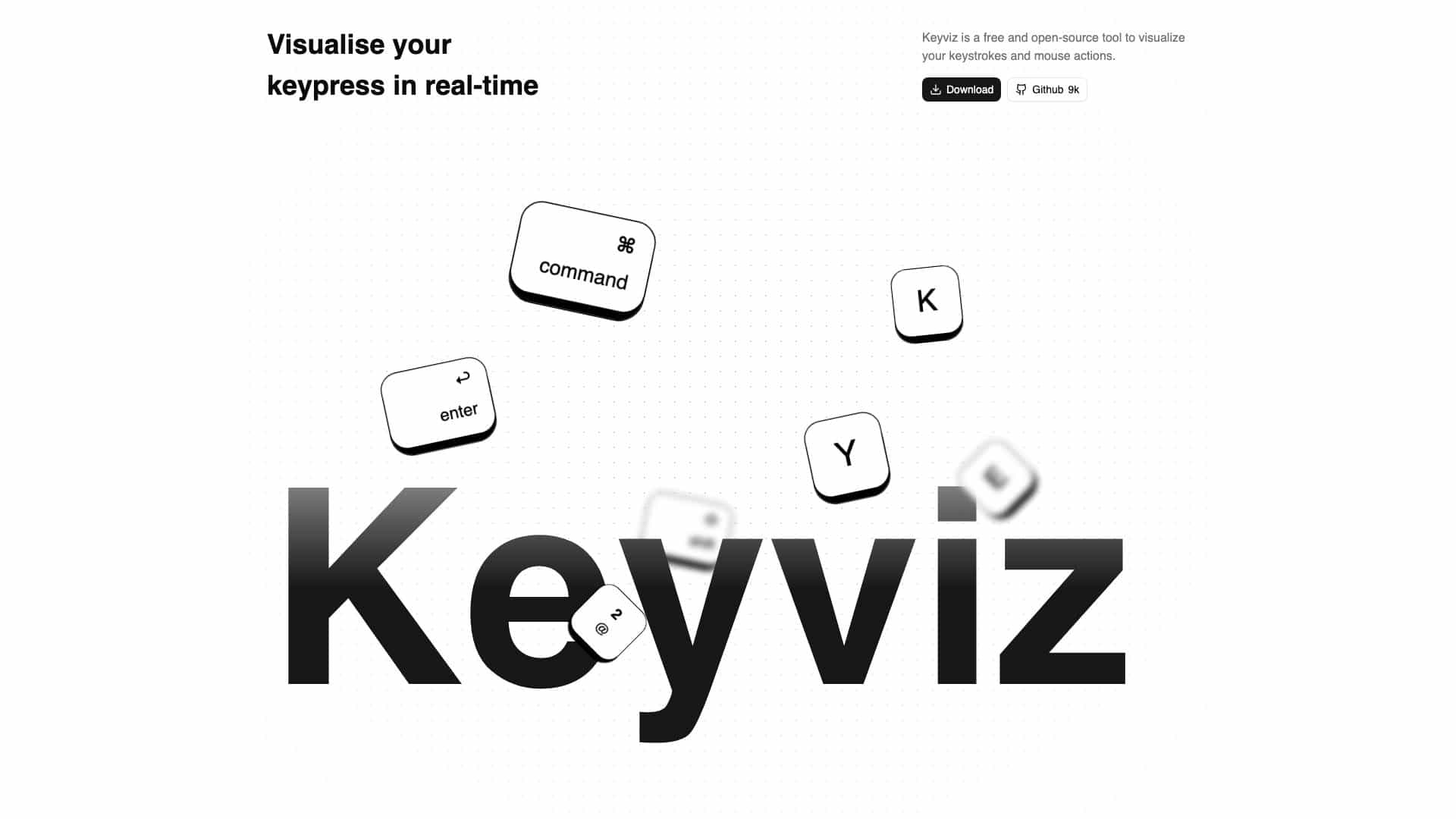
A free, open-source tool to visualize keystrokes and mouse actions in real-time for screen-sharing and presentations.
Score
60
User Rating
3.0
Free/Trial Support
Supported
Starting Price
$9/lifetime
Last Updated
Apr 24, 2026
Overview
What is Keyviz?
Keyviz is a real-time visualization tool that displays your keyboard and mouse inputs on-screen, ideal for enhancing engagement during screen-shares, tutorials, or live streams.
What is Keyviz used for?
User Groups
Top Features
- Real-time keystroke visualization
- Mouse tracking with clicks and scrolls
- Customizable keycap styles and animations
- Local processing for privacy
- Input filtering for hotkeys
How to use Keyviz?
Download and install Keyviz on Windows or macOS, then run it to see keystrokes and mouse actions appear on-screen; customize settings like keycap style, colors, and animations to fit your needs.
Alternative Tools
No alternative tools found
Pros & Cons
Pros
- Free and open-source
- High customizability
- Privacy-focused with local data processing
- Easy to use for screen-sharing
Cons
- Limited to Windows and macOS platforms
- Pro features require payment
Use Cases
- Screen-sharing during presentations
- Live coding or tutorial sessions
- Streaming and content creation
Keyviz Pricing
Free PlanSubscription Plan
Pro
$9/lifetimeEnhanced features for advanced users
- 3 extra animations and styles
- 3 animated mouse indicators
- Display captions for key combinations
User Reviews
3.0
out of 5
3.0
No reviews yet
Be the first to review this tool!