



Motionity
Motionity is a web-based animation and video editing tool for creating animated videos with ease, ideal for designers and content creators.
Score
50
User Rating
1.0
Free/Trial Support
Supported
Starting Price
--
Last Updated
Apr 24, 2026
Overview
What is Motionity?
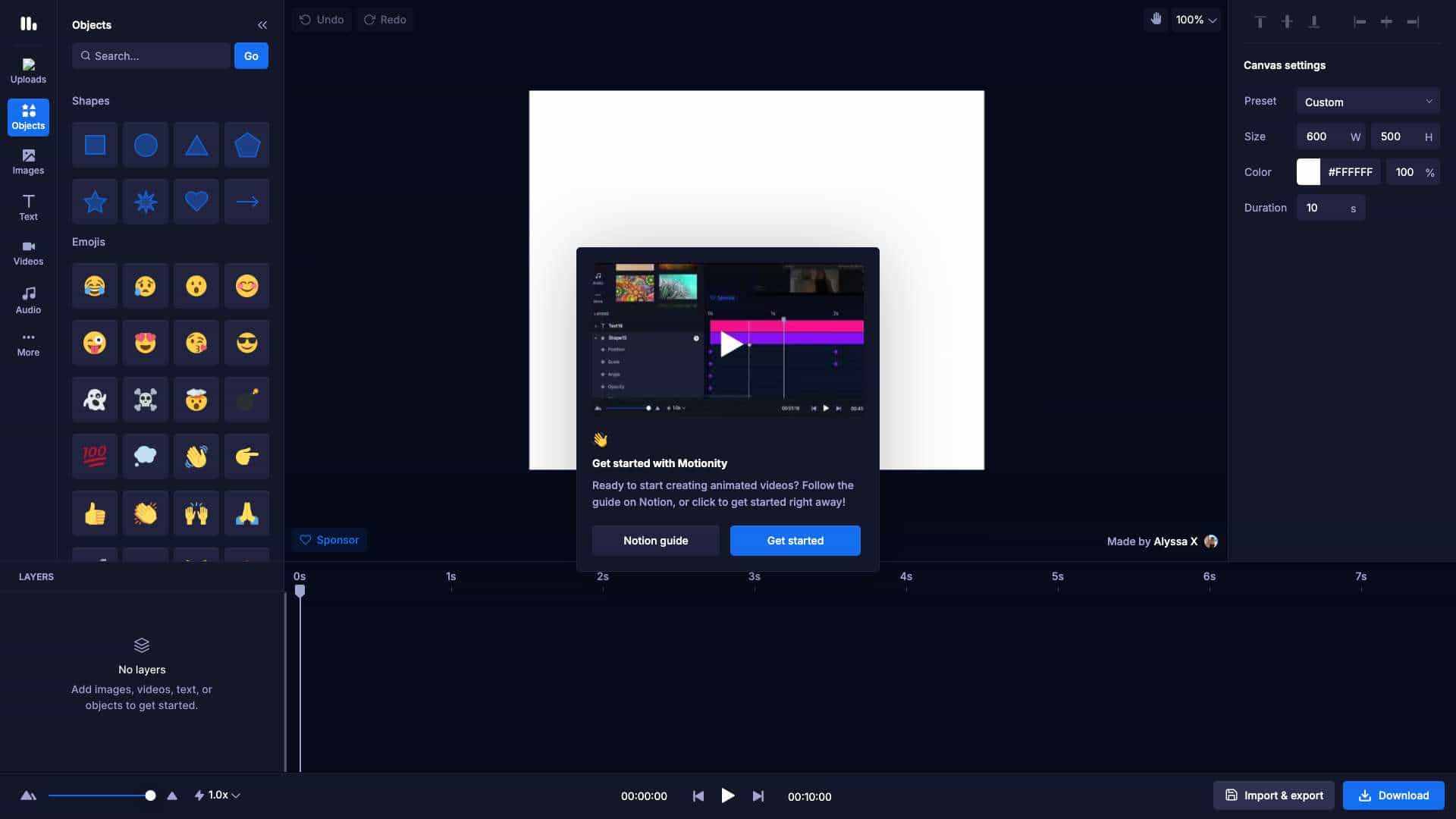
Motionity is an online animation tool that allows users to create animated videos by uploading media, adding objects, text, and applying effects like filters and keyframe easing. It supports formats like WEBM and GIF, with features for import/export and canvas adjustments.
What is Motionity used for?
Top Features
- web-based animation editor
- media upload and drag-and-drop
- keyframe easing for smooth animations
- filters and adjustments like brightness and contrast
- import and export projects
- support for WEBM, GIF, and image formats
How to use Motionity?
Start by uploading media or dragging files, then use the canvas to add shapes, text, or emojis. Adjust settings like size, color, and duration, apply filters or adjustments, and use keyframe easing for animations. Export in formats like WEBM or GIF.
Alternative Tools
No alternative tools found
Pros & Cons
Pros
- free to use
- user-friendly interface
- no installation required
- suitable for beginners and professionals
Cons
- not optimized for mobile devices
- limited to web platform
- may have fewer advanced features compared to desktop software
Use Cases
- creating social media animations for marketing
- designing educational videos for online courses
- producing simple animated content for personal projects
Motionity Pricing
Free Plan
No detailed pricing information available
User Reviews
1.0
out of 5
1.0
No reviews yet
Be the first to review this tool!