



Mockup 2.0
An all-in-one app for sketching, wireframing, and prototyping UI/UX designs, trusted by 500k+ designers and teams.
Score
50
User Rating
1.0
Free/Trial Support
Supported
Starting Price
--
Last Updated
Apr 24, 2026
Overview
What is Mockup 2.0?
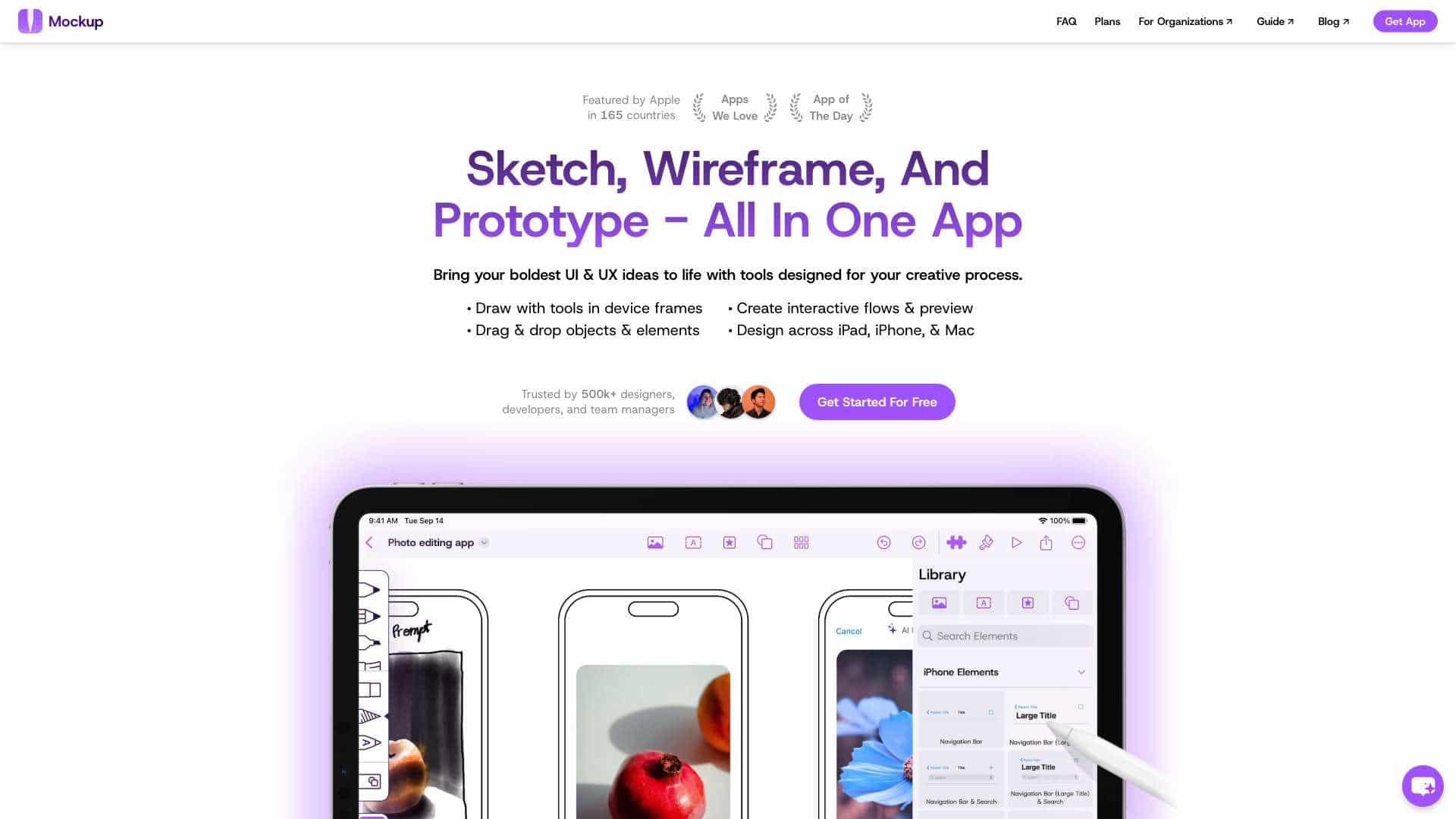
Mockup 2.0 is a design tool that helps UI/UX designers quickly sketch, wireframe, and prototype app or web designs. It offers tools for drawing in device frames, creating interactive flows, and sharing with colleagues, making it ideal for ideation and refinement.
What is Mockup 2.0 used for?
User Groups
Top Features
- Sketch with 12 drawing tools
- Wireframe with drag-and-drop elements
- Prototype interactive flows
- 45+ device frames
- Expandable canvas
- Grid and guides
- Color palette and shape detection
How to use Mockup 2.0?
Use the app on iPad, iPhone, or Mac to draw with tools in device frames, drag and drop objects, create interactive flows for preview, and share designs with team members for collaboration.
Alternative Tools
No alternative tools found
Pros & Cons
Pros
- All-in-one solution for design stages
- Trusted by many designers and teams
- Easy to use with intuitive tools
- Supports collaboration and sharing
Cons
- Limited to Apple platforms
- May lack advanced features of specialized tools
Use Cases
- Quickly sketching app ideas
- Creating low-fidelity wireframes
- Prototyping UI/UX designs
- Brainstorming and visualizing concepts
Mockup 2.0 Pricing
Free PlanSubscription Plan
No detailed pricing information available
User Reviews
1.0
out of 5
1.0
No reviews yet
Be the first to review this tool!