



AI Mesh Gradient Tool: Meshing
Create mesh gradients effortlessly for wallpapers and backgrounds.
Score
60
User Rating
3.0
Free/Trial Support
Supported
Starting Price
--
Last Updated
Sep 07, 2026
Overview
What is AI Mesh Gradient Tool: Meshing?
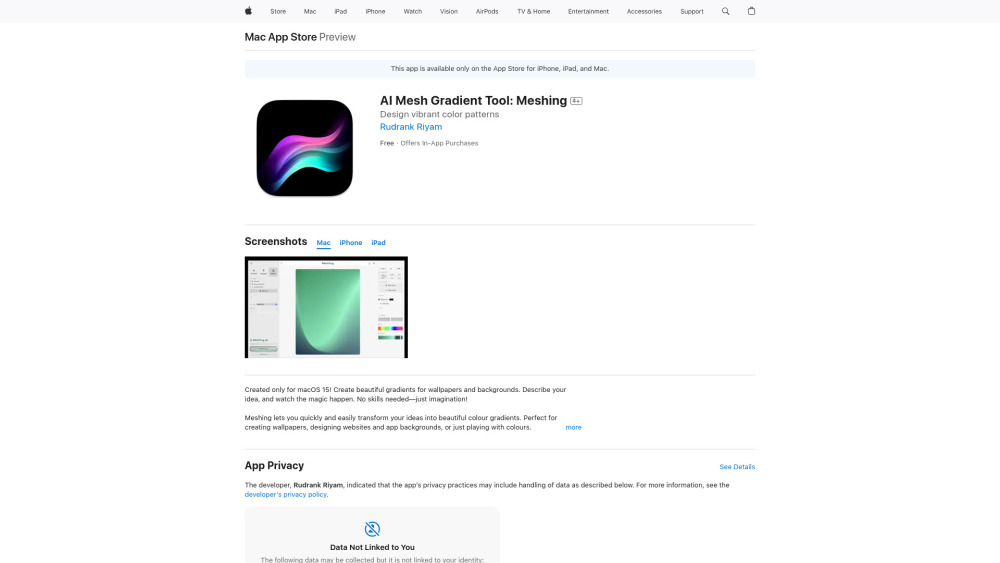
Meshing is an AI Mesh Gradient Tool available on the App Store that allows users to quickly and easily create beautiful color gradients for wallpapers, backgrounds, websites, and app designs. It requires no design skills, leveraging AI integration and real-time editing to transform ideas or photos into stunning visuals with features like blur effects, wireframe views, and smooth animations.
What is AI Mesh Gradient Tool: Meshing used for?
Top Features
- AI-powered gradient generation from text descriptions or photos
- Real-time editing with tap and swipe controls
- Adjustable grid sizes (2x2 to 5x5)
- Blur effects and wireframe view
- Smooth animations
- Template library and favorite gradient saving
- Export as high-quality images or code
How to use AI Mesh Gradient Tool: Meshing?
Users can describe their desired gradient or upload a photo, and Meshing will generate a mesh gradient. The tool offers real-time editing, allowing users to tap and swipe to adjust the gradient, choose grid sizes, and experiment with effects like blur and animations.
Alternative Tools
No alternative tools found
Pros & Cons
No Data
Use Cases
- Creating wallpapers for iPhones and iPads
- Designing website backgrounds
- Designing app backgrounds
- Generating color schemes for design projects
- Experimenting with color gradients on text, images, and buttons
AI Mesh Gradient Tool: Meshing Pricing
Free PlanSubscription Plan
No detailed pricing information available
User Reviews
3.0
out of 5
3.0
No reviews yet
Be the first to review this tool!