



Magic Patterns
An AI design tool for product teams to prototype, iterate, and build UI quickly, matching existing designs and enabling rapid experimentation.
Score
70
User Rating
3.0
Free/Trial Support
Supported
Starting Price
--
Last Updated
Aug 04, 2026
Overview
What is Magic Patterns?
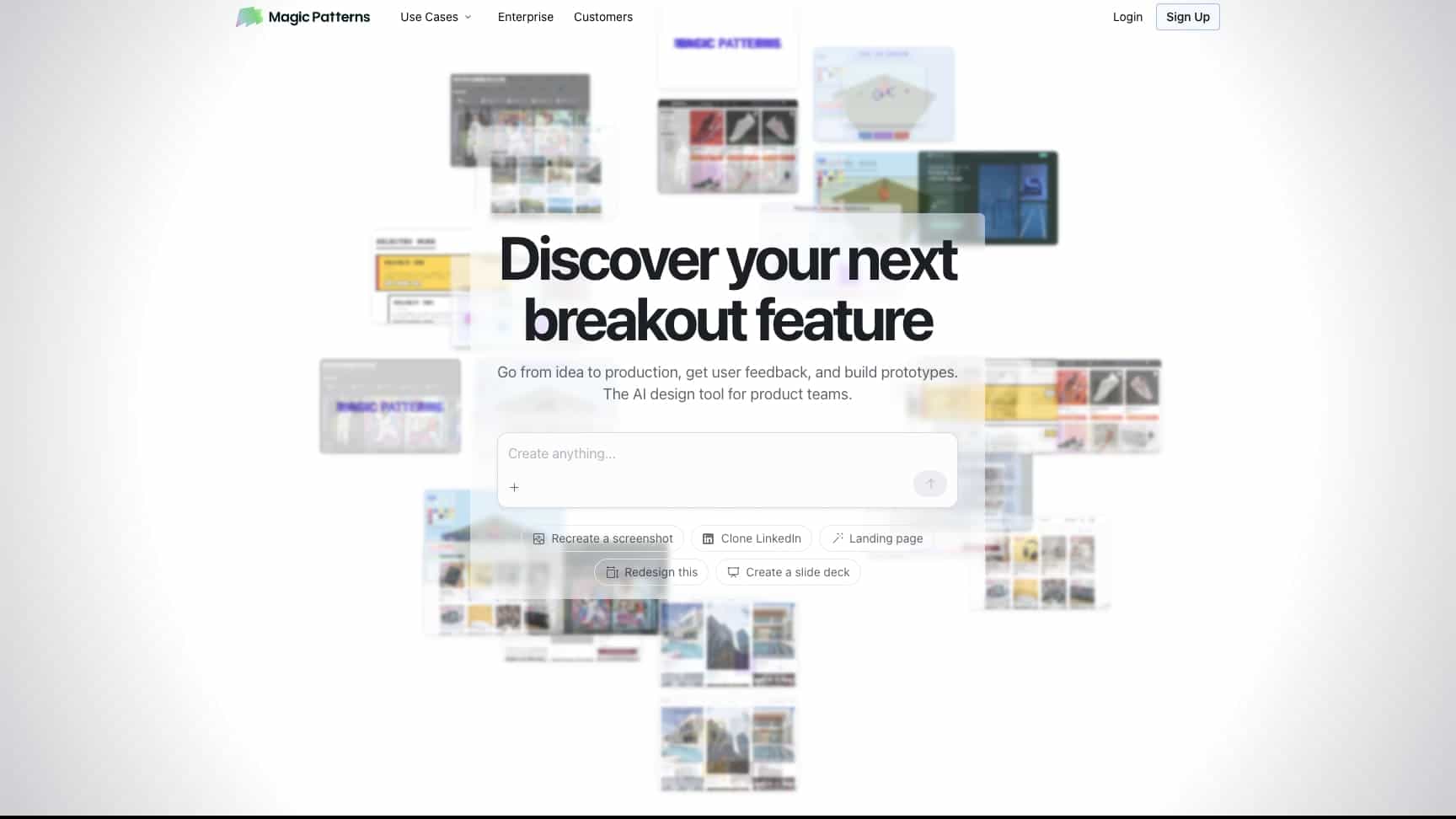
Magic Patterns is an AI-powered design tool that helps product teams generate UI, prototype new features, and match existing design systems. It allows users to go from idea to production, get user feedback, and collaborate in real-time.
What is Magic Patterns used for?
Top Features
- AI-generated UI matching existing designs
- Rapid prototyping and experimentation
- Design system integration and styling
- Real-time multiplayer collaboration
- Secure and enterprise-ready compliance
How to use Magic Patterns?
Sign up for free, import your design system or start from scratch, use AI to generate UI based on prompts or screenshots, prototype features, and share with your team for live collaboration and feedback.
Alternative Tools
No alternative tools found
Pros & Cons
Pros
- Fast iteration and prototyping
- Easy to use for non-technical users
- Strong design system compatibility
- Real-time team collaboration features
- Trusted by many product teams and enterprises
Cons
- May require learning for optimal AI prompting
- Limited platform support (web-only)
- Pricing not detailed in provided text
Use Cases
- Prototyping new product features
- Redesigning landing pages or apps
- Building design system components
- Collaborating on UI designs with teams
- Testing ideas with customer feedback
Magic Patterns Pricing
Free PlanSubscription Plan
No detailed pricing information available
User Reviews
3.0
out of 5
3.0
No reviews yet
Be the first to review this tool!