



Magic Box Google Chrome OCR - Chrome Extension
OCR software for Google Chrome that converts images and documents into editable text.
Score
60
User Rating
3.0
Free/Trial Support
Supported
Starting Price
--
Last Updated
Sep 07, 2026
Overview
What is Magic Box Google Chrome OCR?
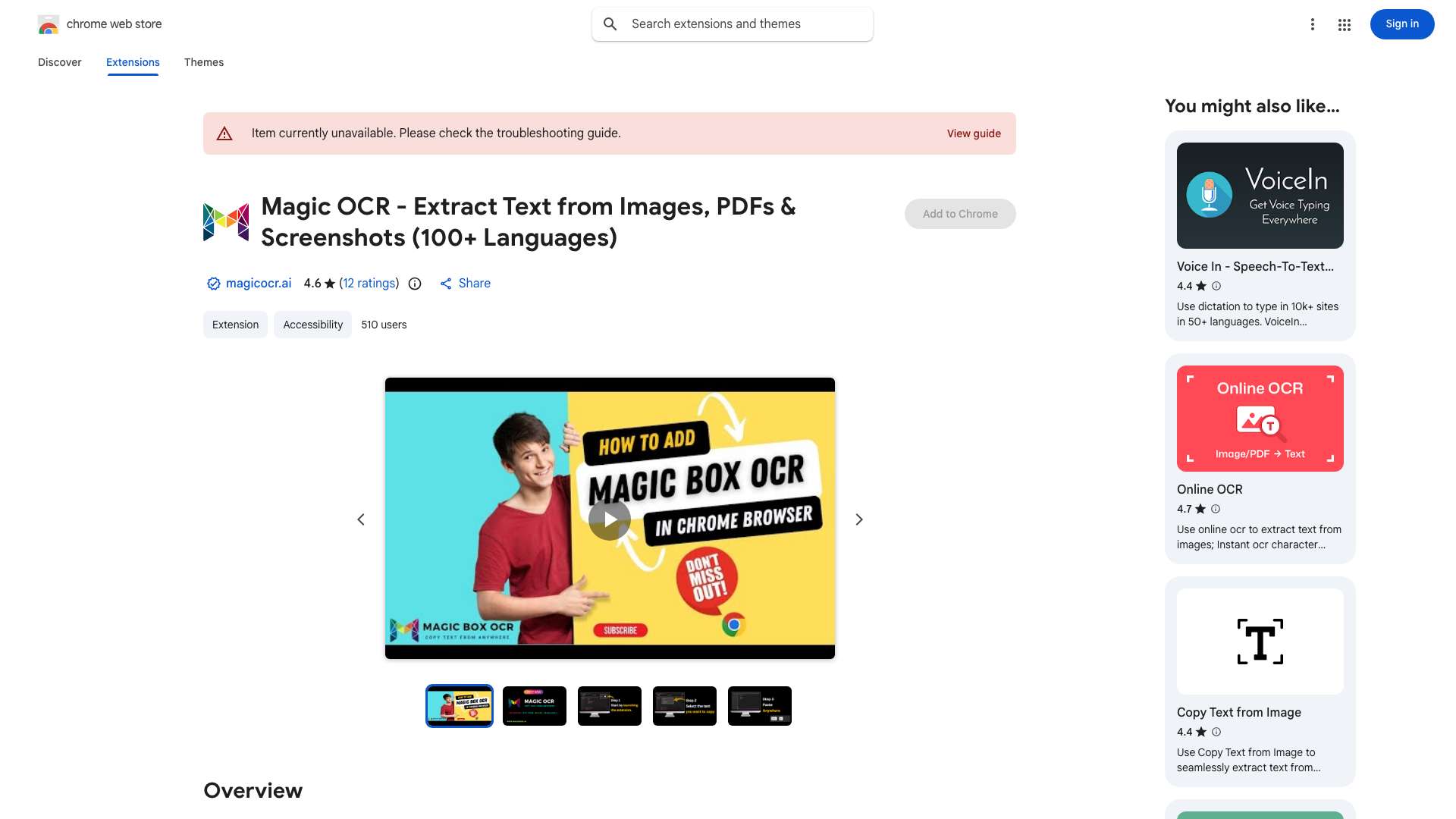
Magic Box Google Chrome OCR Software is a cutting-edge tool designed to transform images, documents, and screenshots into editable and searchable text directly within the Google Chrome browser. It eliminates the need for manual data entry by providing instant digital conversion of visual content. This software seamlessly integrates OCR technology into the browsing experience, unlocking the potential of online information and revolutionizing how users interact with it.
What is Magic Box Google Chrome OCR used for?
Top Features
- Converts images, documents, and screenshots into editable and searchable text.
How to use Magic Box Google Chrome OCR?
Install the Magic Box Google Chrome OCR extension. Once installed, you can use it to extract text from images, documents, and screenshots directly within your Chrome browser with just a click.
Alternative Tools
No alternative tools found
Pros & Cons
No Data
Use Cases
- Extract text from images or PDFs for editing and reuse.
- Quickly convert screenshots into editable text for documentation or note-taking.
- Make scanned documents searchable by converting them into text.
Magic Box Google Chrome OCR Pricing
Free PlanSubscription Plan
No detailed pricing information available
User Reviews
3.0
out of 5
3.0
No reviews yet
Be the first to review this tool!