



Loop
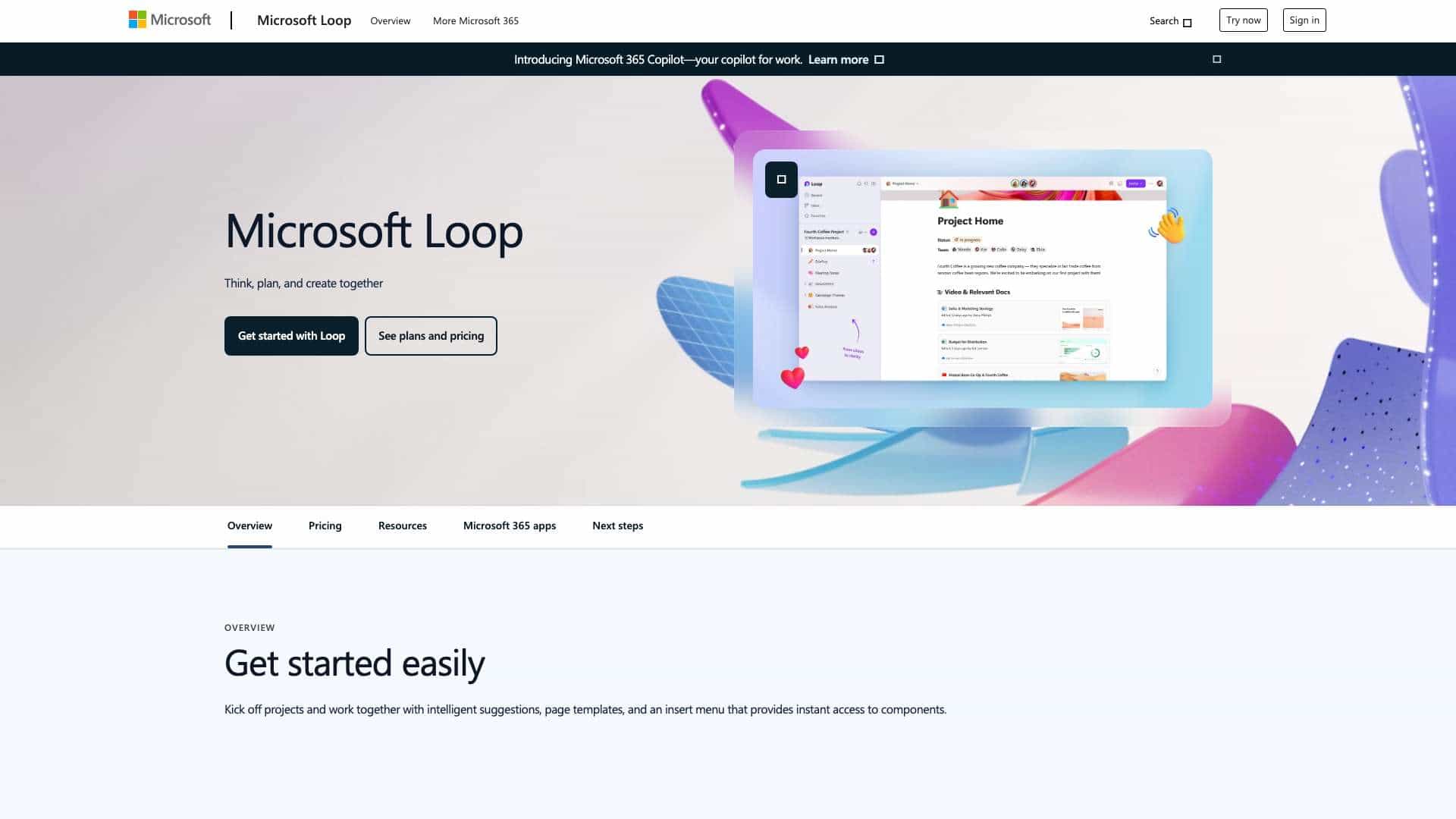
Microsoft Loop is a collaborative workspace app that helps teams think, plan, and create together with real-time sync across Microsoft 365 apps.
Score
30
User Rating
3.0
Free/Trial Support
Not Supported
Starting Price
--
Last Updated
Aug 04, 2026
Overview
What is Loop?
Microsoft Loop is a collaborative tool integrated with Microsoft 365, enabling teams to co-create, share components, and stay in sync using AI-powered suggestions and templates for projects and workflows.
What is Loop used for?
Top Features
- Real-time collaboration
- AI-powered suggestions
- Page templates
- Component sync across apps
- Integrated with Microsoft 365
How to use Loop?
Start by creating a Loop workspace, insert components like notes or tasks, @mention teammates for collaboration, and use Copilot for AI-assisted suggestions—all syncing in real-time across apps like Teams and Outlook.
Alternative Tools
No alternative tools found
Pros & Cons
Pros
- Seamless integration with Microsoft 365
- Real-time updates across devices
- AI-enhanced productivity
- Easy to use for team projects
Cons
- Requires Microsoft 365 subscription
- Limited to Microsoft ecosystem
Use Cases
- Team project planning
- Co-creating documents and notes
- Remote collaboration across time zones
- Streamlining workflows with AI
Loop Pricing
Subscription Plan
No detailed pricing information available
User Reviews
3.0
out of 5
3.0
No reviews yet
Be the first to review this tool!