



Serpent - Chrome Extension
Chrome extension for advanced Google Sheets and Docs search and link management.
Score
60
User Rating
3.0
Free/Trial Support
Supported
Starting Price
--
Last Updated
Aug 14, 2026
Overview
What is Serpent?
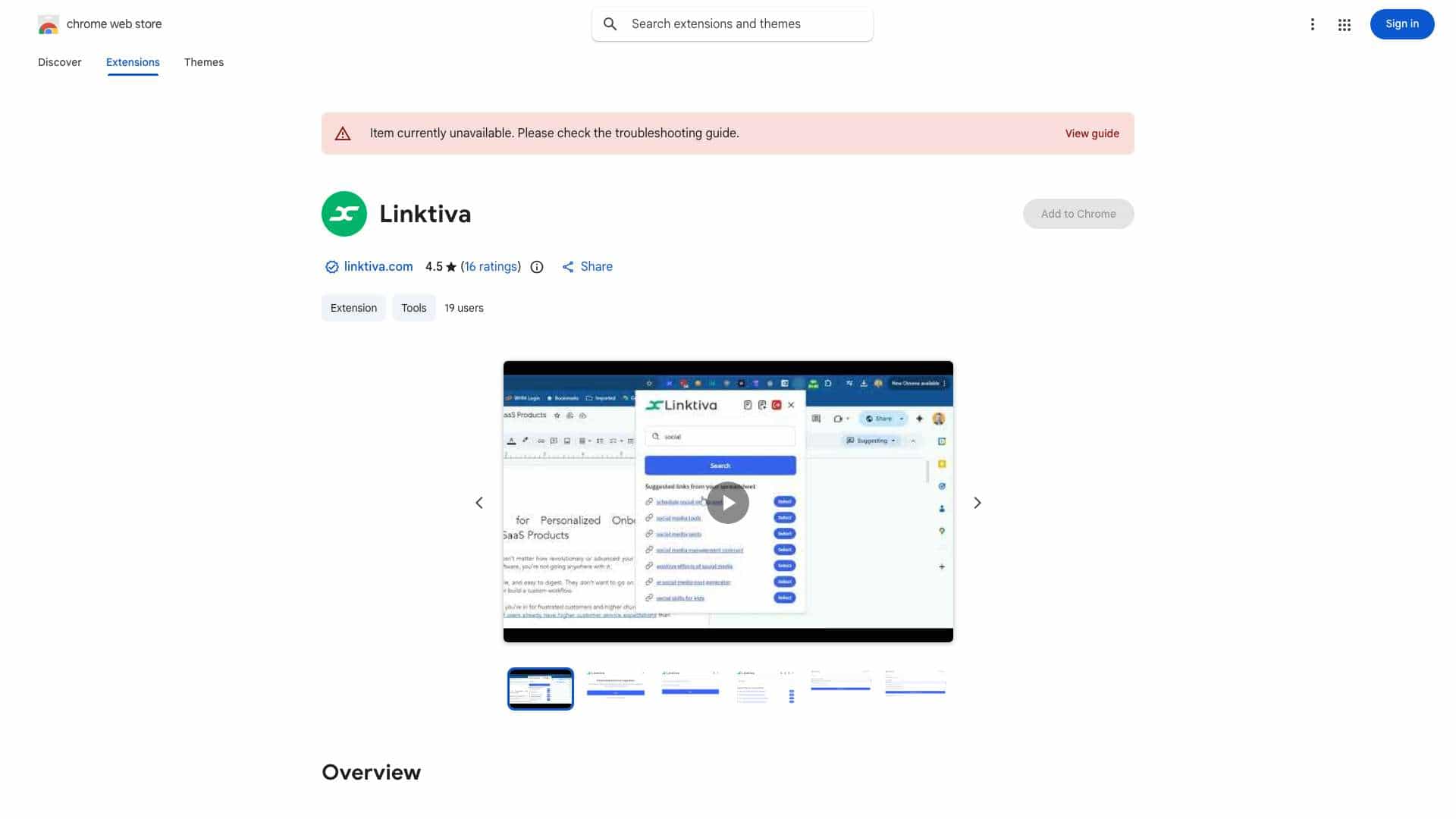
This Chrome extension enhances Google Sheets and Docs by providing advanced search and link management. It allows users to access and search Google Sheets, including publicly shared ones, directly from a dashboard. For sheets with Anchor Text and Links columns, it facilitates quick location, addition, and editing of entries. After searching, the extension highlights matching sentences in Google Docs or any webpage, offering relevant context. If no match is found, an AI tool generates contextually accurate sentences via ChatGPT for insertion into Google Docs or copying for blog use.
What is Serpent used for?
Tags
Top Features
- Advanced search and link management for Google Sheets and Docs
- Highlighting matching sentences in Google Docs or webpages
- AI-powered context generation via ChatGPT
- Direct insertion into Google Docs in Editor or Suggesting mode
How to use Serpent?
Install the extension, access your Google Sheets from the dashboard, and use the search function to locate, add, or edit entries. Select anchor text to highlight matching sentences in Google Docs or webpages. If no match is found, use the AI tool to generate context.
Alternative Tools
No alternative tools found
Pros & Cons
No Data
Use Cases
- Quickly find and manage links and anchor text within Google Sheets and Docs
- Generate contextually relevant sentences for Google Docs or blog posts
- Enhance productivity by streamlining document management workflows
Serpent Pricing
Free PlanSubscription Plan
No detailed pricing information available
User Reviews
3.0
out of 5
3.0
No reviews yet
Be the first to review this tool!