



Kerlig
AI writing assistant for macOS
Score
60
User Rating
3.0
Free/Trial Support
Supported
Starting Price
--
Last Updated
Aug 15, 2026
Overview
What is Kerlig?
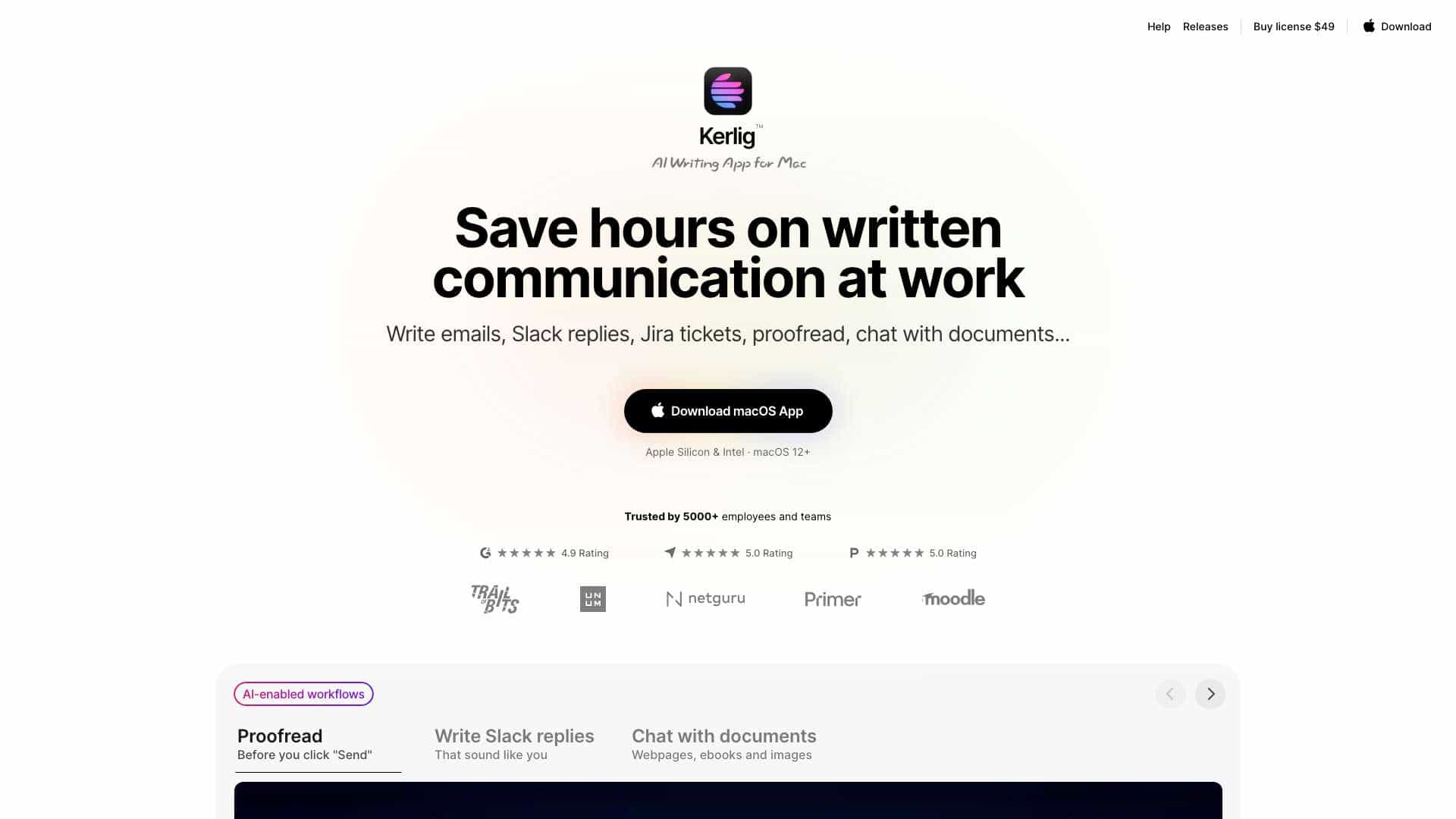
Kerlig AI is a Mac app designed to save users time on written communication. It helps write emails, Slack replies, and Jira tickets using your tone of voice. It also proofreads, corrects grammar, chats with documents, ebooks, and images.
What is Kerlig used for?
Tags
Top Features
- AI writing assistant
- Proofreading and grammar correction
- Customizable actions
- Chat with documents
- Tone of voice customization
- Integration with various apps on macOS
How to use Kerlig?
Download the Kerlig app, install it, define a hotkey, add an AI provider API key, select text in any app, press the hotkey, choose an action (e.g., fix spelling), and paste the corrected text into the original app.
Alternative Tools
No alternative tools found
Pros & Cons
No Data
Use Cases
- Writing emails and Slack replies
- Creating Jira tickets
- Proofreading and correcting grammar
- Summarizing websites and articles
- Chatting with PDFs and documents
- Improving copy in Figma
- Translating to any language
- Brainstorming ideas and drafting outlines
Kerlig Pricing
Free PlanSubscription Plan
No detailed pricing information available
User Reviews
3.0
out of 5
3.0
No reviews yet
Be the first to review this tool!