



登山扣元素
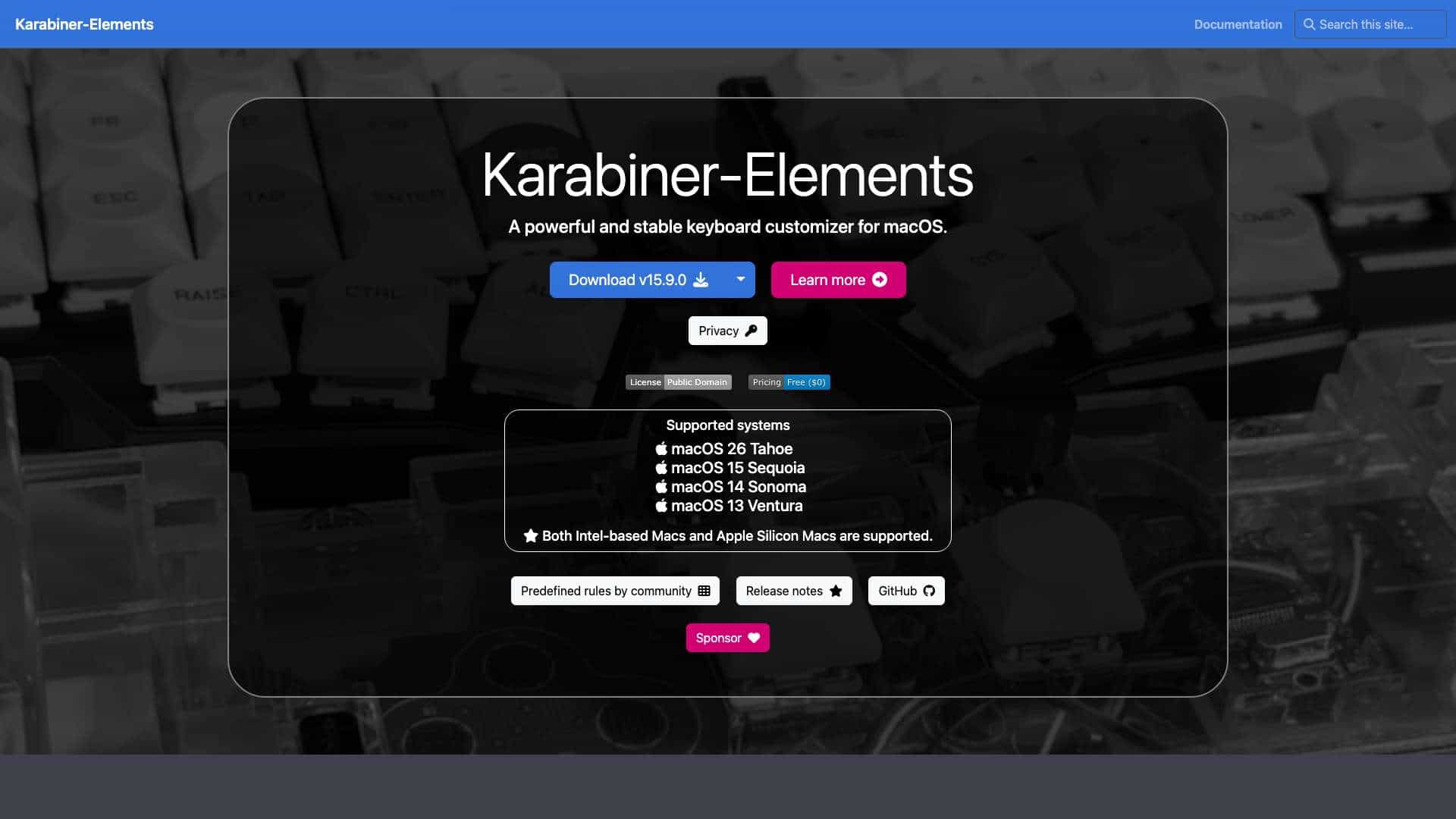
A powerful and stable keyboard customizer for macOS, allowing users to remap keys, use predefined rules, and create custom configurations.
Score
60
User Rating
3.0
Free/Trial Support
Supported
Starting Price
--
Last Updated
Aug 13, 2026
Overview
What is 登山扣元素?
Karabiner-Elements is a keyboard customization tool for macOS that enables users to modify key mappings, import community rules, and write their own configurations for enhanced productivity and accessibility.
What is 登山扣元素 used for?
Top Features
- Simple key mapping via GUI
- Powerful predefined rules
- Flexible custom rule creation
- Support for Intel and Apple Silicon Macs
- Community-driven rule sharing
How to use 登山扣元素?
Download and install the software, then use the GUI to set up simple key mappings or import predefined rules from the internet. Advanced users can write custom rules for complex modifications.
Alternative Tools
No alternative tools found
Pros & Cons
Pros
- Free and open-source
- Highly customizable
- Supports latest macOS versions
- Large community with many rules
- Stable performance
Cons
- Only available for macOS
- May require technical knowledge for advanced features
Use Cases
- Remapping keys for ergonomic setups
- Implementing Emacs or Vi key bindings system-wide
- Preventing accidental command-q presses
- Creating custom shortcuts for workflows
登山扣元素 Pricing
Free Plan
No detailed pricing information available
User Reviews
3.0
out of 5
3.0
No reviews yet
Be the first to review this tool!