



Jupyter
An open-source web-based interactive development environment for notebooks, code, and data across over 40 programming languages, ideal for data science and machine learning.
Score
30
User Rating
3.0
Free/Trial Support
Not Supported
Starting Price
--
Last Updated
Aug 04, 2026
Overview
What is Jupyter?
Jupyter is a free, open-source project providing web-based tools like JupyterLab and Jupyter Notebook for interactive computing. It supports multiple languages, allows sharing of computational documents, and integrates with big data tools for data analysis and visualization.
What is Jupyter used for?
Tags
User Groups
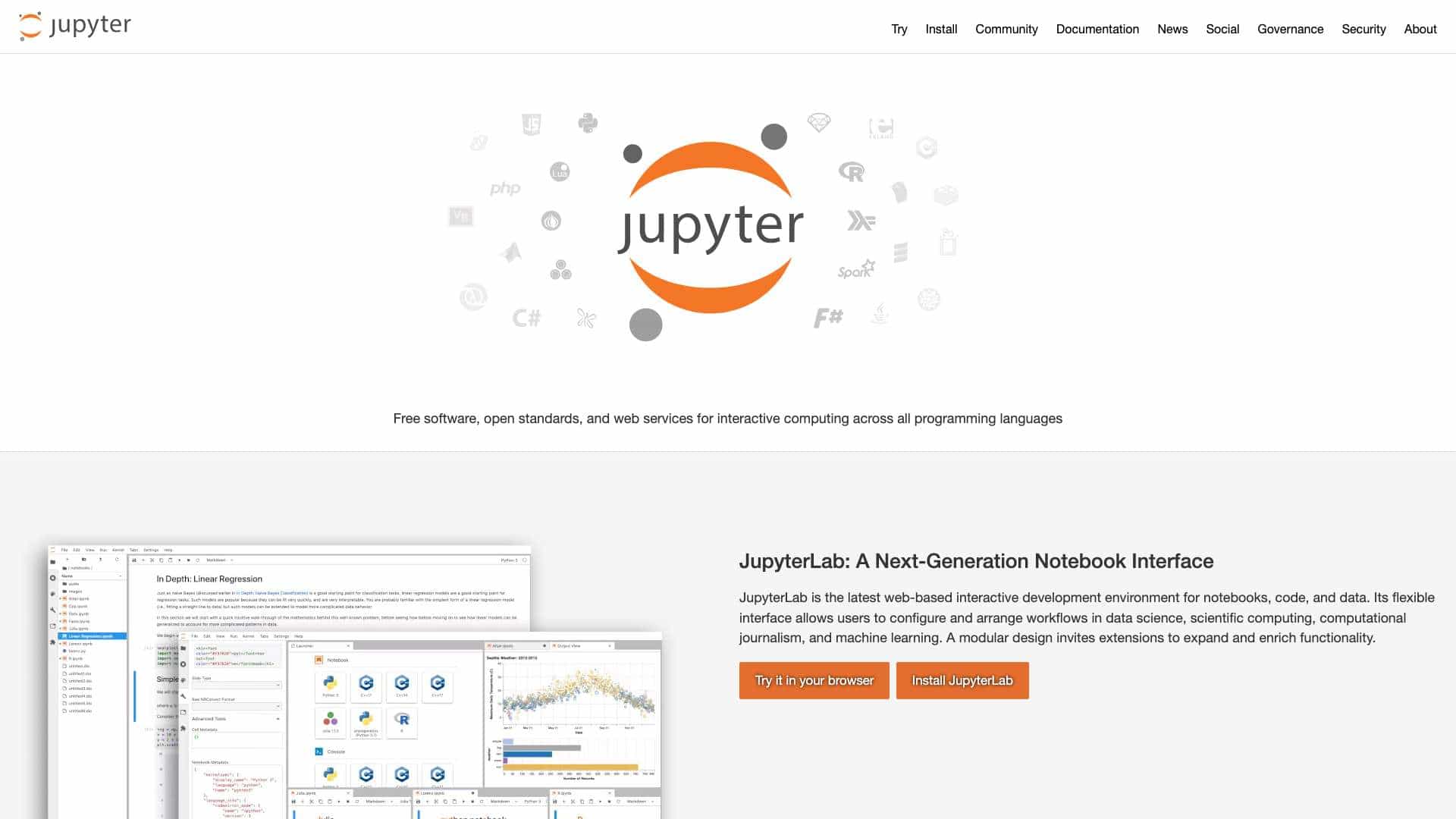
Top Features
- Modular web-based IDE
- Support for over 40 programming languages
- Interactive output with HTML, images, videos
- Big data integration with Apache Spark
- Multi-user deployment via JupyterHub
- Open standards and extensible design
How to use Jupyter?
Install JupyterLab or Jupyter Notebook locally or use it in a browser. Create notebooks to write code, add narrative text, and produce interactive outputs. Share via email, GitHub, or deploy with JupyterHub for multi-user environments in organizations or classrooms.
Alternative Tools
No alternative tools found
Pros & Cons
Pros
- Free and open-source
- Highly customizable and extensible
- Supports a wide range of programming languages
- Facilitates collaboration and sharing
- Integrates with popular data science tools
Cons
- Can be resource-intensive for large datasets
- Steeper learning curve for beginners
- Primarily web-based, limited offline functionality
Use Cases
- Data science and machine learning projects
- Educational purposes in classrooms
- Scientific research and computational journalism
- Enterprise data analysis and reporting
User Reviews
3.0
out of 5
3.0
No reviews yet
Be the first to review this tool!