



JPEG Compress - Chrome Extension
Free online JPEG compressor that reduces image file size by 60-90% directly in your browser, supporting JPEG, PNG, WebP, and HEIC with batch processing and advanced controls.
Score
50
User Rating
1.0
Free/Trial Support
Supported
Starting Price
--
Last Updated
Sep 29, 2026
Overview
What is JPEG Compress?
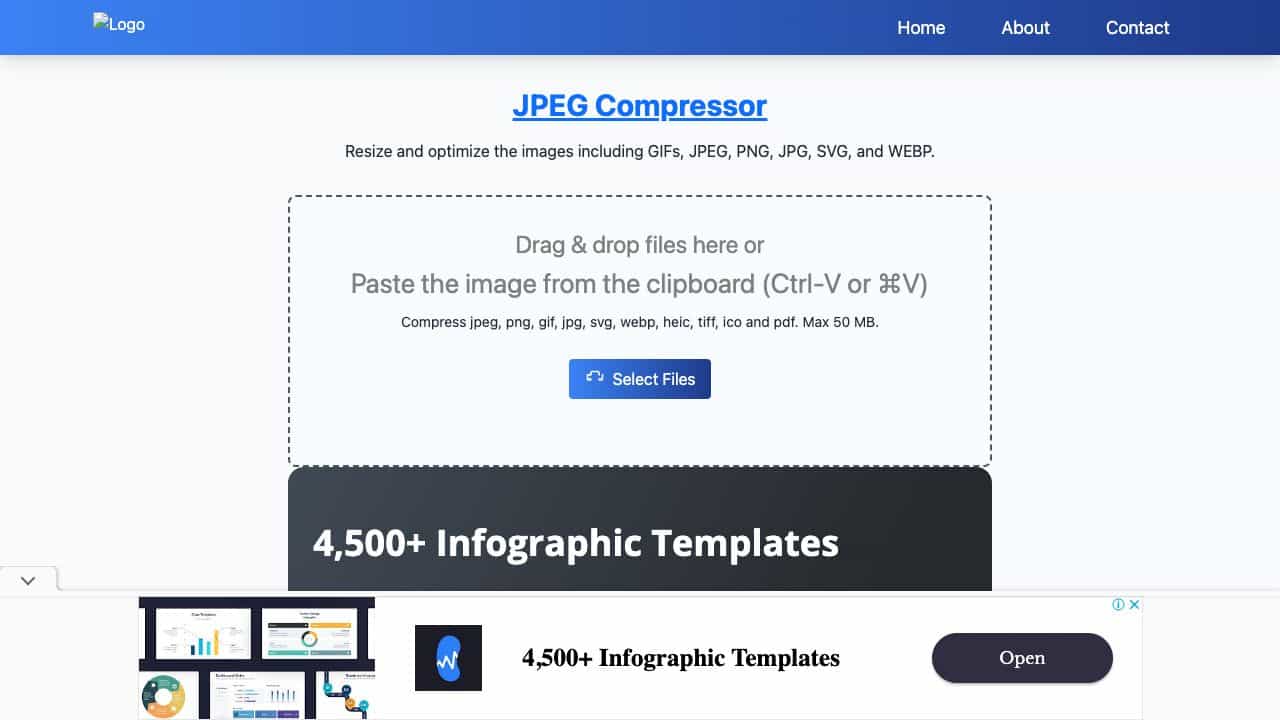
JPEG Compress is a free, client-side online tool for compressing and optimizing images. It supports JPEG, PNG, JPG, WebP, HEIC, and GIF formats, and uses HTML5 Canvas API and MozJPEG via WebAssembly to reduce file sizes by 60-90% without visible quality loss. All processing happens locally in your browser, ensuring privacy—no uploads, no sign-up, no limits. It offers batch compression, format conversion, resizing, renaming, metadata removal, and precise target-size compression.
What is JPEG Compress used for?
Top Features
- Batch compress unlimited images up to 250 MB at once
- Supports JPEG, PNG, JPG, WebP, HEIC, GIF
- 100% client-side processing for privacy
- Two-stage encoding with live preview and quality slider
- Compress to exact target size (KB, MB, or percentage)
- Convert between JPEG, PNG, and WebP
- Resize images with custom width and height
- Rename files with prefix, suffix, or sequential numbering
- Remove or preserve image metadata
- Progressive JPEG and chroma subsampling for extra savings
- Guaranteed smaller output for same-format compression
- No sign-up, no daily caps, works offline after page load
How to use JPEG Compress?
Drag and drop images or paste from clipboard (Ctrl-V/⌘V), or select files from your device, Google Drive, Dropbox, or URL. Choose a compression preset (High, Medium, Low) or fine-tune with the quality slider (1-100) and live preview. Optionally set a target file size, convert format, resize, rename, or remove metadata. Click Compress to process the batch. Download individual images or all at once. Works on Chrome, Safari, Firefox, Edge, and mobile browsers.
Alternative Tools
No alternative tools found
Pros & Cons
Pros
- Free and unlimited with no account required
- Fast client-side processing ensures privacy
- High customizability with quality slider and target size
- Supports multiple formats including HEIC
- Batch processing saves time
- Live preview helps achieve desired quality
Cons
- Requires a modern browser with WebAssembly support
- Maximum file size per batch is 250 MB
- Cross-format conversion may not always reduce size
Use Cases
- Web developers optimizing images for faster page load and Core Web Vitals
- Designers preparing images for client delivery
- E-commerce managers reducing product photo sizes
- Bloggers and content creators compressing images for posts
- Social media managers meeting upload size limits
- Individuals compressing photos for email attachments
- Photographers batch processing images for online portfolios
JPEG Compress Pricing
Free Plan
No detailed pricing information available
User Reviews
1.0
out of 5
1.0
No reviews yet
Be the first to review this tool!