



ImgCleaner
AI-powered image cleaner for Mac that removes unwanted objects, text, and watermarks instantly with 100% free, offline processing.
Score
50
User Rating
1.0
Free/Trial Support
Supported
Starting Price
--
Last Updated
Sep 02, 2026
Overview
What is ImgCleaner?
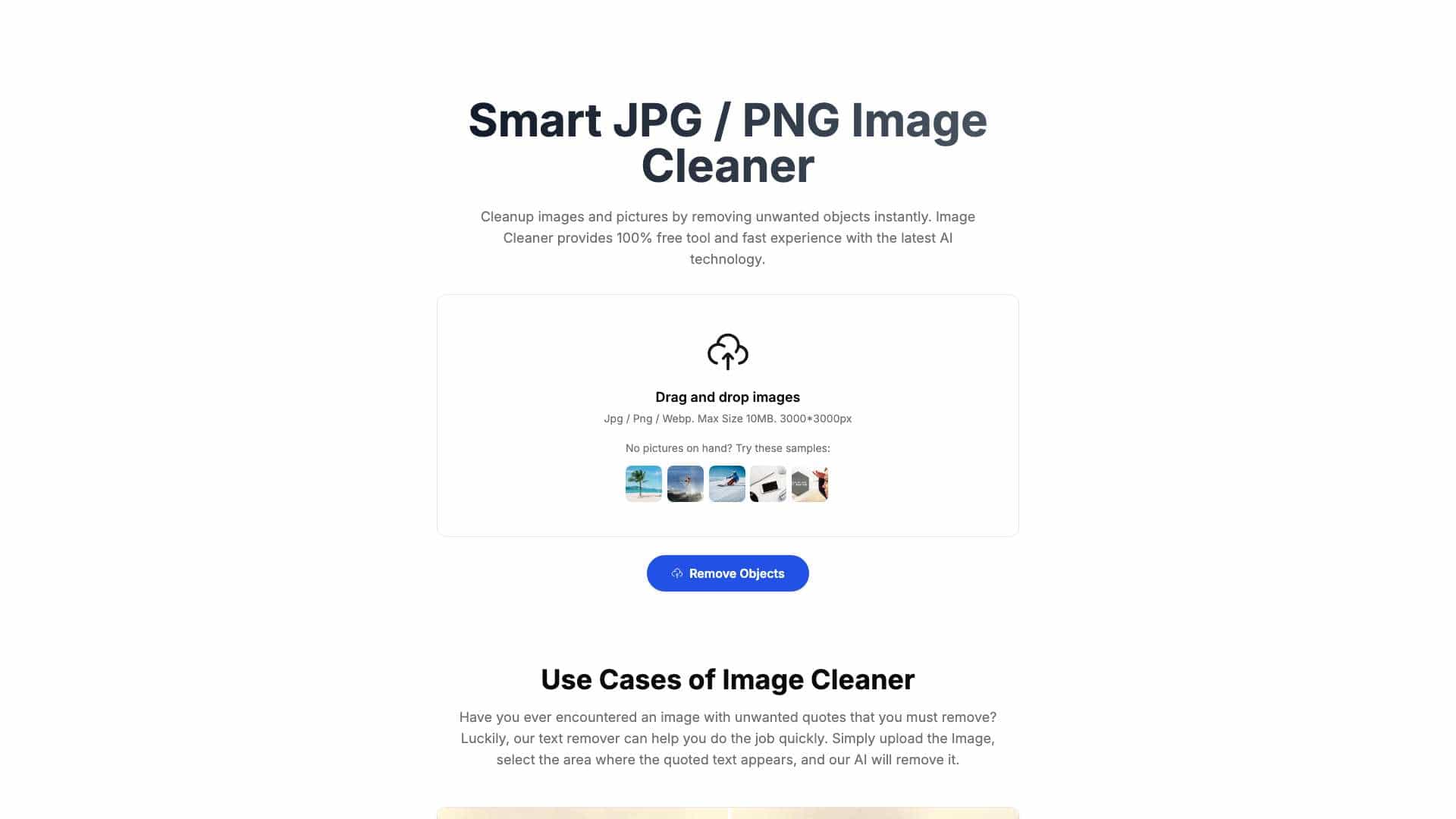
ImgCleaner is a smart image editing tool for Mac that uses AI to clean up photos by removing objects, text, and watermarks quickly and easily.
What is ImgCleaner used for?
Tags
User Groups
Top Features
- AI-powered object removal
- Text and watermark removal
- User-friendly interface
- Fast processing
- High-quality results
- Preview before download
- Watermark-free exports
- Offline and free
How to use ImgCleaner?
Drag and drop an image (JPG/PNG/WebP up to 10MB), select the unwanted area, and let the AI remove it instantly with preview before download.
Alternative Tools
No alternative tools found
Pros & Cons
Pros
- 100% free with no watermarks
- Easy to use with no technical skills
- Fast AI processing
- Offline operation for privacy
- High-quality output
Cons
- Limited to Mac platform
- Max image size 10MB and 3000x3000px
- Basic customizability
Use Cases
- Removing unwanted objects from photos
- Cleaning up text or quotes in images
- Erasing watermarks for personal use
- Quick image edits for social media or content
ImgCleaner Pricing
Free Plan
No detailed pricing information available
User Reviews
1.0
out of 5
1.0
No reviews yet
Be the first to review this tool!