



Image Optim
Free and open-source tool for optimizing images to load faster by compressing without quality loss, removing metadata, and supporting multiple formats.
Score
50
User Rating
1.0
Free/Trial Support
Supported
Starting Price
--
Last Updated
Apr 24, 2026
Overview
What is Image Optim?
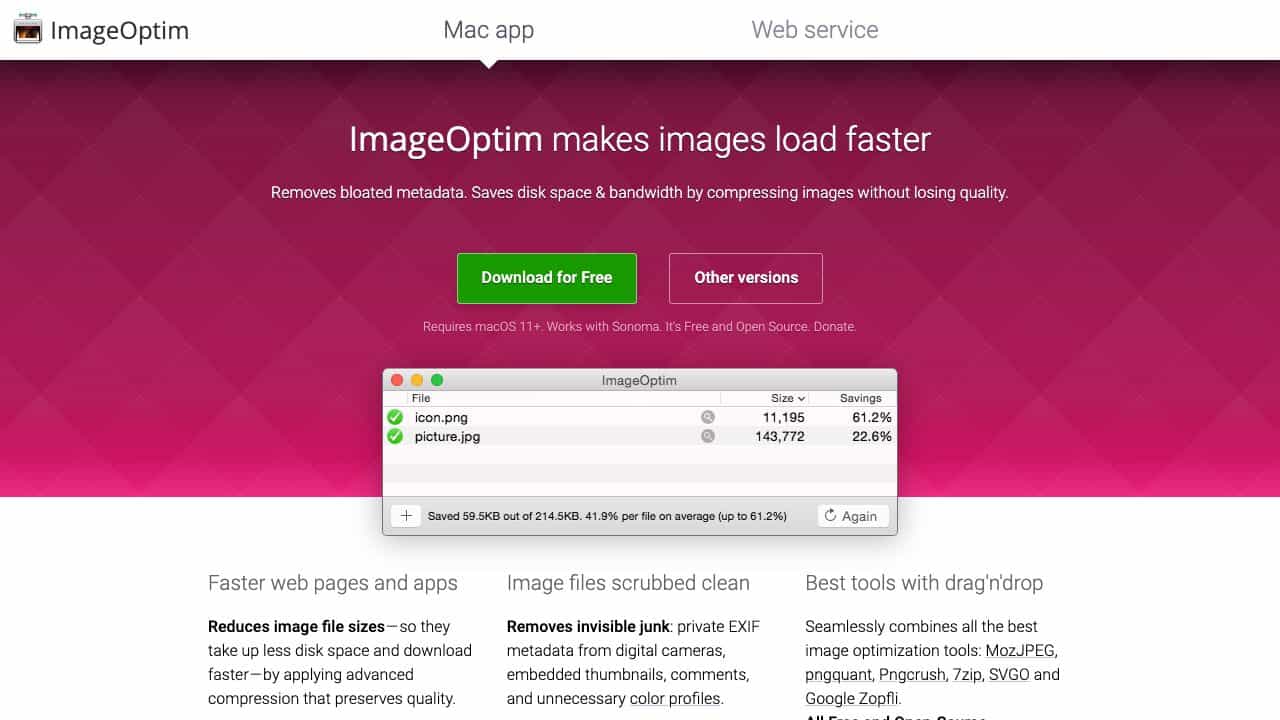
ImageOptim is a Mac app and web service that reduces image file sizes through advanced compression, removes unnecessary metadata like EXIF data, and integrates tools like MozJPEG and pngquant. It helps speed up web pages and apps while preserving image quality, with options for lossy compression for even smaller files.
What is Image Optim used for?
Tags
Top Features
- Compresses images without quality loss
- Removes EXIF metadata and unnecessary data
- Combines multiple optimization tools
- Supports JPEG, PNG, SVG, GIF formats
- Integrates with macOS and command line
How to use Image Optim?
Drag and drop images into the ImageOptim window or Dock icon on macOS, use Finder Services or Apple Mail integration, or run from command line or Sketch. Configure preferences for lossy minification or metadata stripping as needed.
Alternative Tools
No alternative tools found
Pros & Cons
Pros
- Free and open-source
- Easy drag-and-drop interface
- Preserves image quality by default
- Removes private metadata for privacy
- Supports multiple languages and formats
Cons
- Slow on PNG files without adjustments
- Not available on App Store due to licensing
- Requires macOS 11 or higher
Use Cases
- Publishing images on the web
- Reducing app size for Mac and iOS development
- Protecting privacy by removing GPS data
- Optimizing images for faster loading
Image Optim Pricing
Free PlanOne-Time Plan
No detailed pricing information available
User Reviews
1.0
out of 5
1.0
No reviews yet
Be the first to review this tool!