



Image Converter
An online tool for converting, cropping, and resizing images with no-code design capabilities.
Score
50
User Rating
1.0
Free/Trial Support
Not Supported
Starting Price
--
Last Updated
Aug 04, 2026
Overview
What is Image Converter?
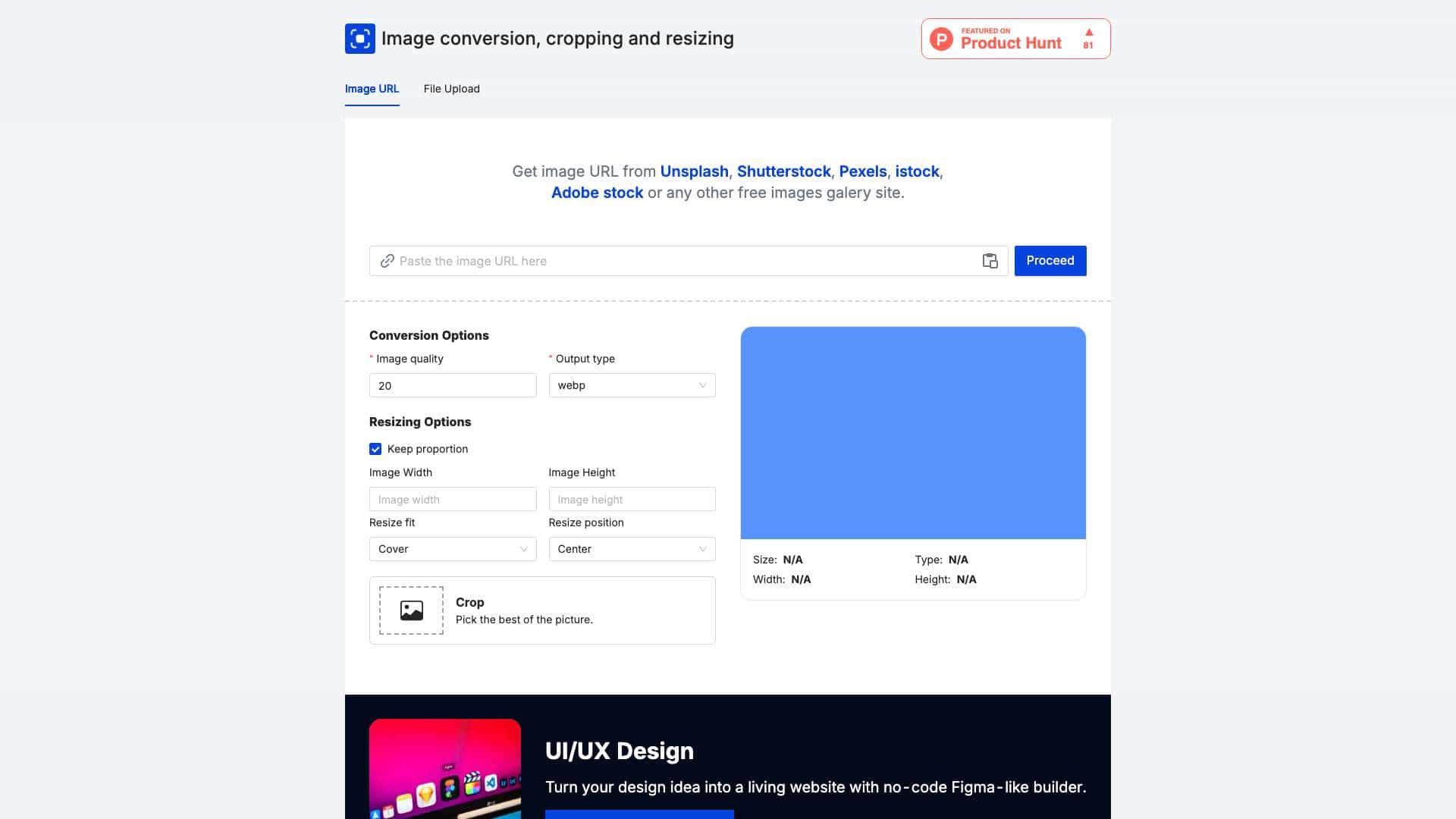
Image Converter is a web-based tool that allows users to convert, crop, and resize images, with features like URL upload from sites like Unsplash and a no-code Figma-like editor for UI/UX design.
What is Image Converter used for?
User Groups
Top Features
- Image conversion to formats like webp
- Cropping and resizing with proportion control
- URL upload from image galleries
- No-code Figma-like UI/UX editor
How to use Image Converter?
Upload an image via URL or file, select conversion options like output type and quality, adjust resizing and cropping settings, and use the no-code editor for design tasks.
Alternative Tools
No alternative tools found
Pros & Cons
Pros
- Easy-to-use web interface
- Supports multiple image sources
- No-code design capabilities
Cons
- Limited offline functionality
- May require internet for full features
Use Cases
- Designing websites with custom images
- Optimizing images for web use
- Creating marketing materials
User Reviews
1.0
out of 5
1.0
No reviews yet
Be the first to review this tool!