



Iconizer - Chrome Extension
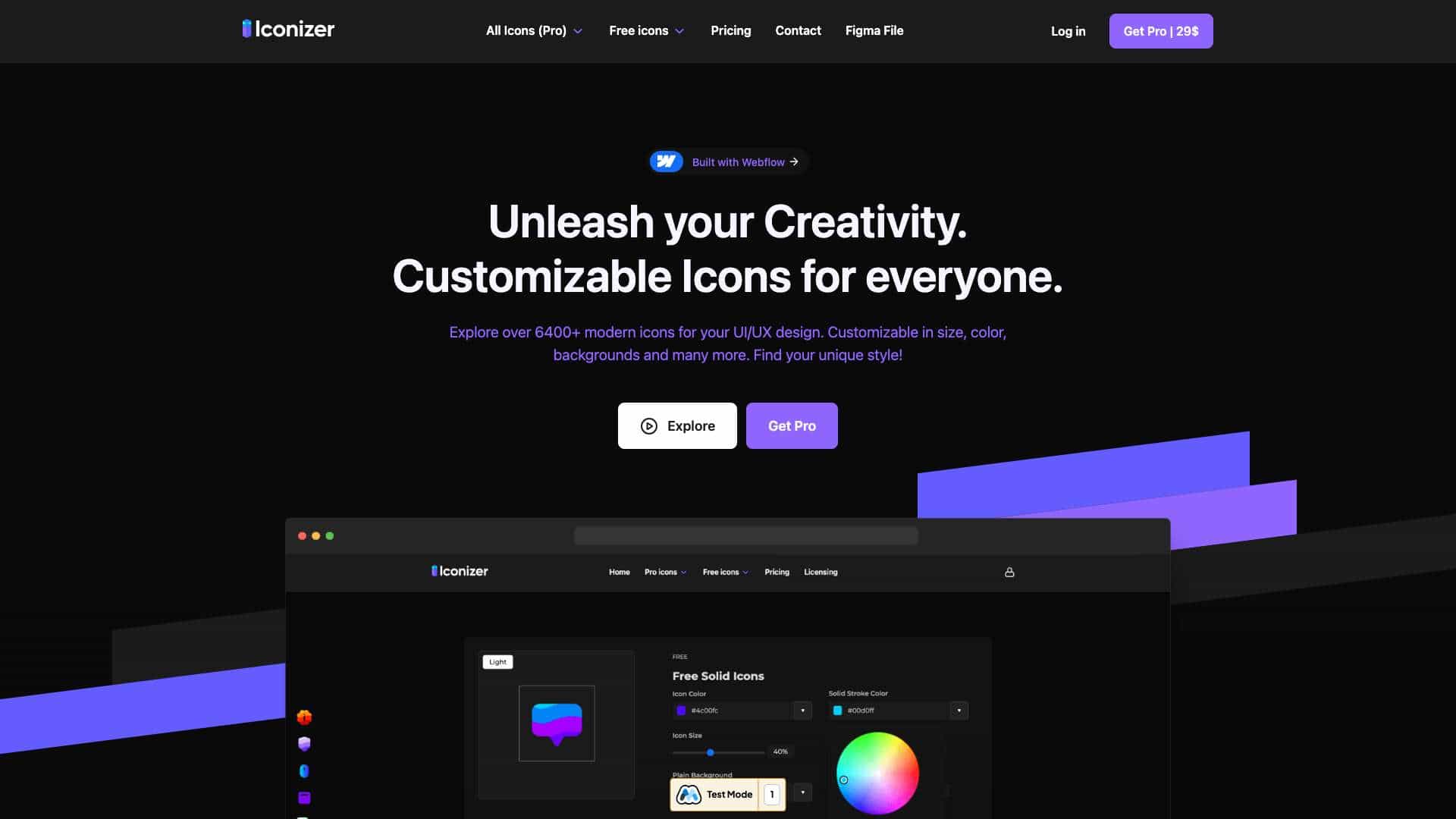
Iconizer offers over 6400+ customizable icons for UI/UX design, with browser and Figma integration for easy customization and one-click copying.
Score
60
User Rating
2.0
Free/Trial Support
Supported
Starting Price
$29/month
Last Updated
Aug 04, 2026
Overview
What is Iconizer?
Iconizer is a tool providing customizable icon sets including Outline, Duo-Line, Solid, and Duo-Tone styles, with over 6400 icons for UI/UX design projects.
What is Iconizer used for?
Top Features
- Customizable icons in size, color, and backgrounds
- One-click copy to design software
- Integration with Figma and browser
- Over 6400+ modern icons in multiple styles
How to use Iconizer?
Use Iconizer by browsing icons in your browser or Figma, customizing properties like size and color, then copying with one click into any design software.
Alternative Tools
No alternative tools found
Pros & Cons
Pros
- High customizability
- Large icon library
- Easy integration with design tools
- Free tier available
Cons
- Limited free icons compared to Pro
- Requires internet for web-based use
Use Cases
- UI/UX design projects
- Web and app development
- Marketing materials creation
Iconizer Pricing
Free PlanSubscription Plan
Pro
$29/monthFull access to all icons and features
- 1600+ Outline icons
- 1600+ Duo-Line icons
- 1600+ Solid icons
- 1600+ Duo-Tone icons
- Full customization features
- One-click copy
- Figma file access
User Reviews
2.0
out of 5
2.0
No reviews yet
Be the first to review this tool!